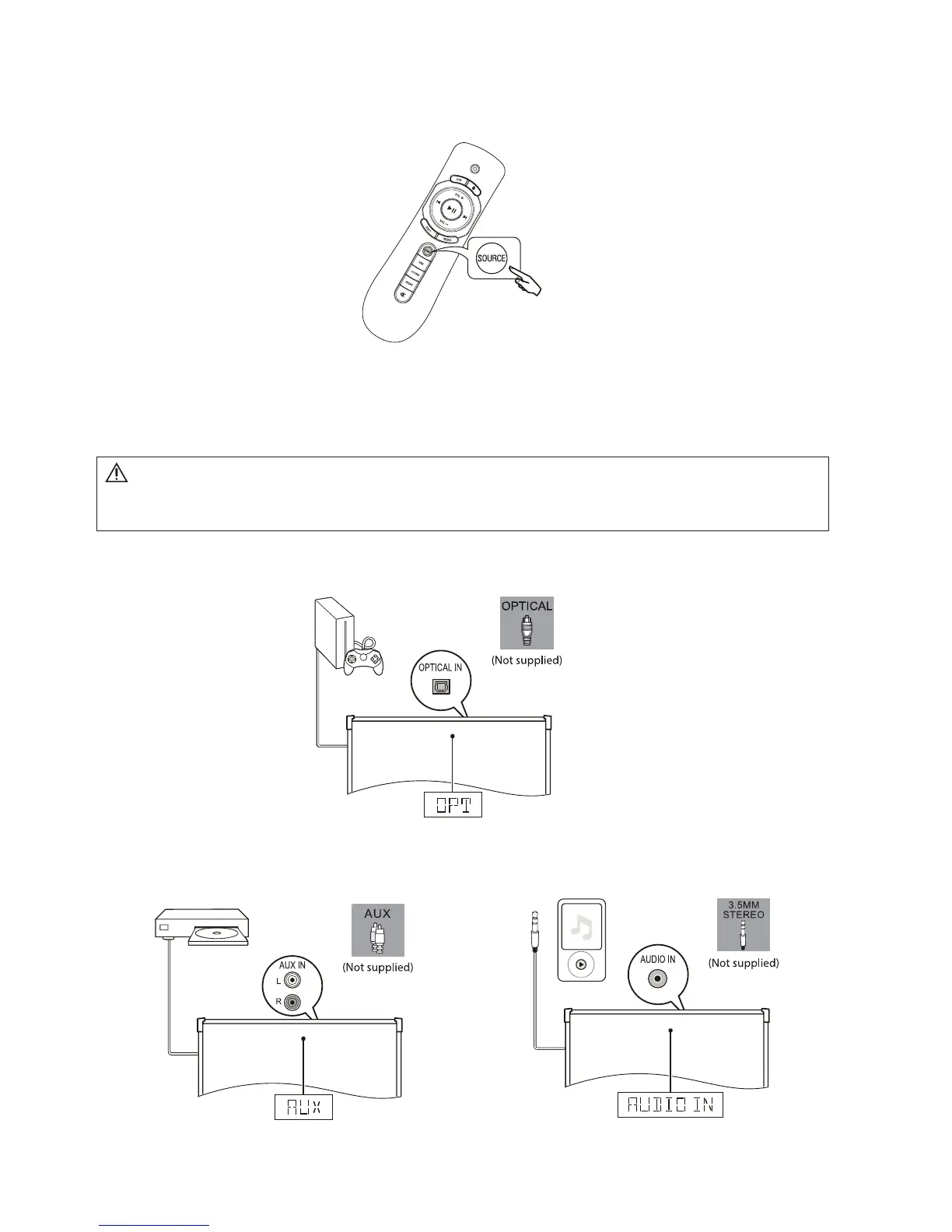
5.2.4 Press repeatedly SOURCE on the remote control to
select the audio output of the connected device.
5.3 Connect audio from other device
Play audio other devices through your product.
Connect audio through a digital optical cable (Not supplied).
Connect audio through analog audio cables (Not supplied).
Note
• During play, do not plug out the audio cable.
MODEL#: W100-41 Page 14 of 19


 To Next Page