What you need
• A Bluetooth device which supports version as 4.1 + EDR.
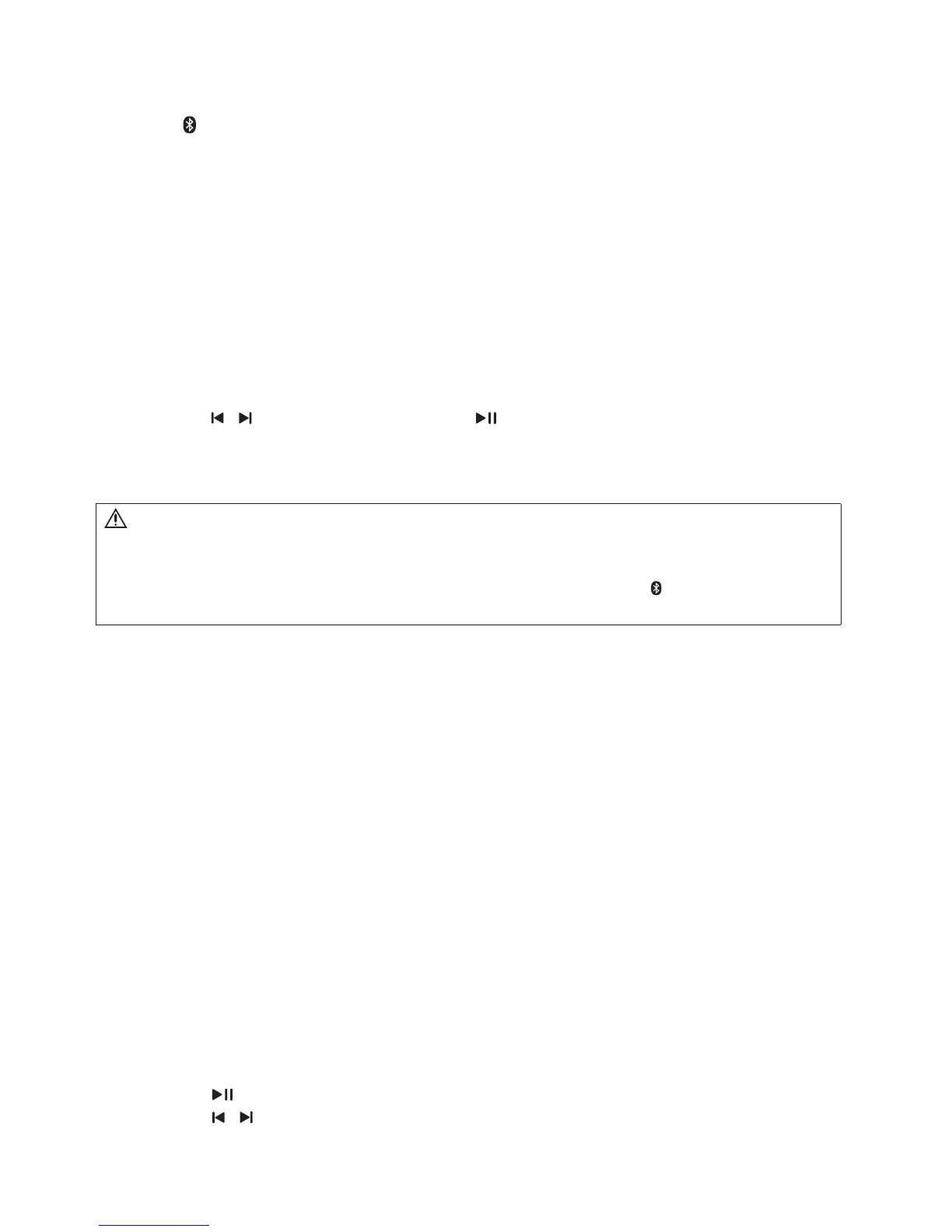
1 Press on the remote control to switch the product to Bluetooth mode.
» BT is displayed on the display panel, blinking.
2 On the Bluetooth device, switch on Bluetooth, search for and select W100-41 (see the
User Manual of the Bluetooth device on how to enable Bluetooth).
» During connection, BT on the display panel blinks.
3 Wait until you hear a beep sound from this product.
» When the Bluetooth connection succeeds, BT is displayed on the display panel.
» If the connection fails, BT on the display panel blinks continuously.
4 Select and play audio les or music on your Bluetooth device.
• During play, if a call is coming, music play is paused. Play resumes when the call
ends.
• If your Bluetooth device supports AVRCP prole, on the remote control you can
press / to skip to a track, or press to pause/resume play.
5 To exit Bluetooth, select other source.
• When your switch back to Bluetooth mode, Bluetooth connection remains active.
6.5 Night mode
For quiet listening, night mode decreases the volume of loud sounds when audio is played.
Night mode is only available for Dolby Digital soundtracks.
1 Press NIGHT to turn night mode on or off.
6.6 USB storage devices
Enjoy audio on a USB storage device, such as an MP3 player and USB ash memory, etc.
What you need
• A USB storage device that is formatted for FAT or NTFS le systems, and complies
with the Mass Storage Class.
1 Connect a USB storage device to this product.
2 Press USB on the remote control.
3 Use the remote control to control play.
• Press to start, pause or resume play.
• Press / to skip to the previous or next track.
Note
• The music streaming may be interrupted by obstacles between the device and this product, such as wall,
metallic casing that covers the device, or other devices nearby that operate in the same frequency.
• If you want to connect your product with another Bluetooth device, press and hold on the remote control to
disconnect the currently connected Bluetooth device.
MODEL#: W100-41 Page 16 of 19


 To Next Page