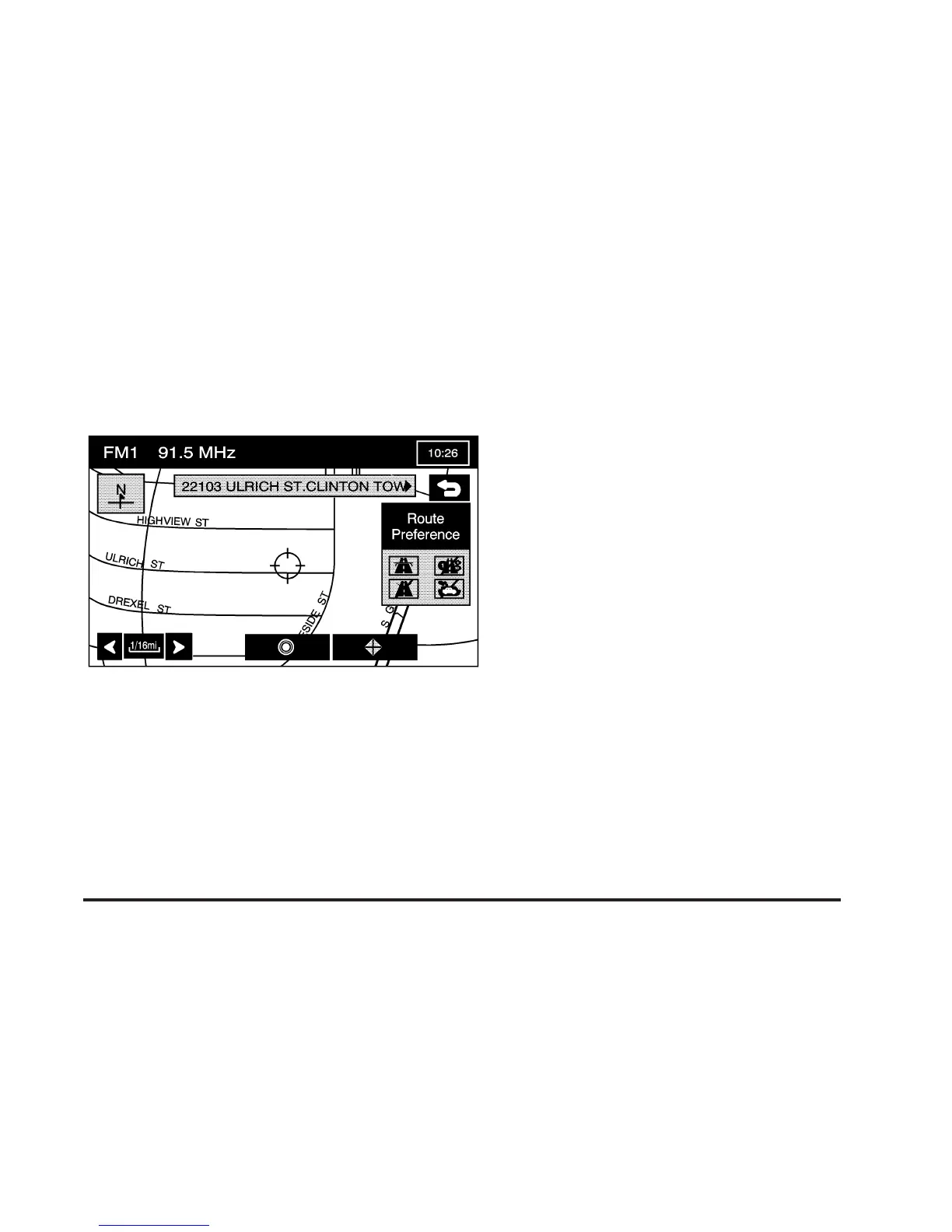
Map
The map destination entry method allows you to select
a destination by scrolling on the map.
I Select from Map: Touch this screen button from
the ENTER DESTINATION screen to enter the
map destination entry method, then do the following:
1. Touch the map for the desired area you wish to set
as your destination.
2. Use the zoom in/out function to view the direction of
the desired area.
3. Pressing/holding and dragging on the map will
activate fast scrolling. Press/touch once on the
area to which you would like to move the current
position mark.
Once the scroll symbol is on the location, the
address information will display on the map screen.
4. Select the
h (destination) symbol screen button.
5. Select the Guide screen button.
See “Getting Started on Your Route” later in this
section for more information.
2-11









 To Next Page