• c (Freeway Travel) — This icon shows the
distance traveled on freeways.
• b (Ferry) — This icon shows the distance
traveled by ferry.
• {(Time Restricted Roads) — This icon shows
the distance traveled on time-restricted roads.
2. Select the Quick, Normal, or Short screen button.
A map screen will appear with the destination
marked.
3. Select the Guide screen button to start route and
voice guidance.
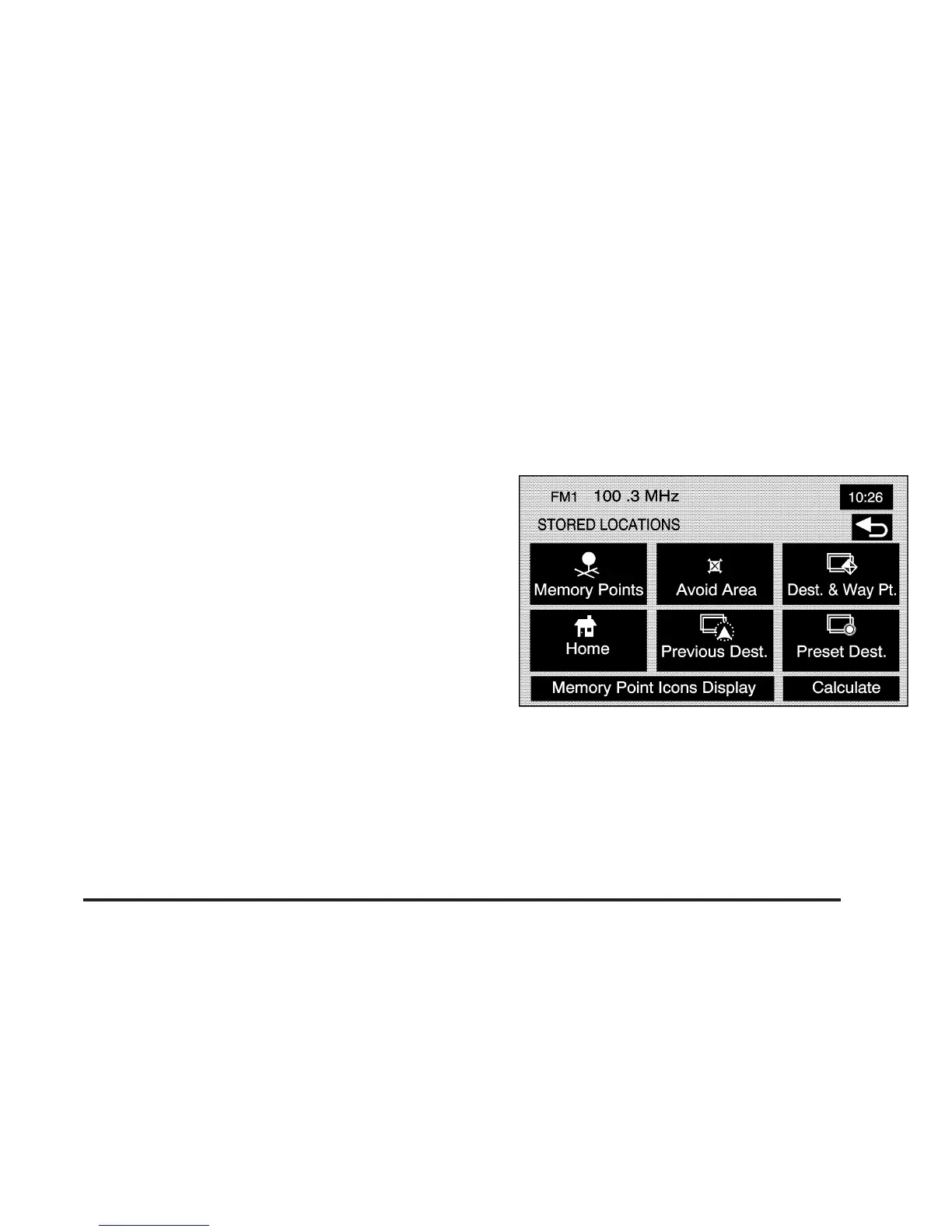
Stored Locations
Select the N Stored Locations screen button from the
NAV. MENU to access the STORED LOCATIONS
screen. From this screen, you can access the following
options:
2-23









 To Next Page