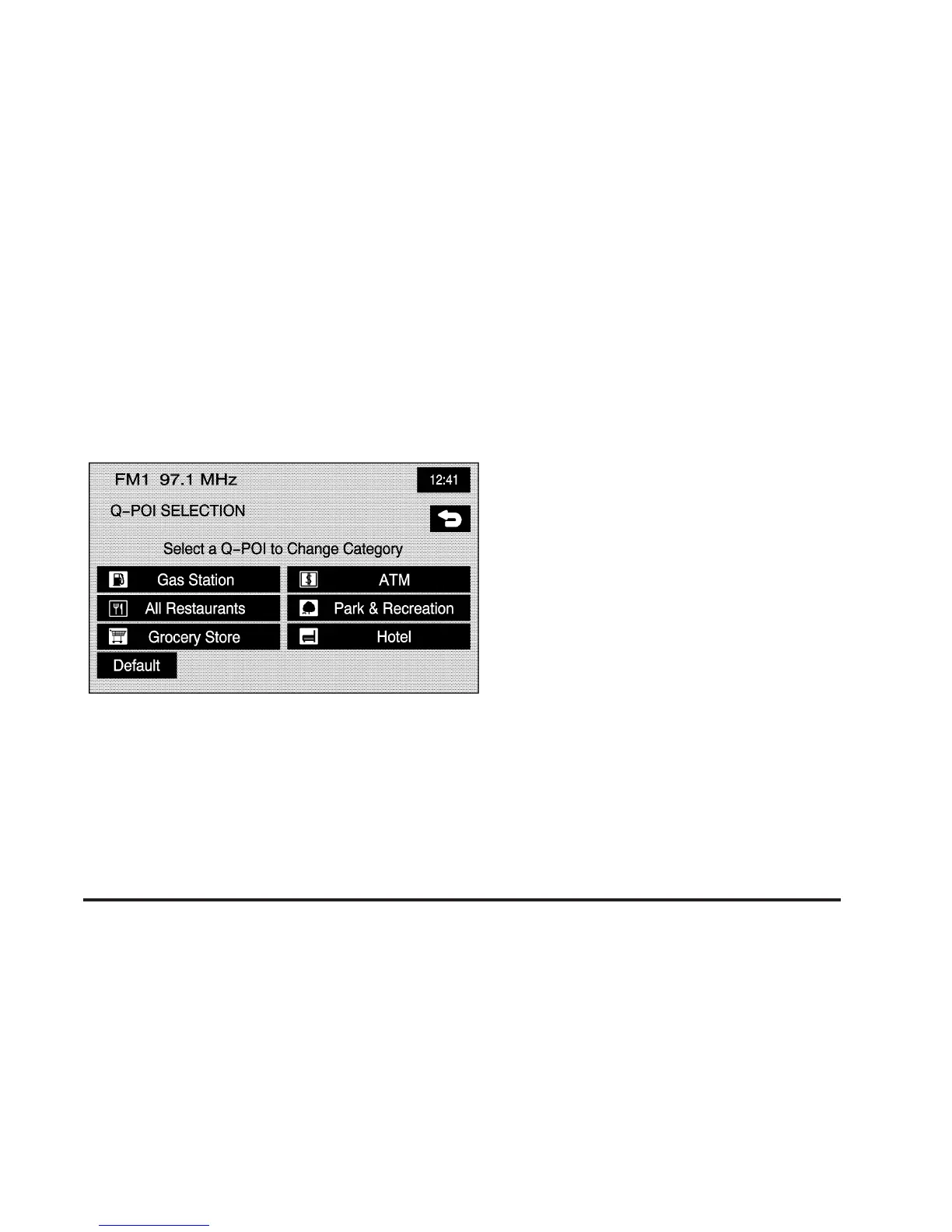
Quick POI Selection
C
Quick POI Selection: This feature allows you
to select the POI categories you want available on
the Quick POI (Q-POI) screen.
To replace the default POI categories on the Quick POI
(Q-POI) screen, do the following:
1. Select the
C Quick POI Selection screen
button from the NAVIGATION SET UP menu.
This screen will display the list of POI categories.
2. Select the POI category that you would like to
change. The category to change will display with
the list of categories to select from.
Select the All Category List screen button to display
all categories and sub-categories.
3. Select a different POI category. The POI category
icon to change will be replaced with the new POI
category icon at the top of the screen. This POI will
now be available on the Q-POI screen.
2-37









 To Next Page