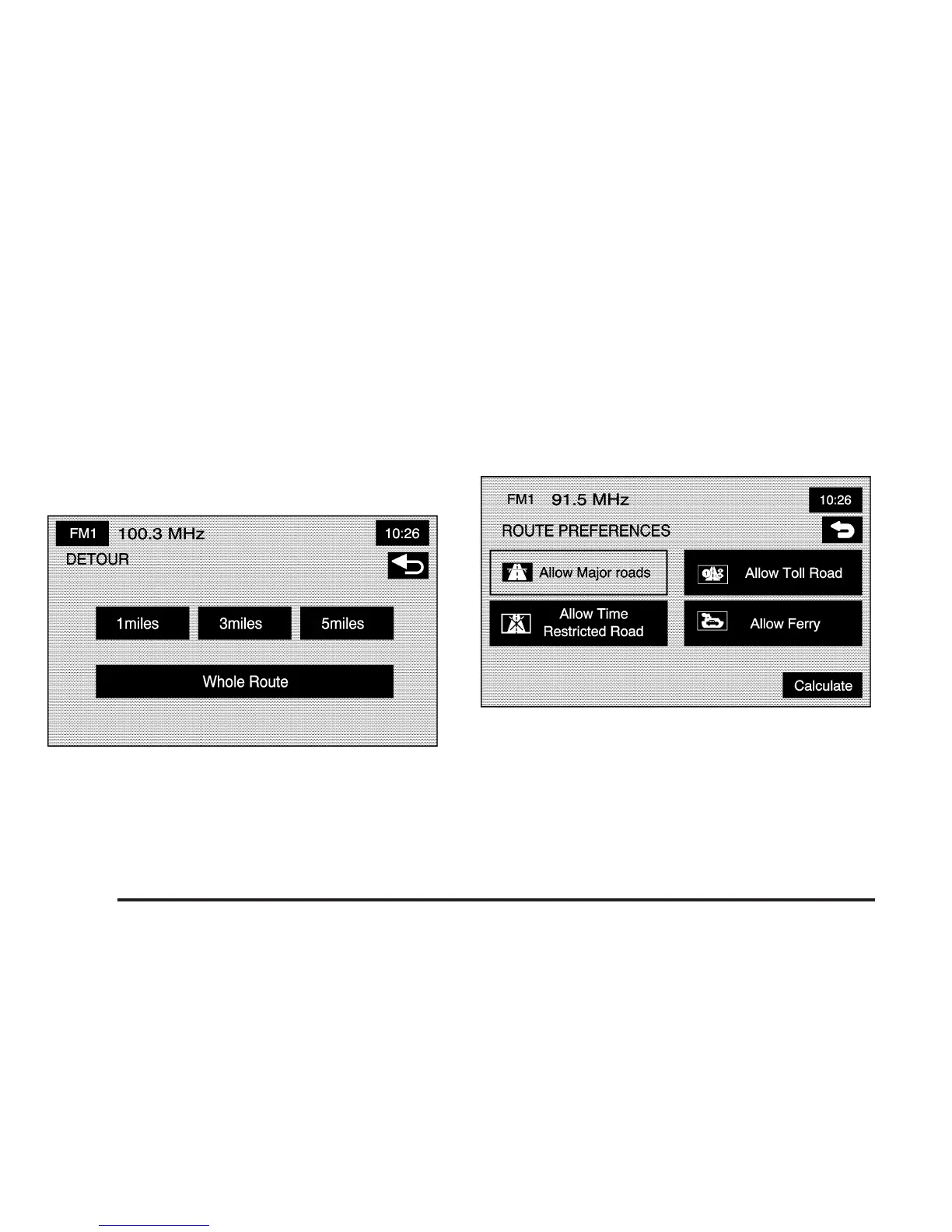
Calculate: After selecting the new methods, select
Calculate to plan the route with the changes. The map
screen will display.
Detour
7
Detour: Select a detour if there is construction
work, or traffic delays that prevent the original route from
being used.
From this screen, you can select a 1 mile, 3 mile, or
5 mile detour or select to detour the whole route.
After selecting the detour, the system will calculate the
alternate route and the new route will display on the
map screen.
Route Preferences
F
Route Pref. (Route Preferences): You can select
to have certain types of roads/ferries included in your
route. See “Getting Started on Your Route” under Enter
Destination on page 2-4 for more information.
The following route preferences can be selected
on or off:
c (Allow Major Roads): This feature allows the
system to use expressways when calculating a route.
If there is no way to reach your destination without using
major roads, the system will automatically include
major roads.
2-44









 To Next Page