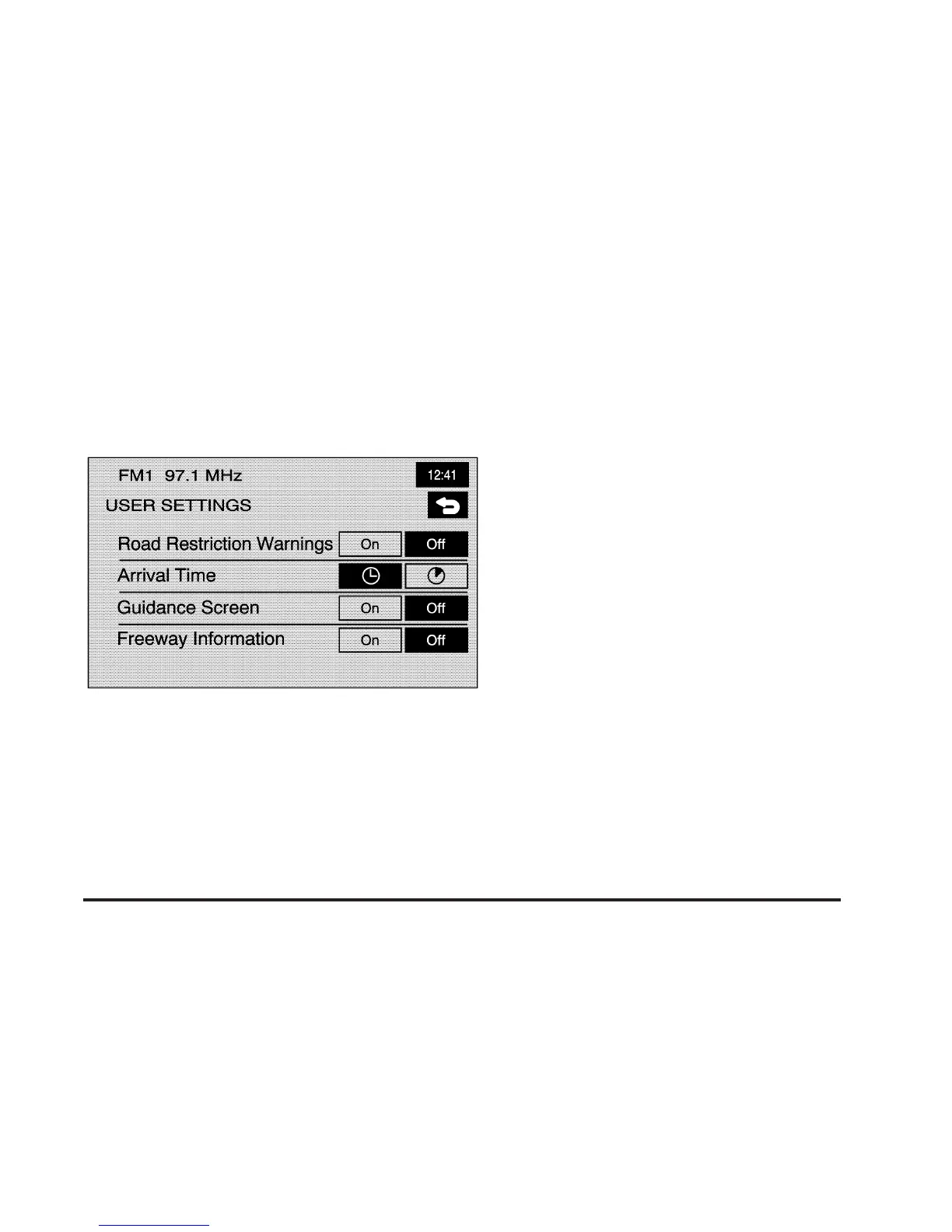
User Settings
J
User Settings: Touch this screen button from the
NAVIGATION SET UP screen. This feature allows
you to turn on and off several route options.
From this screen, you can adjust the following:
Road Restriction Warnings: This option instructs the
system to notify you when the current route has
traffic restrictions.
Arrival Time
G (Time of Arrival): This option will
display the estimated time of arrival to the destination.
Arrival Time
\ (Time to Destination): This option will
display the amount of drive time estimated to arrive at
the destination.
Guidance Screen: This option will turn the guidance
screen on and off.
Freeway Information: This option will display freeway
exit information. This is only available on freeways
during route guidance.
2-41









 To Next Page