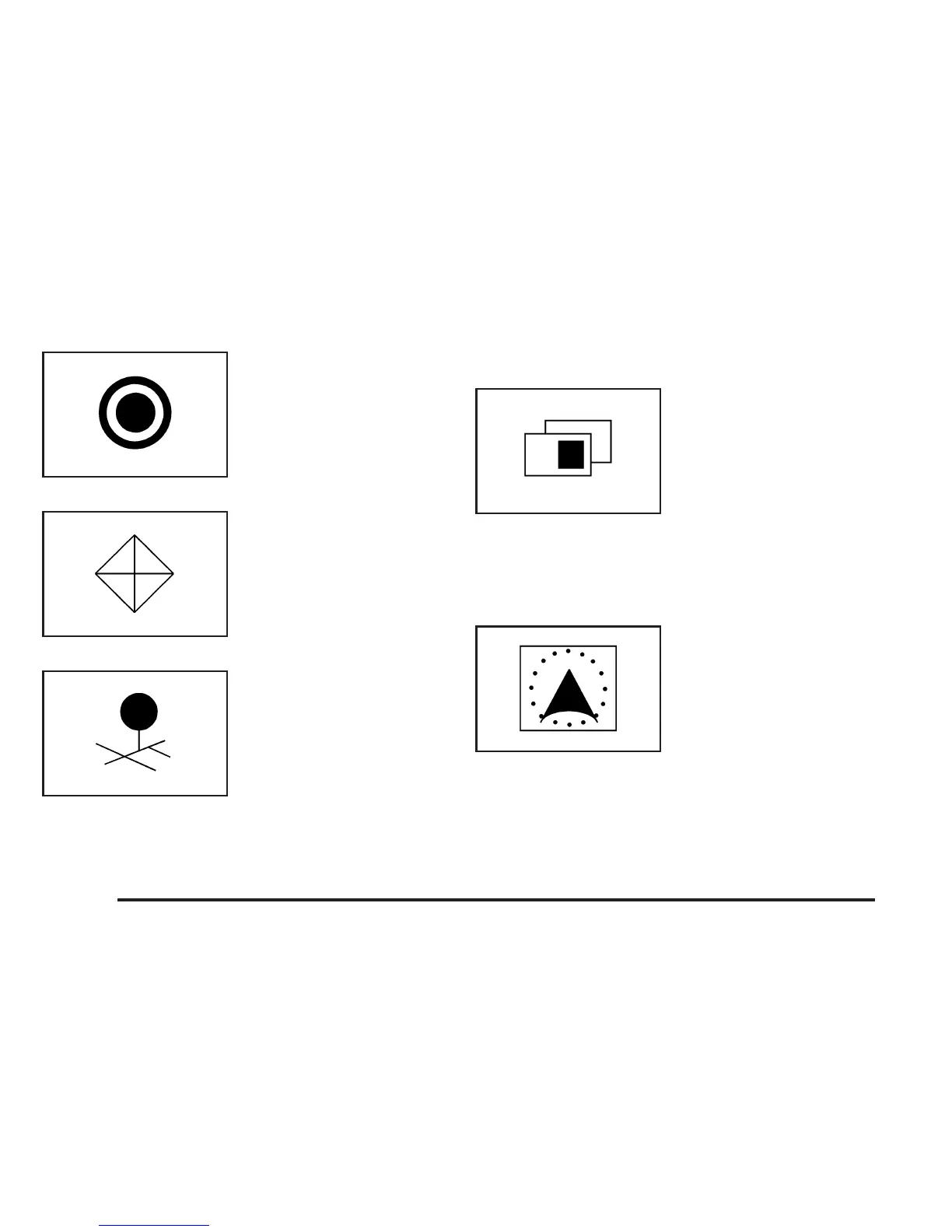
Touch this symbol to set
the current route as the
destination.
Touch this symbol to
enter a waypoint along
the current route.
Touch this symbol to store
the location on the screen
as a memory point.
Map Appearance
Select this symbol from the
map screen to display the
map appearance options.
Select from one of the following six options that allow
you different views and information of the map screen.
Availability of these options depends on the current
route. The current view will be highlighted.
Select the single map
mode to display more of
the map with a window that
gives the direction and
distance to the upcoming
maneuver.
2-56









 To Next Page