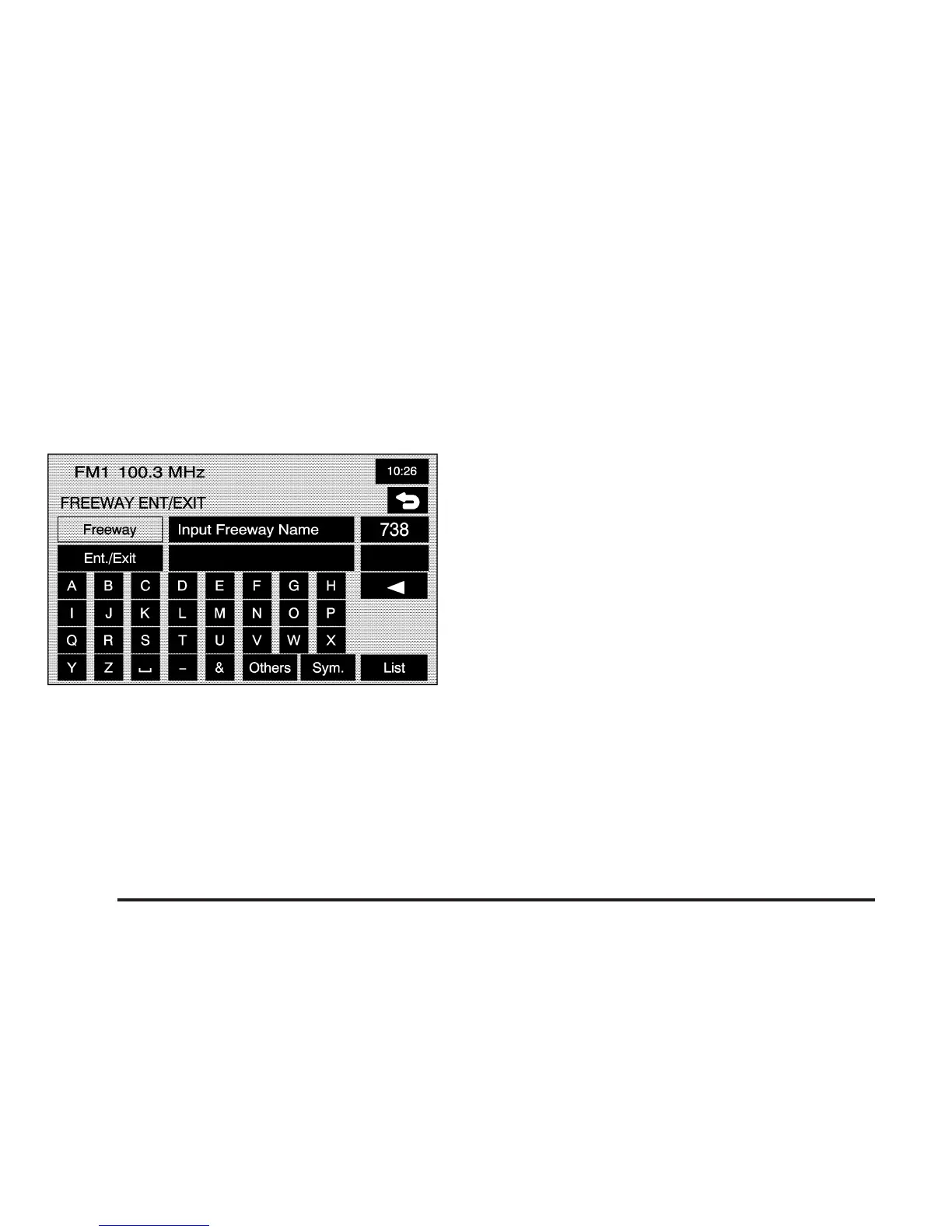
Freeway Entrance/Exit
The freeway entrance/exit destination entry method
allows you to select a destination by entering a freeway
entrance or exit point.
= Freeway Ent (Entrance)/Exit: Touch this screen
button from the ENTER DESTINATION screen to access
the FREEWAY ENT/EXIT screen.
To use this destination entry method, do the following:
1. Enter the freeway name. Use abbreviations,
such as I - 75, rather than spelling out Interstate.
The system will display a list of freeways.
2. Select a freeway from the list, and select whether
you want an entrance point or an exit point.
Select an exit/entrance point from the list or input
the point by name. Sort the list by name or by
distance.
After selecting a point from the list, a map screen
will appear with the destination marked.
3. Select the
h (destination) symbol screen button.
4. Select the Guide screen button.
See “Getting Started on Your Route” later in this
section for more information.
2-16









 To Next Page