Finding a Station
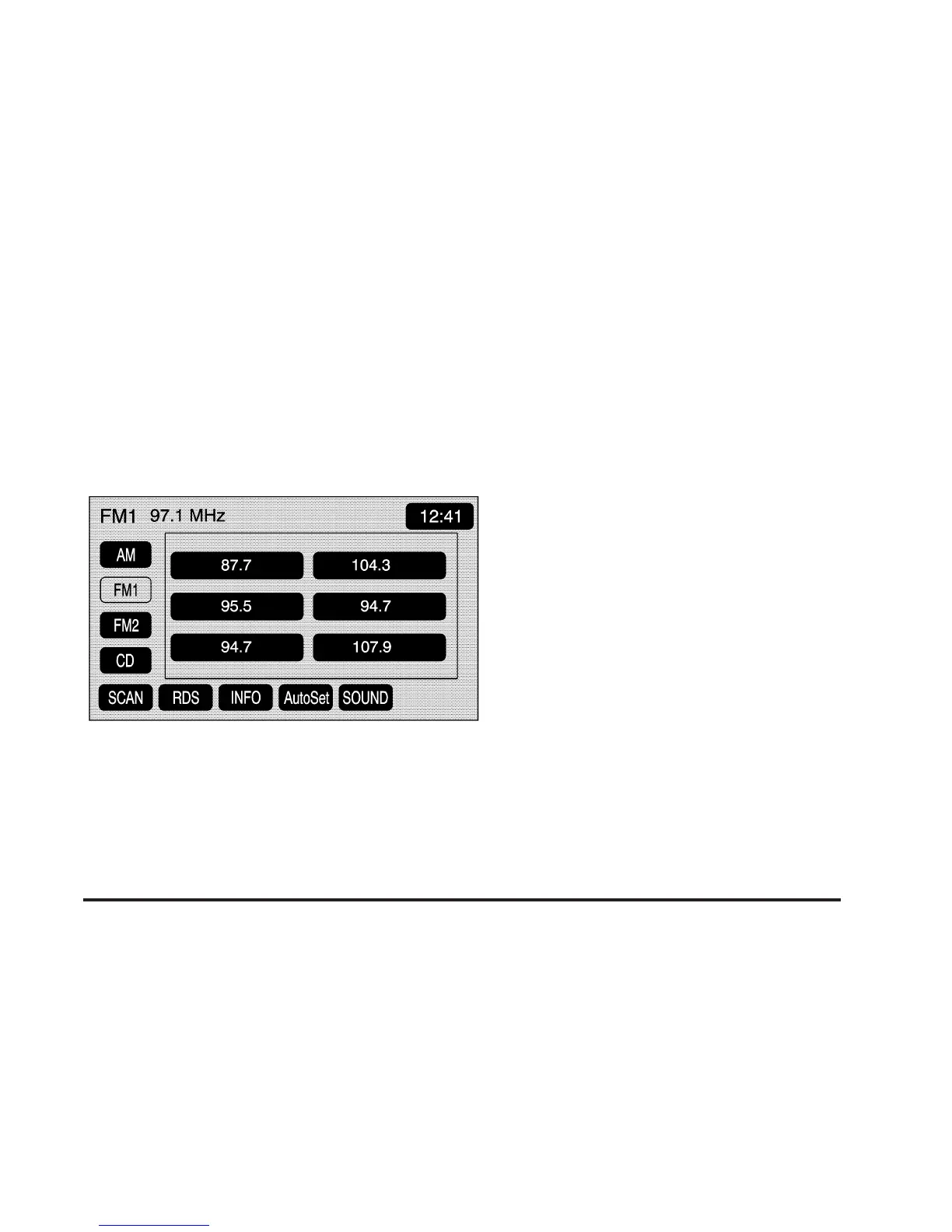
Press the SRCE hard key to display the operation
screen of the current audio source. Each operation
screen has an audio source screen button, (AM, FM1,
FM2, XM1, XM2, if equipped, and CD). Touch the
desired audio source to select it.
Preset Station Menu
Up to 30 stations, 6 AM, 6 FM1, 6 FM2, 6 XM1, and
6 XM2, if equipped, can be programmed for home and
for away (XM does not have the home and away
feature). To store presets, do the following:
1. Turn the audio system on.
2. Press the SRCE hard key.
3. Touch AM, FM1, FM2, XM1, or XM2, if equipped, to
display the desired source. The preset station menu
will appear.
4. Tune to the desired station by using the
TUNE/SEEK arrows.
5. Touch SOUND to set the bass, mid-range, treble,
and Auto Tone Control (ATC) for your preset,
if desired. See “Sound Menu” later in this section
for more information.
6. Touch and hold one of the six numbered preset
screen buttons for more than two seconds until
you hear a beep.
7. Repeat the steps for each preset and source.
3-7









 To Next Page