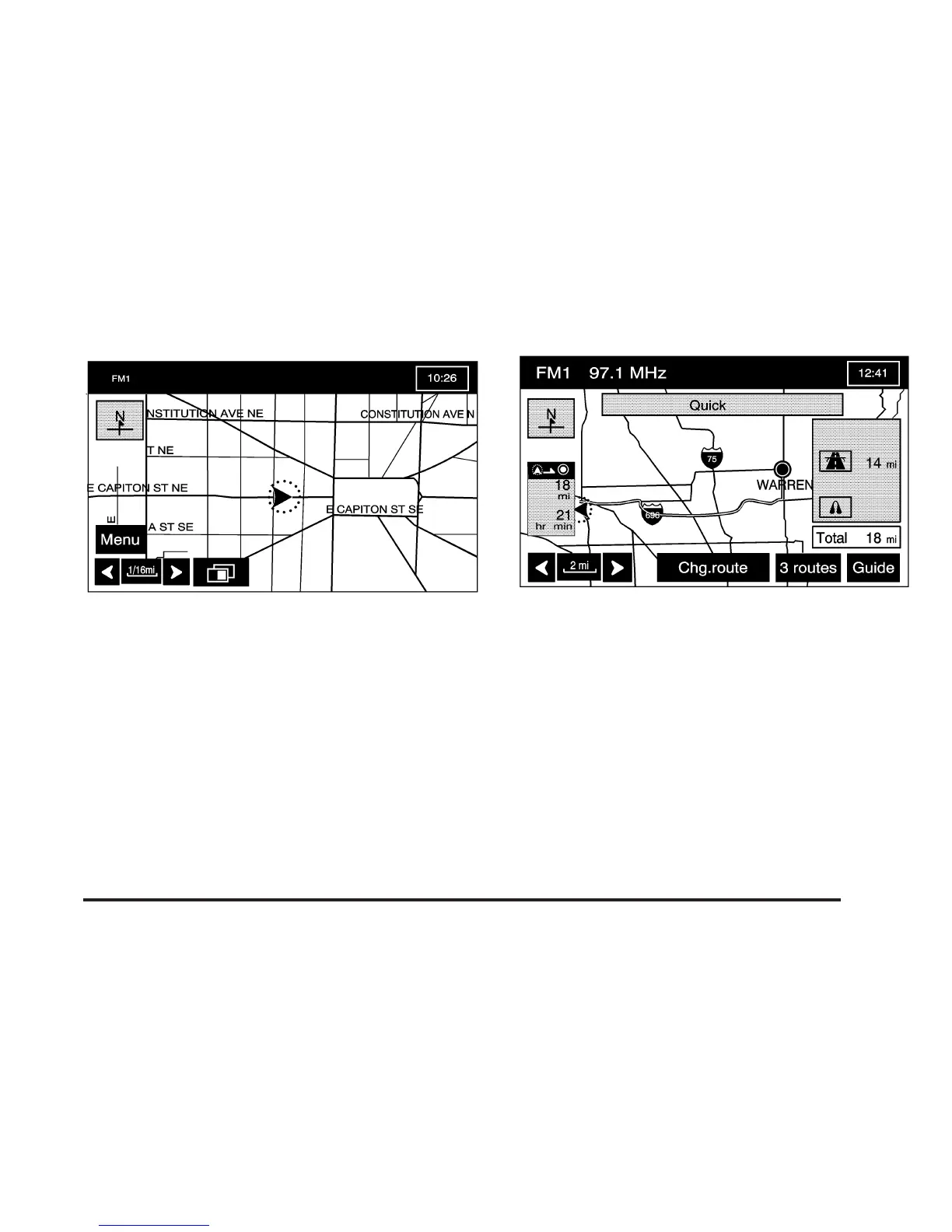
Once the route preferences have been set, the system
will display the map screen.
After selecting the
h (destination) symbol, the following
screen buttons will become available.
Chg. (Change) Route: Touch this screen button to go
to the Route Options menu. See Route Options on
page 2-43 for more information.
Guide: Touch this screen button to start route and
voice prompt guidance.
2-21









 To Next Page