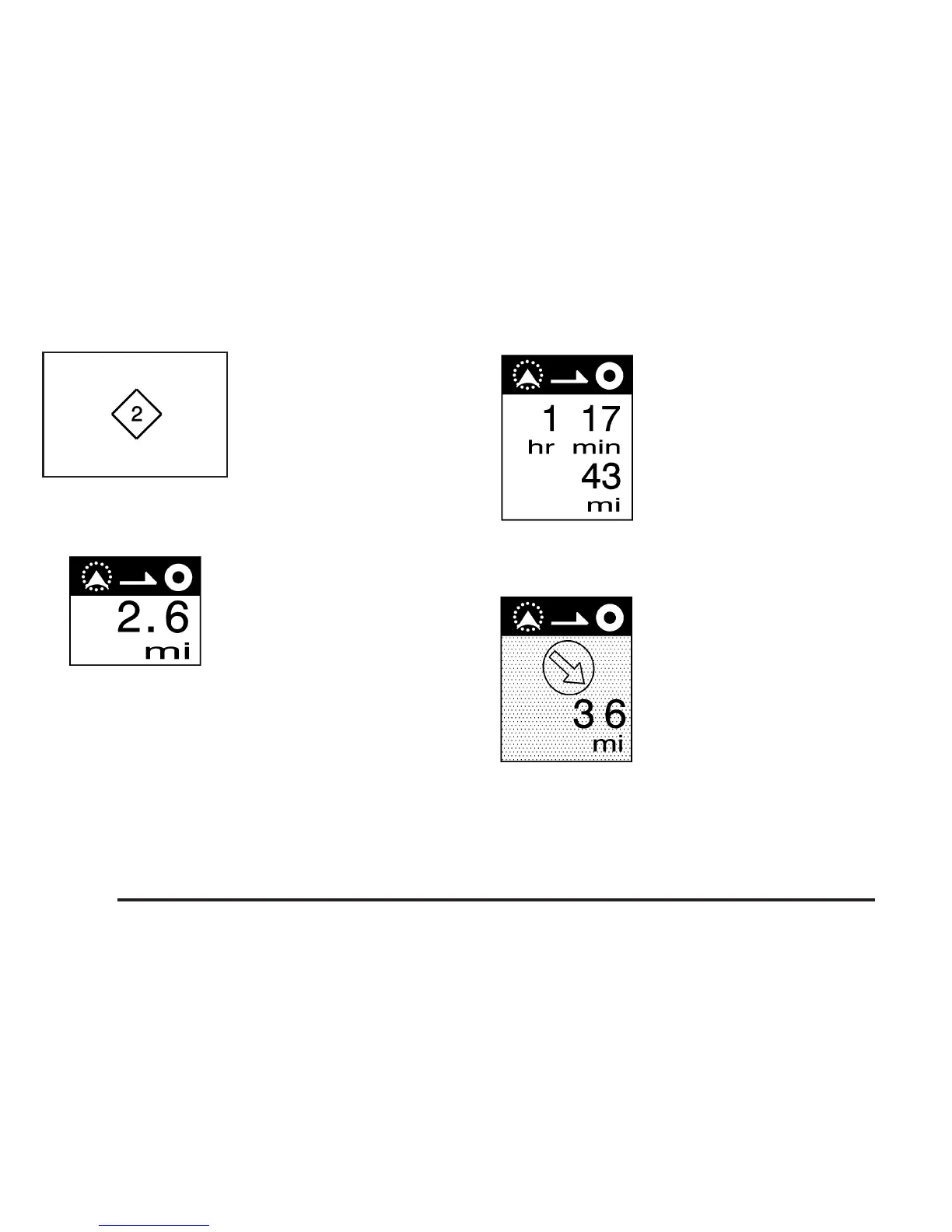
When a waypoint has
been planned, you will see
this symbol on the map.
The waypoint symbol will be numbered from 1 through 5
depending on how many waypoints have been set.
This symbol indicates the
distance to the final
destination. It only appears
when time is not available.
This symbol indicates the
distance and the estimated
time remaining to the
final destination or arrival
time, depending on
the option selected.
See Navigation Set Up on page 2-35 for more
information.
This symbol shows the
straight-line distance to
the final destination.
This symbol may appear before you start driving on
the route or if you are on a road where navigation
guidance cannot be given. See Database Coverage
Explanations on page 2-63 for more information.
2-54









 To Next Page