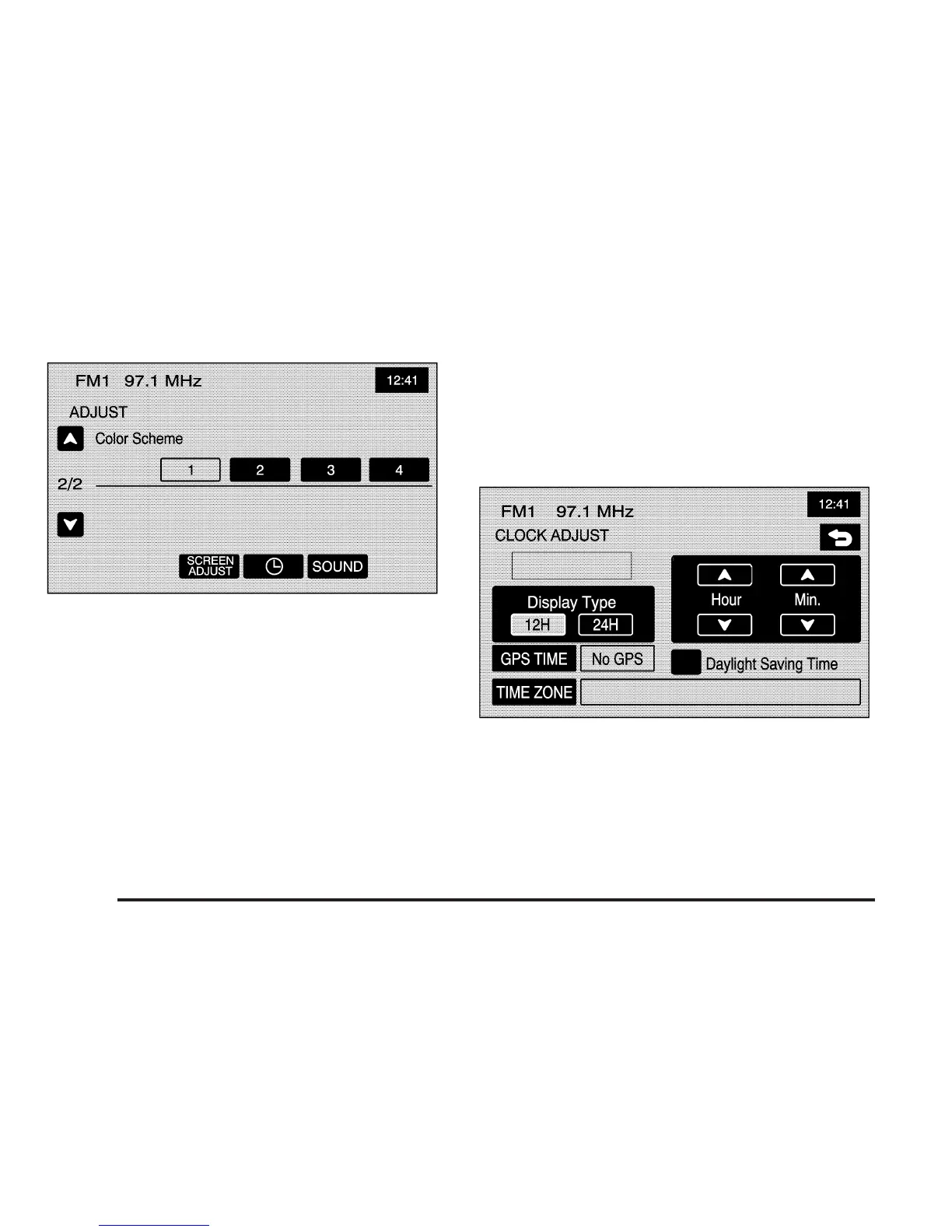
Color Scheme: Select this feature to change the color
of audio and navigation screens. Touch any of the
color options to view the different backgrounds. Color
option 1 is the default option.
Clock
Touch the clock symbol at the bottom of the audio/adjust
screen or touch and hold the time display in the upper
right corner of any menu to access the CLOCK ADJUST
menu. Touching the time display will also display the
date on the status bar at the top of the screen.
3-4









 To Next Page