1-14 In Brief
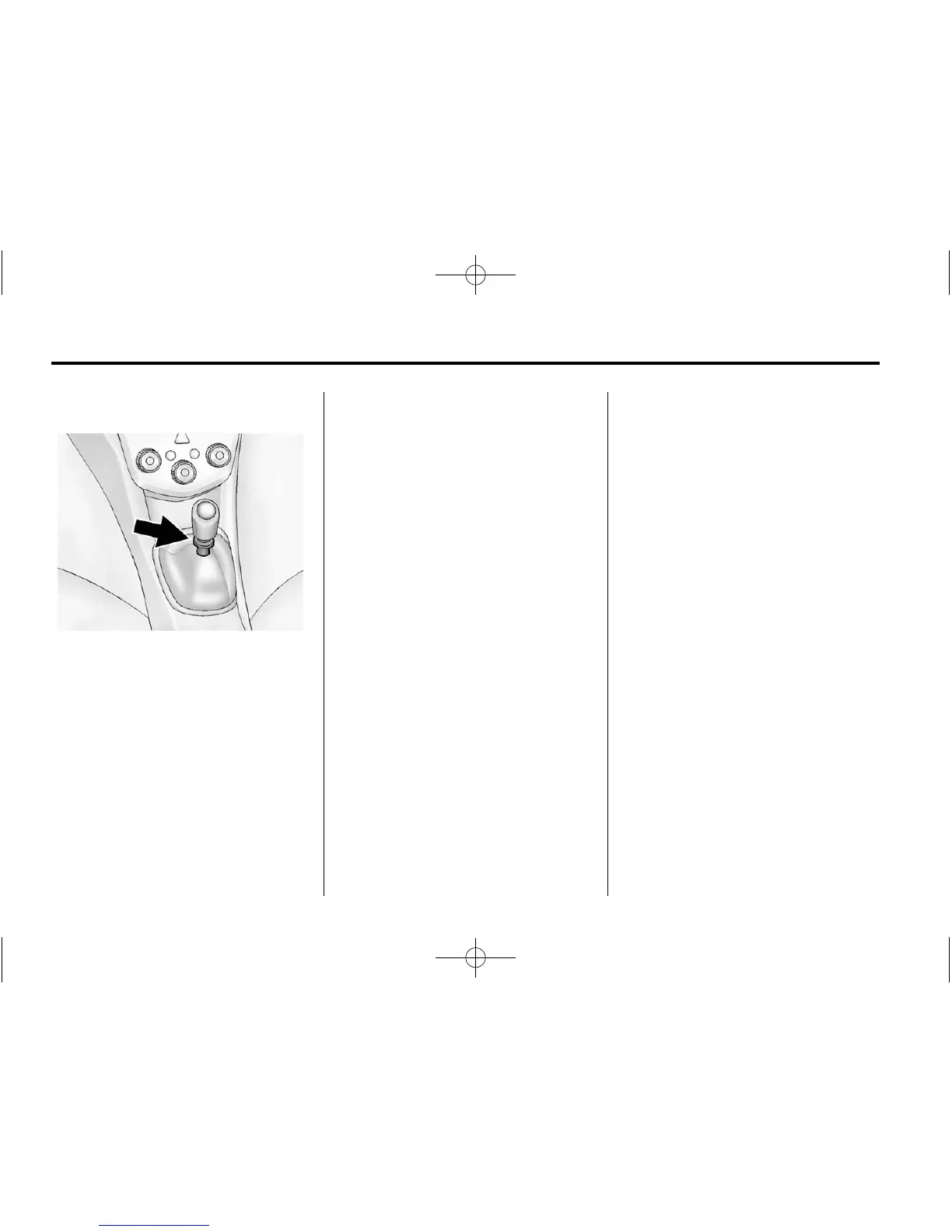
Reverse Lockout
The manual transmission is
equipped with a lock ring to prevent
shifting into R (Reverse). To shift
into R (Reverse), press down
the clutch pedal, lift up the ring on
the shift lever, and shift into
R (Reverse). Let up on the clutch
pedal slowly while pressing the
accelerator pedal.
See Manual Transmission on
page 9‑26.
Vehicle Features
Radio(s)
O
/VOL: Press to turn the system
on or off.
Turn to increase or decrease the
volume.
When the system is on, press and
release
O /VOL to mute the system.
Press and release
O /VOL again to
turn the sound back on.
RADIO/BAND: Press to choose FM,
AM, or XM™ (if equipped).
SEEK
¨ :
.
Radio: Seeks the next station.
.
CD: Select the next track or fast
forwards within a track.
© SEEK:
.
Radio: Seeks the previous
station.
.
CD: Select the previous track or
rewinds within a track.
MENU/TUNE: Turn to navigate the
available menus. Turn to search for
stations.
CD/AUX: Press to play a CD when
listening to the radio.
For more information about these
and other radio features, see
Operation on page 7‑6.
Storing a Favorite Station
Stations from all bands can be
stored in any order in the favorite
pages.
Up to six stations can be stored in
each favorite page and the number
of available favorite pages can
be set.
Storing Stations
To store the station to a position in
the list, press the corresponding
button 1 to 6 until a beep is heard.












 To Next Page