Driving and Operating 9-29
To release the parking brake, hold
the brake pedal down. Pull the
parking brake lever up until you can
press the release button. Hold the
release button in as you move the
brake lever all the way down.
Notice: Driving with the parking
brake on can overheat the brake
system and cause premature
wear or damage to brake system
parts. Make sure that the parking
brake is fully released and the
brake warning light is off before
driving.
Ride Control Systems
Traction Control
System (TCS)
The vehicle has a Traction Control
System (TCS) that limits wheel spin.
On a front-wheel-drive vehicle, the
system operates if it senses that
one or both of the front wheels are
spinning or beginning to lose
traction. When this happens, the
system brakes the spinning
wheel(s), and/or reduces engine
power to limit wheel spin.
The system may be heard or felt
while it is working, but this is
normal.
TCS is on whenever the vehicle
is started. To limit wheel spin,
especially in slippery road
conditions, the system should
always be left on. But, TCS
can be turned off if needed.
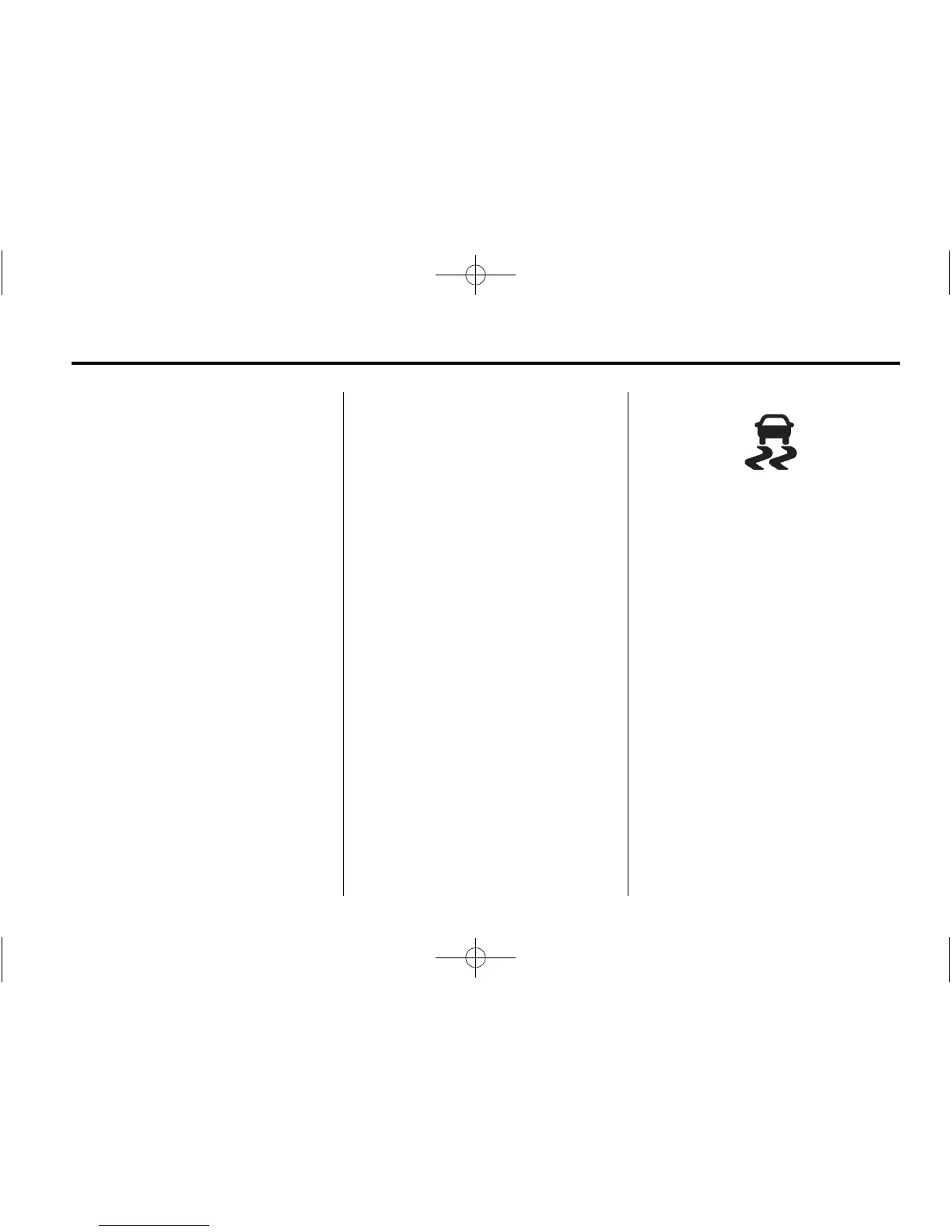
TCS/StabiliTrak Light
d flashes to indicate that the
traction control system is active.
If there is a problem detected with
TCS, a message may be displayed
on the Driver Information Center
(DIC). See Vehicle Messages on
page 5‑26. When this message is
displayed and
d comes on and
stays on, the vehicle is safe to drive
but the system is not operational.
Driving should be adjusted
accordingly.














 To Next Page