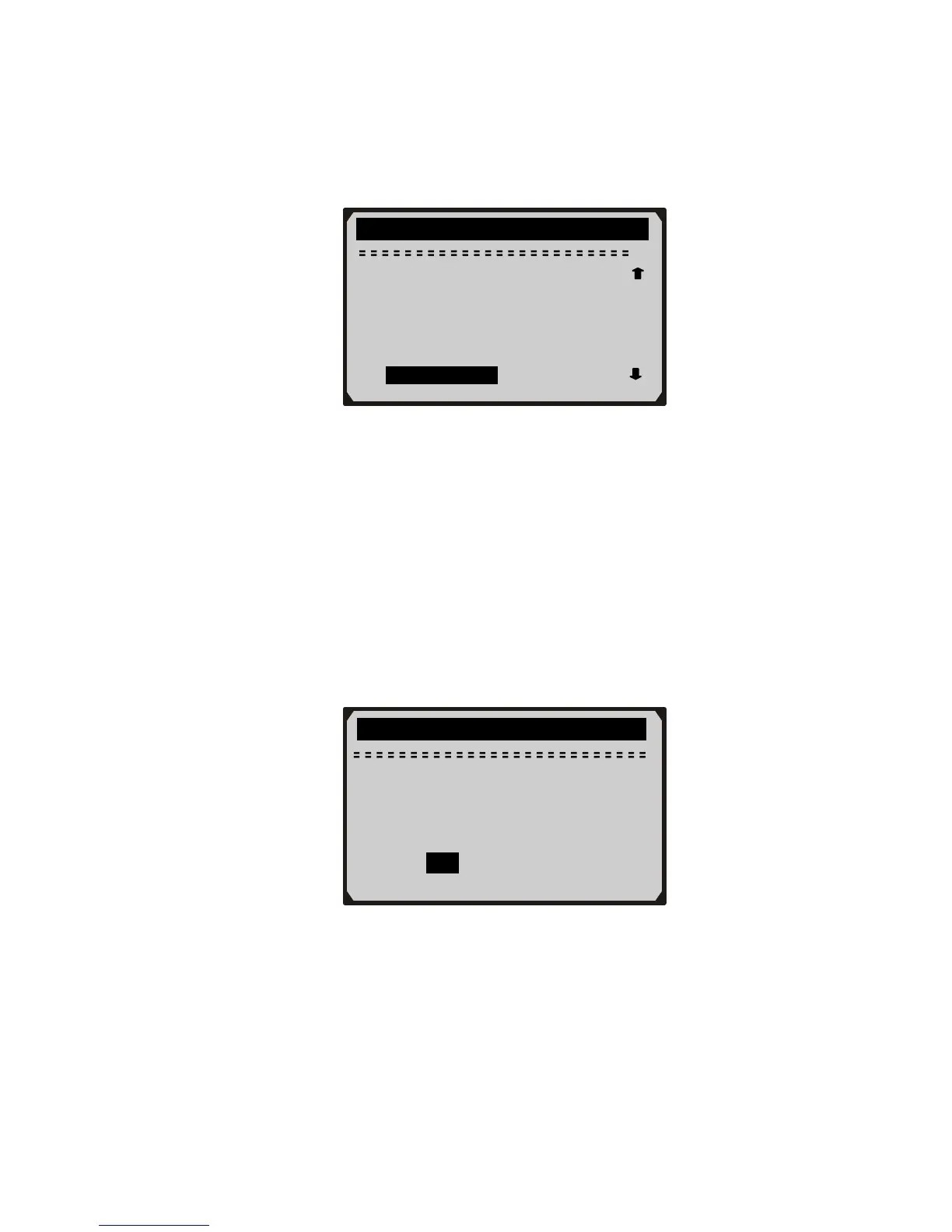
9) Use RIGHT button to deselect/select data parameters, and use
UP/DOWN scroll button to move up and down. Selected
parameters are marked with solid squares.
…………..Custom Data Set………… …
□ETC(℃)
34
z The number “x” to the upper right corner of the screen
indicates sequence of highlighted item; and “#x” are the order
that the parameters are selected and will be displayed.
z You are allowed to pick up a maximum of 18 PIDs. If the
selected PIDs exceed 18, a “The selected data list is full!”
message displays on the screen.
z If you want to deselect all marked items, press LEFT button.
z A message comes up to ask for your confirmation.
z If you decide to deselect these items, press ENTER; if you
decide not to, press ESC or use UP/DOWN scroll button to
select NO to continue PID selections.
10) Press ENTER button to view selected PIDs on screen.
►□SHRTFT1(%)



 To Next Page