MI00/10056 rev.1--05/2001-- page 39
6.0 CONTROLS
6.1 User Controls
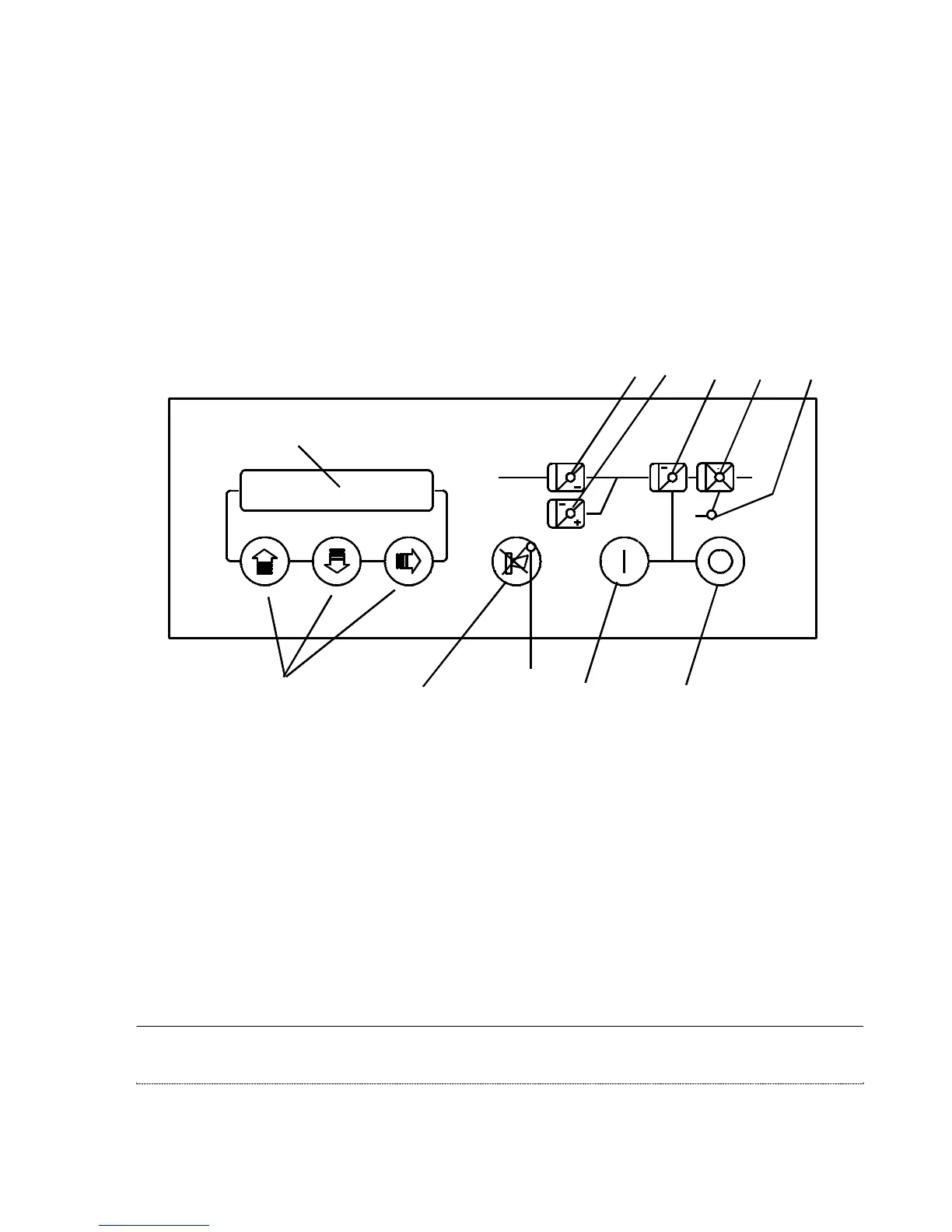
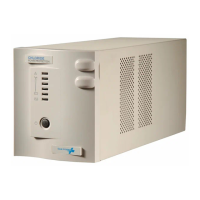
The user controls are situated on the front panel, see Figure 25.
Access to the Equipment Power Switches can be obtained by removing the front cover.
Figure 25 – Control panel
Illuminated Liquid
Crystal Display
User
Switches Audible Alarm
Cancel Switch
Inverter
Start
Inverter
Stop
R
~
B
I
~
1 2 3 4 5
6
S
~
~
~
Display indicators
1) Utility Supply Indicator (Green)
2) Battery Indicator (Green)
3) Inverter Indicator (Green)
4) Static Switch indicator (Green)
5) Reserve Supply Indicator (Green)
6) Warning Indicator (Red)



 To Next Page