MI00/10056 rev.1--05/2001-- page 45
10.4 Display Page Headings
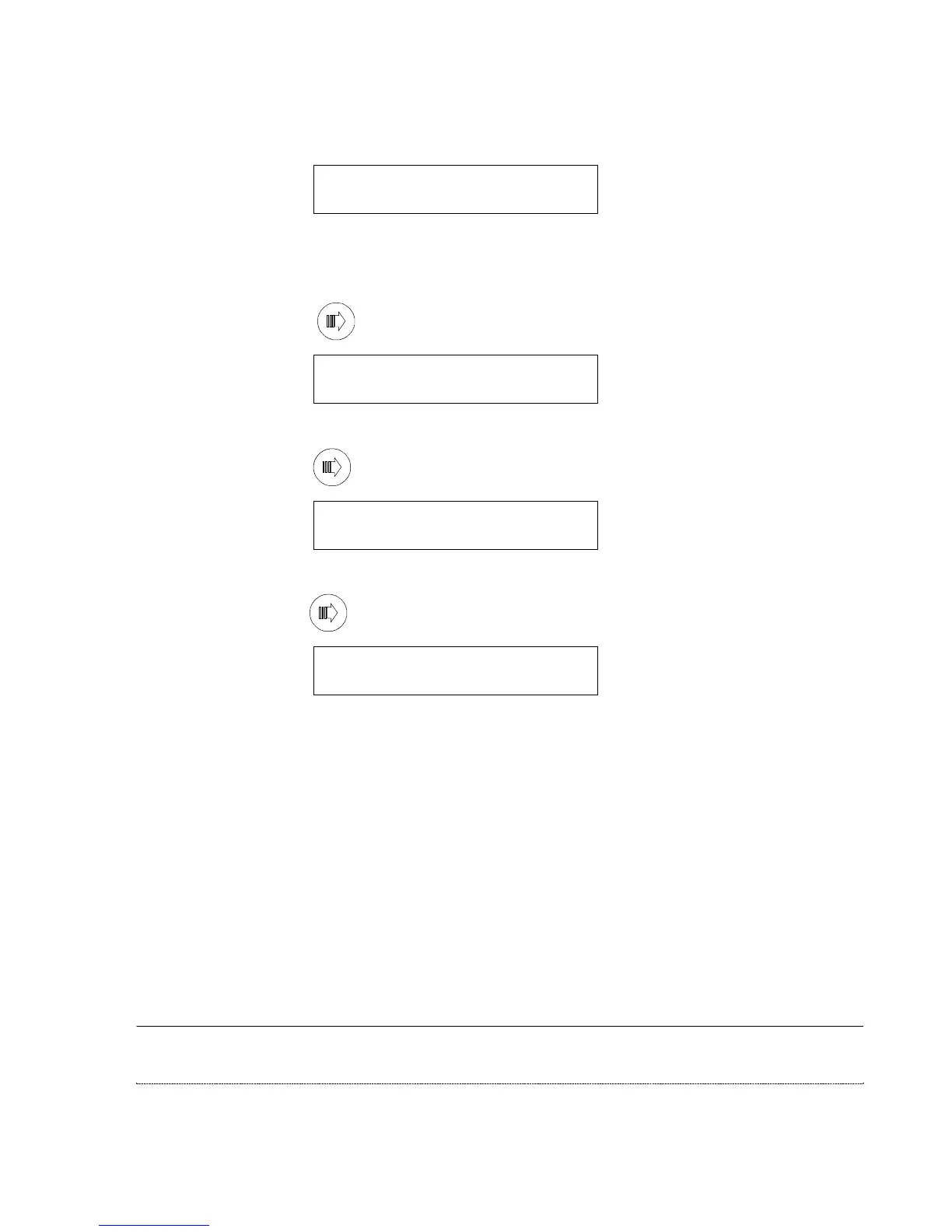
After initial power up, under normal operating conditions, the main page heading will be displayed:
UPS xx KVA
SYSTEM NORMAL
The first line displays the power rating of the EDP70 PLUS UPS, the second line is the system status.
During normal operating conditions, the display reading always returns to this page heading whenever the user
switches are not operated for at least 5 minutes.
By pressing the button marked once, the battery rectifier heading is displayed:
RECT/BATT ALARMS
NO ALARMS ACTIVE
The second line of the display confirms that the rectifier and battery are functioning correctly.
By pressing the button marked again, the inverter heading is shown on the display:
INVERTER ALARMS
NO ALARMS ACTIVE
The second line of the display confirms that the inverter is functioning correctly.
By pressing the button marked again, the load output and reserve supply heading is displayed:
LOAD/RES ALARMS
NO ALARMS ACTIVE
The second line of the display indicates that the UPS load output and reserve supply input are correct.



 To Next Page