70
User’s manual
12/2016
GB
SDmatic
■ Results printing modification
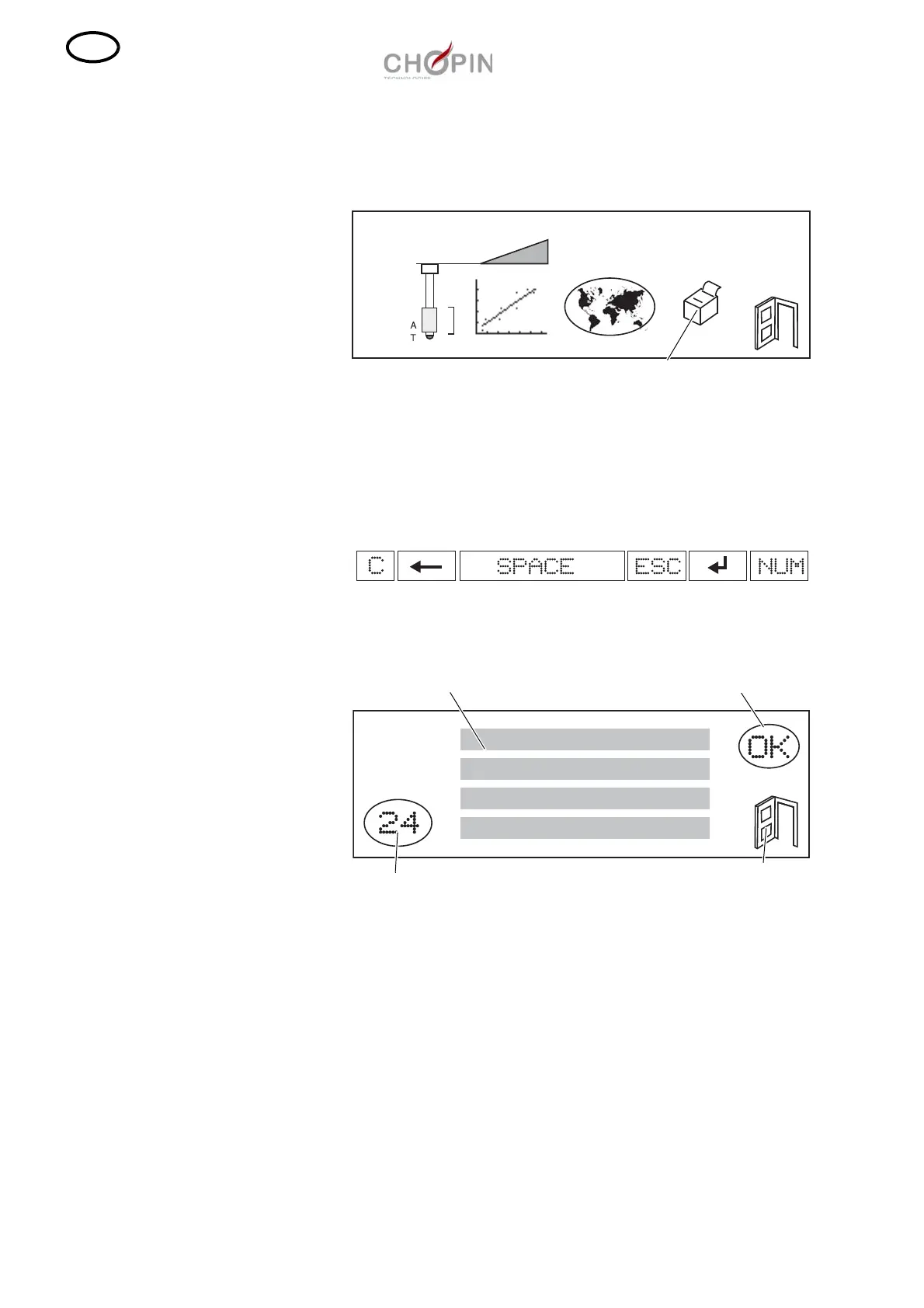
❏ To modify the result printing, press on the icon "printer".
❏ Choose a text line and then key in the desired text using the
alphanumeric keyboard and the pen.
The screen displays 4 lines of 24 characters. If you click on a line,
an alphanumeric keyboard (qwerty) is displayed.
The following keys are available under the keyboard:
❏ Validate by pressing on "OK".
Validation
Exit
Text area
Printing format
(24 columns)


 To Next Page
 Loading...