72
User’s manual
12/2016
GB
SDmatic
■ Adjusting the vibrator’s intensity
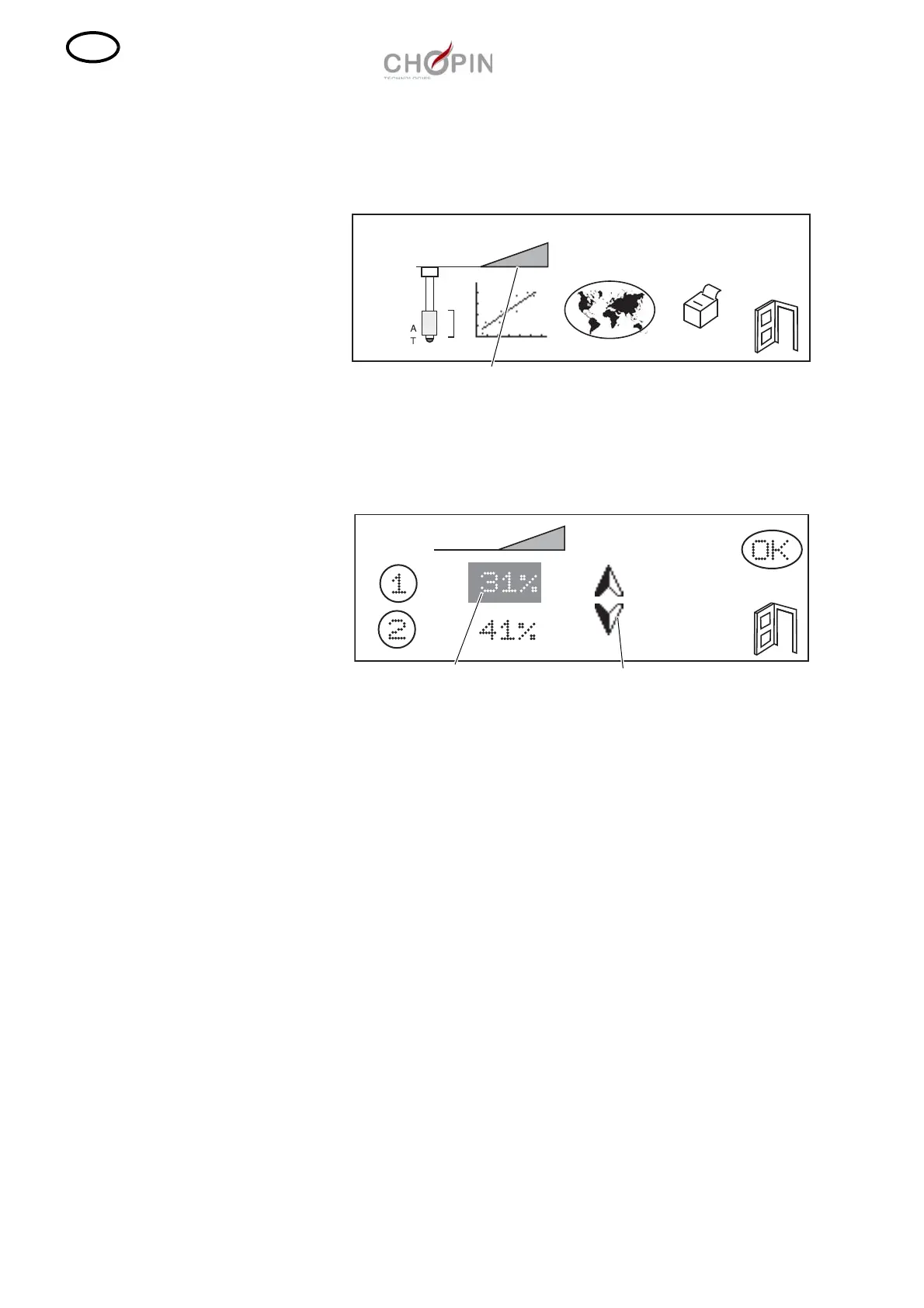
❏ In order to adjust the intensity of the vibrator, press on the icon
"Vibrator".
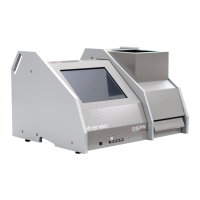
❏ Two values are then displayed. Value "1" represents the weakest
vibration, which makes the flour fall into the bowl. Value "2"
represents the strongest vibration, which allows the last flour
remainders to be removed from the spoon.
❏ If when performing a test some flour remains in the spoon, or has
fallen on the bowl edge, this means the vibration is not strong
enough. Increase the values by mean of the arrows then validate by
pressing on "OK".
❏ If some flour has fallen outside from the bowl, this means the
vibration is too strong. Decrease the values by mean of the arrows
then validate by pressing on "OK".



 To Next Page