77
User’s manual
12/2016
GB
SDmatic
■ Transfer of one calibration
❏ Connect the SDmatic to the computer with the RS232 cable
provided with the apparatus.
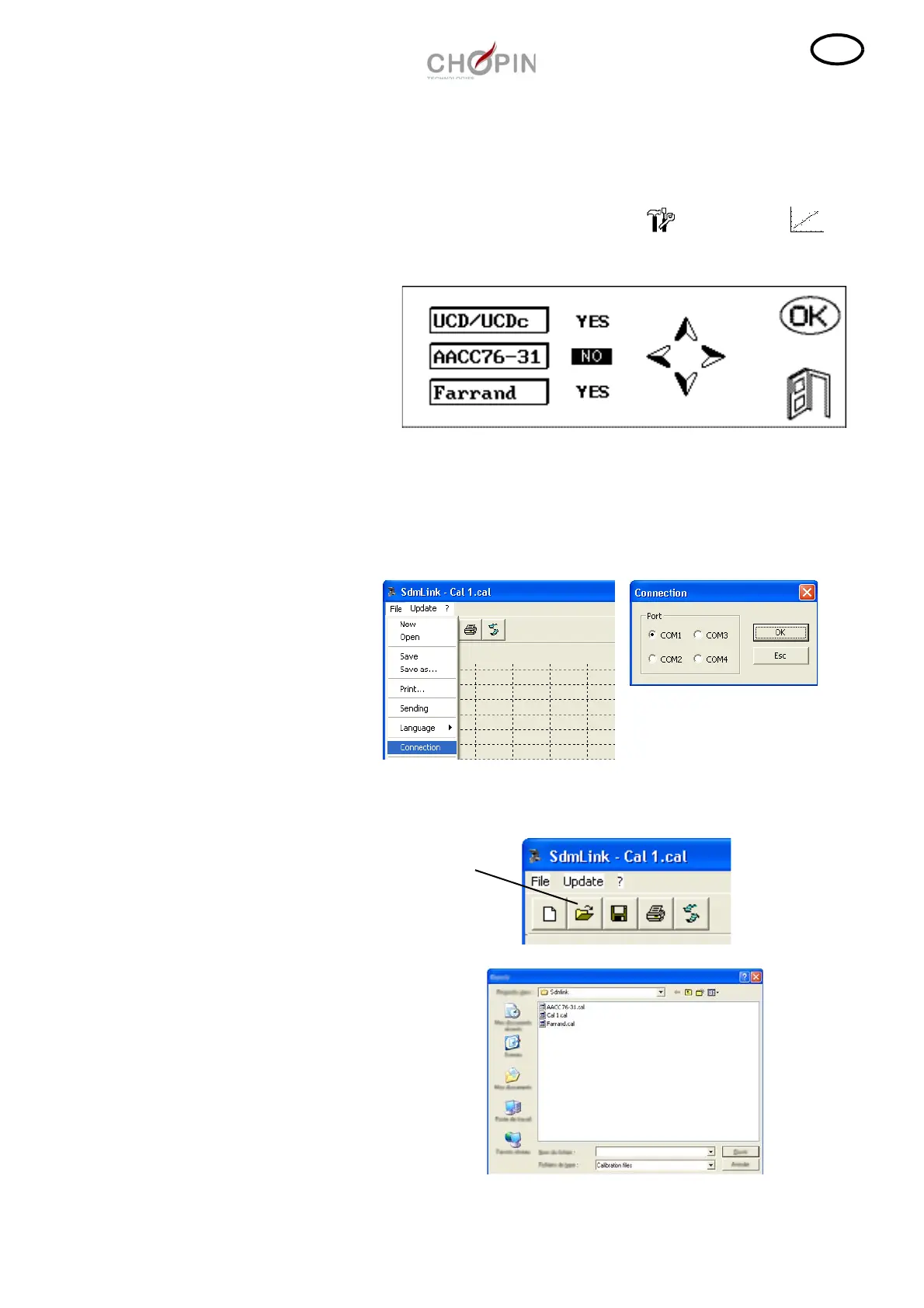
❏ Switch on the SDmatic. Press on the on the icon to
enter in the user calibration menu.
❏ Open the program SDmatic. Select the menu "File" then
"Connection", select the port where is connected the SDmatic and
click on "Exit".
❏ Click on the icon "Open" and edit the calibration to transfer to the
SDmatic.
Menu calibration utilisateur



 To Next Page