76
User’s manual
12/2016
GB
SDmatic
- Enter the name of the calibration (9 characters maximum).
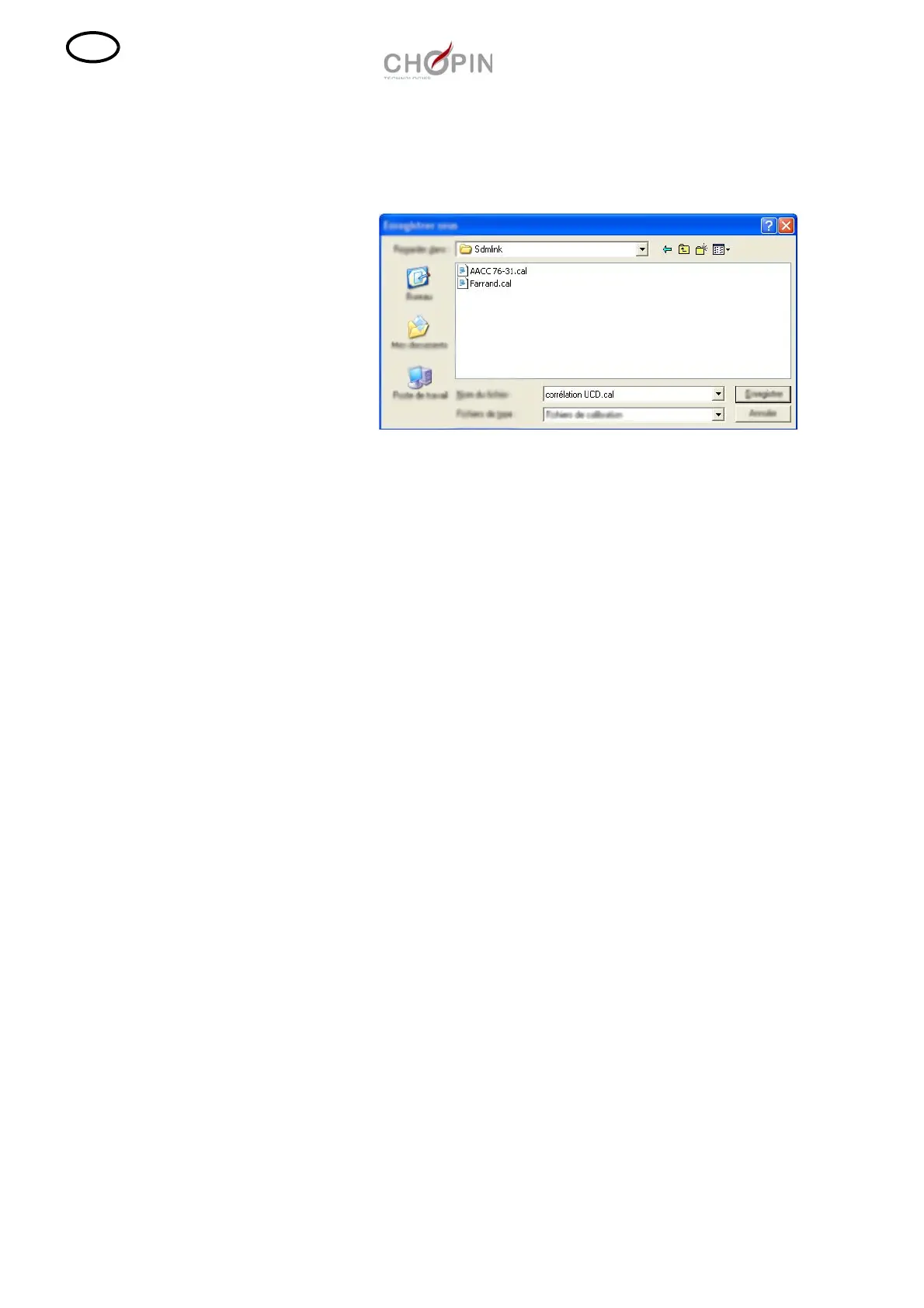
- To save the calibration, click on "Save" then give a name to the file
and save.
Note: - The calibration must be used in the calculated measu-
ring range [A
I
%min ; A
I
%max.] in order not obtain aber-
rant results.
- For the text, use the point as decimal point.
- To delete a pair of points, place the selection bar on the
point and press on the button "Delete".



 To Next Page