Operation
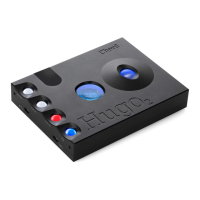
Turn on the power switch. Hugo will cycle through the sequence of colours and then be ready for
operation. Select the input you wish to use and plug in the input cables and headphones as
appropriate. Adjust the volume to a comfortable listening level.
Driver Installation
If you are using the high definition (HD) USB input with a Microsoft Windows
TM
Vista, 7 or 8 PC
then you will need to install the driver software on the supplied CD or via our website. ASIO drivers
are also included. Apple
TM
or Android
TM
platforms are driveless and do not require any driver to
operate.
Bluetooth Input
Hugo can play music via a Bluetooth enabled device. Hugo supports standard A2DP Bluetooth audio
or the higher quality APTX Bluetooth Audio codec. Select the Bluetooth input indicated by a blue
source light and then follow the instructions on your device to pair with Hugo. The pairing code is
0000 if required.
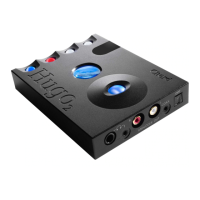
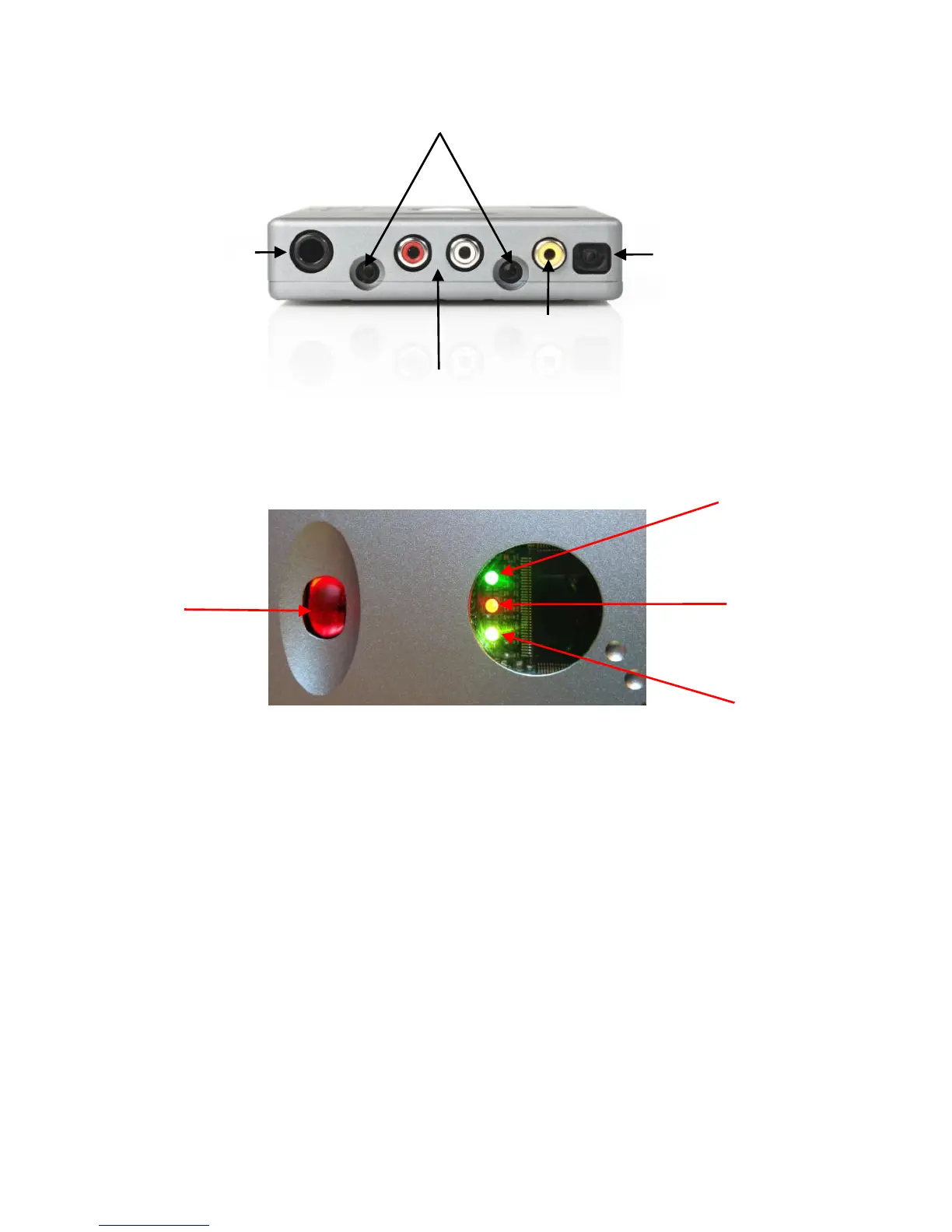
Left and Right phono output.
Can be volume controlled or at 2V line level.
(connect to amplifier or preamplifier)



 To Next Page
 Loading...