EasyManua.ls Logo

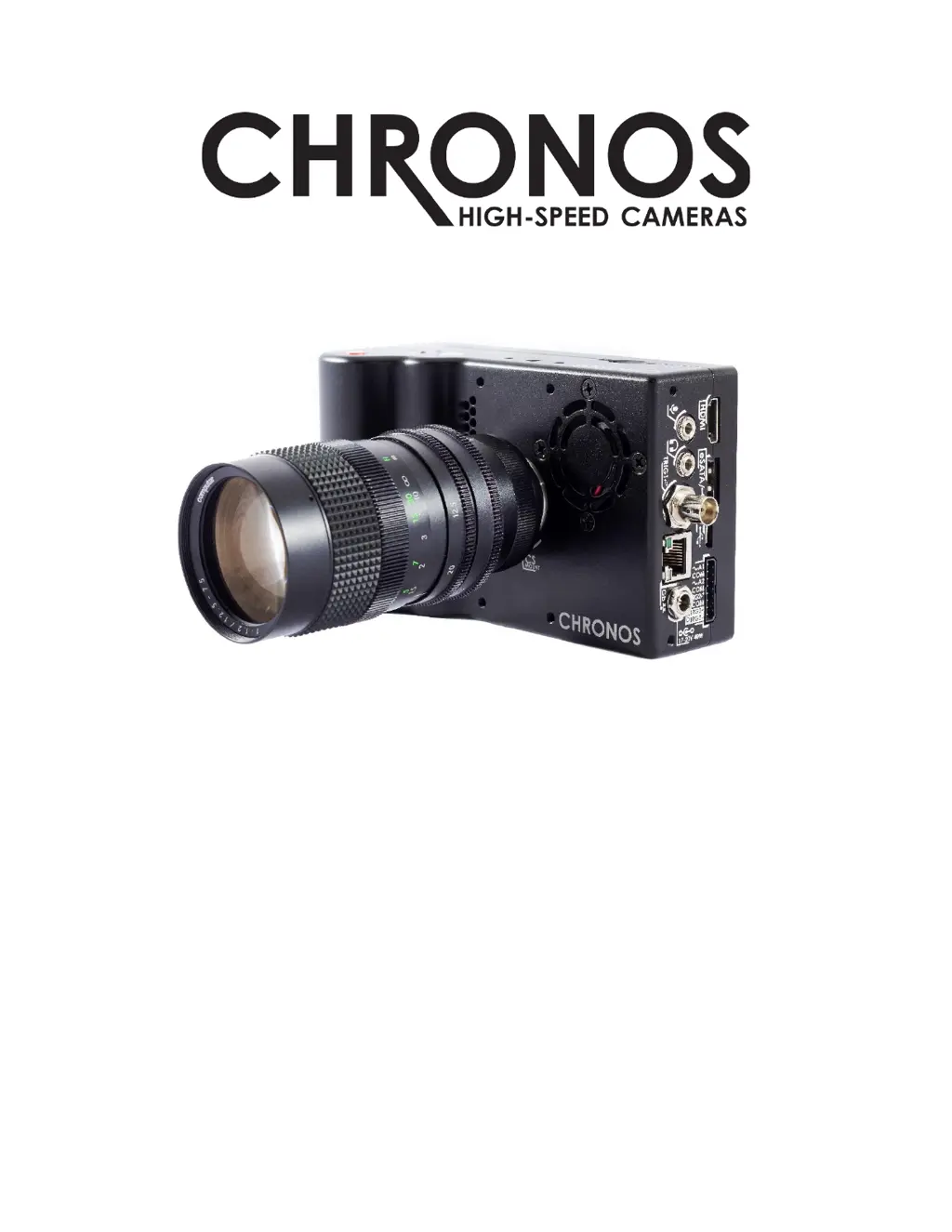
Chronos 2.1-HD - User Manual

Default Icon
103 pages
Print Icon
To Next Page IconTo Next Page
Loading...
USER MANUAL
CHRONOS 1.4 & CHRONOS 2.1-HD
Software Version 0.5.1
RE-PDEV-10007 Rev 1.0

Table of Contents

Questions and Answers

  • J
    Juan DunnSep 10, 2025
    Why is there a black ring around the image or dark corners (vignetting) on my Chronos 2.1-HD Digital Camera?
    • B
      Belinda BoyerSep 12, 2025
      If you're seeing a black ring around the image or dark corners (vignetting) on your Chronos Digital Camera, it's likely because the lens is too small for the sensor. Some lenses don’t cover the entire image sensor. Try changing to a different lens with a larger image circle.
  • N
    Nathan HarmonSep 13, 2025
    What causes a negative ghost image on Chronos 2.1-HD Digital Camera?
    • D
      Dana HallSep 13, 2025
      A negative ghost image visible over the normal image on your Chronos Digital Camera is caused by performing a Black Calibration without the lens cap on, or with the aperture open. Perform Black Calibration again by closing the aperture fully or covering the lens.
  • J
    jenniferthompsonSep 15, 2025
    What to do if focus is slightly wrong on Chronos Digital Camera?
    • M
      mayershaunSep 15, 2025
      If the focus is slightly wrong on your Chronos Digital Camera, and proper focus is out of range, it could be due to a mis-adjusted back-focus. Re-adjust the back-focus. Also, the Computar 12.5-75mm lens, among others, is slightly soft at fully wide aperture. Close aperture slightly and retry. Try f/2 or smaller.

Summary

Camera Setup and Initialization

Disabling Shipping Mode

Steps to disable the camera's shipping mode upon first use.

Lens and Power Management

Powering Down and Battery Care

Getting Ready: Resolution and Frame Rate

Setting Resolution and Frame Rate

Adjusting image resolution and frame rate for recording.

Image Calibration

Performing Black Calibration

Step-by-step guide to performing a black calibration for image quality.

White Balance Adjustment

White Balance Calibration Methods

Various methods to adjust the camera's white balance settings.

Recording Fundamentals

Understanding the Ring Buffer

Explanation of how the camera stores recorded video frames in RAM.

Triggering and Synchronization

Record End and Exposure Triggers

Setting up triggers to stop recording or control exposure start.

Shutter Gating Configuration

Using external inputs to directly control the camera's shutter.

Shutter Gating Timing Requirements

Playback Controls and Navigation

Saving Recorded Video

Video Saving Options and Process

Saving video to storage devices and selecting regions for export.

Network Interface Configuration

Web Control and Access

Accessing the Cameras Web Interface

Methods to connect to and operate the camera via a web browser.

Navigating the Main Web Interface

Web Interface: Play and Save Options

Web Interface: Settings Configuration

Web Interface: Simple I;O Configuration

Web Interface: Advanced I;O Configuration

Annex B: Lens Mounts and Adapters

Back-Focus Adjustment Procedure

Steps to correctly set the back-focus for prime lenses.

Back-Focus Adjustment for Zoom Lenses

Procedure for adjusting back-focus for zoom lenses.

Annex E: Troubleshooting Guide

Common Camera Issues and Solutions

Troubleshooting steps for power, battery, and video display problems.

Image Quality and Focus Troubleshooting

Solutions for blurry images, vignetting, and ghosting issues.

Record Settings Interface

Adjusting Resolution and Offset

How to adjust recorded video size and position on the sensor.

Setting Frame Rate, Exposure, and Gain

Configuring frame rate, exposure time, and analog gain (ISO) settings.

Record Mode: Normal

Record Mode: Segmented

Record Mode: Gated Burst

Record Mode: Live Slow Motion

Trigger; IO Settings Overview

Input Threshold and Trigger Types

Setting input thresholds and selecting trigger types like Record End Trigger.

Shutter Gating, Pullup, and Debounce Settings

Configuring shutter gating, pullup resistors, and debounce filters for triggers.

Trigger Delay Configuration

Adjusting Pre-record and Post-trigger Delays

Using sliders to set pre-record, pre-trigger, and post-trigger delays.

Pre-Trigger, Post-Trigger, and Reset Options

Detailed configuration of trigger delay parameters and reset functions.

Black Calibration Details

White Balance Adjustment Details

Setting White Balance with Presets and Custom

Using presets or custom settings to correct lighting temperature.

White Balance Controls and Color Matrix

Controls for white balance, custom settings, and color matrix.

Custom Color Matrix Window

Playback Mode Operations

Save Settings: H.264 Encoding

H.264 Encoding Parameters

Configuring bits per pixel, max bitrate, and saved file framerate for H.264.

Software Update Utility

Updating Software from Local Media or Repository

Installing software updates from external media or package repositories.

Online Software Update Procedure

Chronos 2.1-HD Specifications

General IconGeneral
BrandChronos
Model2.1-HD
CategoryDigital Camera
LanguageEnglish

Related product manuals