Modes of Operation
Additional camera modes can be selected when the
vehicle is in any gear and the surround view camera
system is activated by pressing the soft key located in the
“Controls” screen or the “Apps” screen in the Uconnect
system.
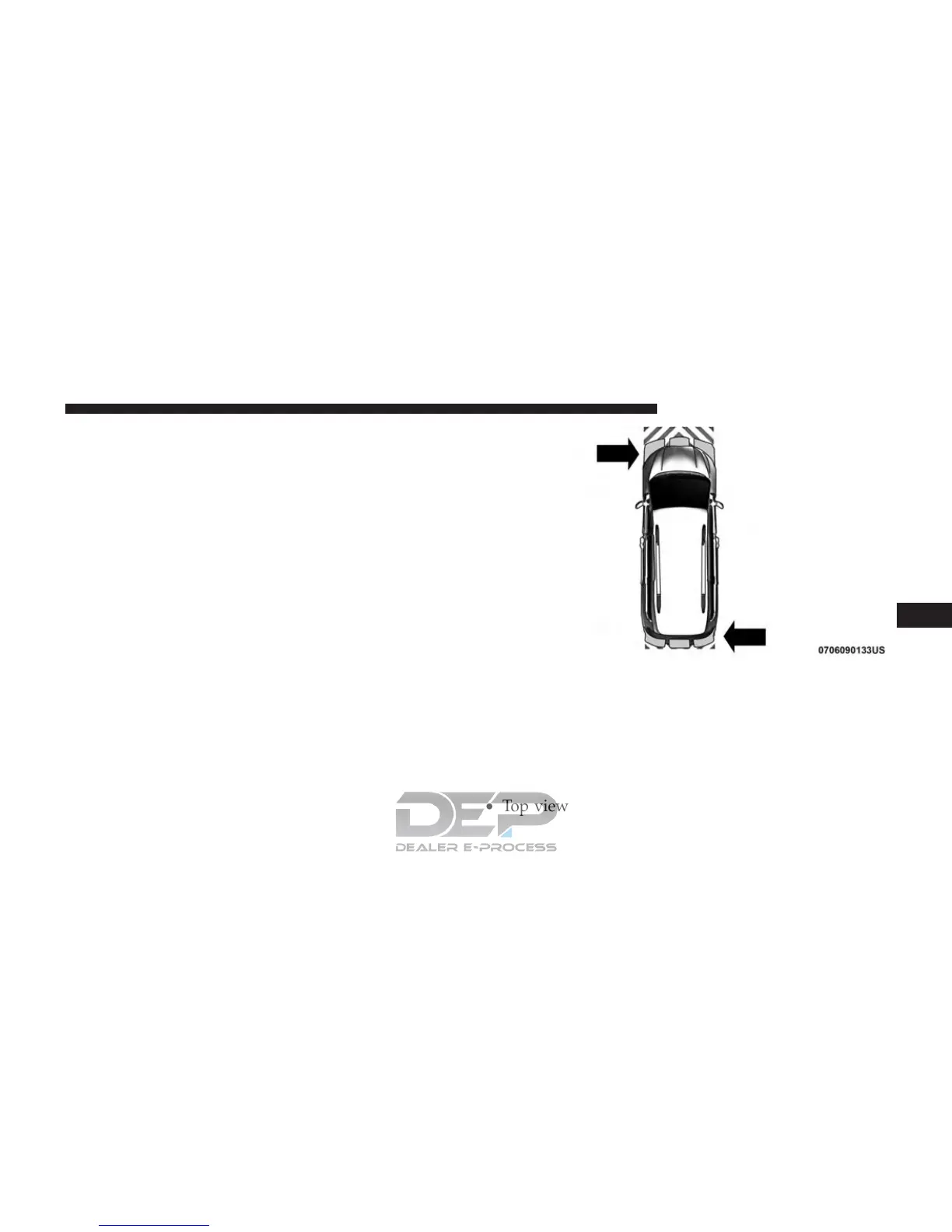
Top View
The Top view will show in the Uconnect System with
Rear View and Front View in a split view display. There
is integrated ParkSense arcs in the image at the front and
rear of the vehicle. The arcs will change color from yellow
to red corresponding the distance zones to the oncoming
object.
NOTE:
• Front tires will be in image when the tires are turned.
• Due to wide angle cameras in mirror, the image will
appear distorted.
• Top view will show which sliding doors are open.
ParkSense Arcs
6
STARTING AND OPERATING 499















 To Next Page