• Open Front doors will remove outside image.
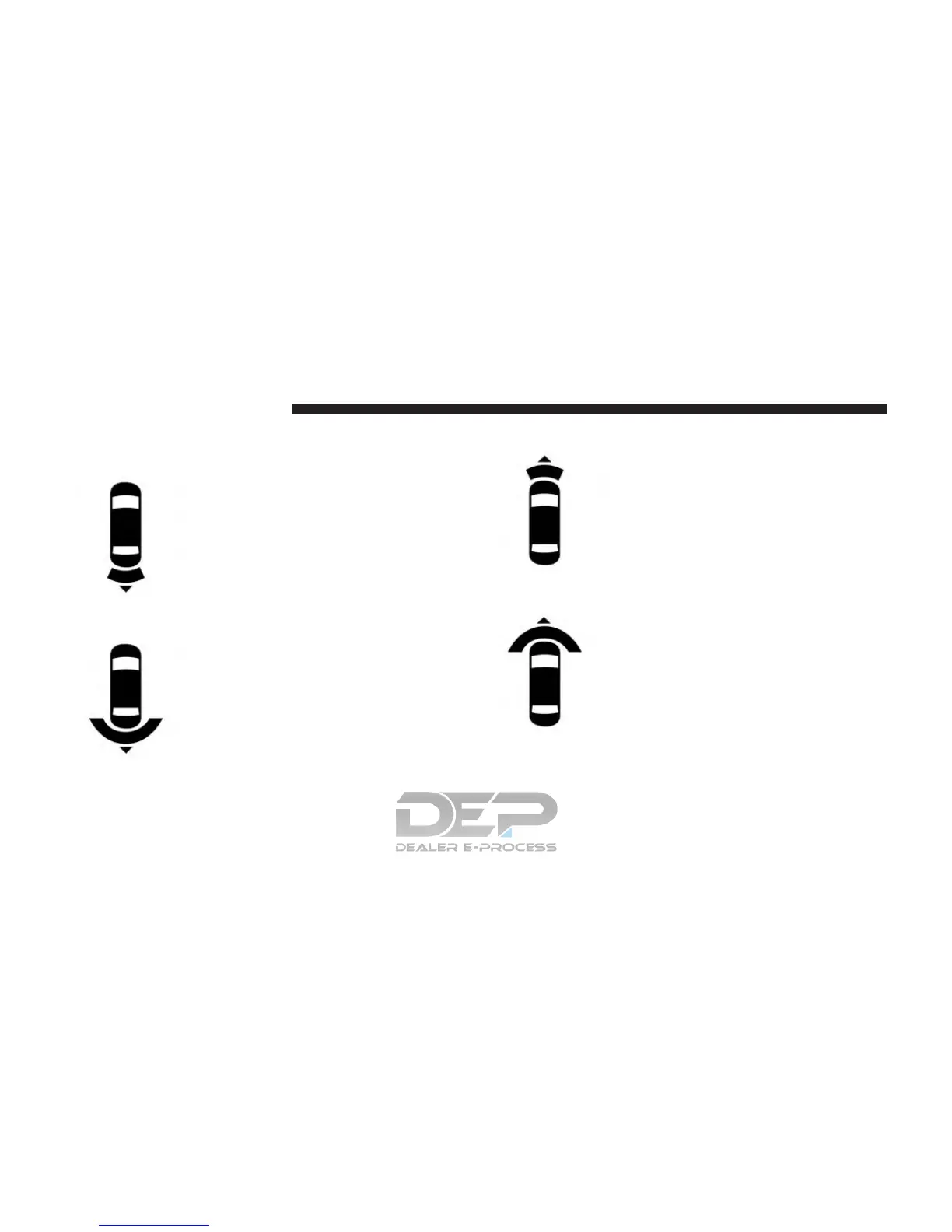
Rear View
This is the Default view of the system
in REVERSE and is always paired with
the Top view of the vehicle with op-
tional active guide lines for the pro-
jected path when enabled.
Rear Cross Path View
Pressing the Rear Cross Path soft key
will give the driver a wider angle view
of the rear camera system. The Top
view will be disabled when this is
selected.
Front View
The Front view will show you what is
immediately in front of the vehicle and
is always paired with the Top view of
the vehicle.
Front Cross Path View
Pressing the Front Cross Path soft key
will give the driver a wider angle view
of the front camera system. The Top
view will be disabled when this is
selected.
500 STARTING AND OPERATING















 To Next Page