60
EnglishEnglish
6. Meter display and reset
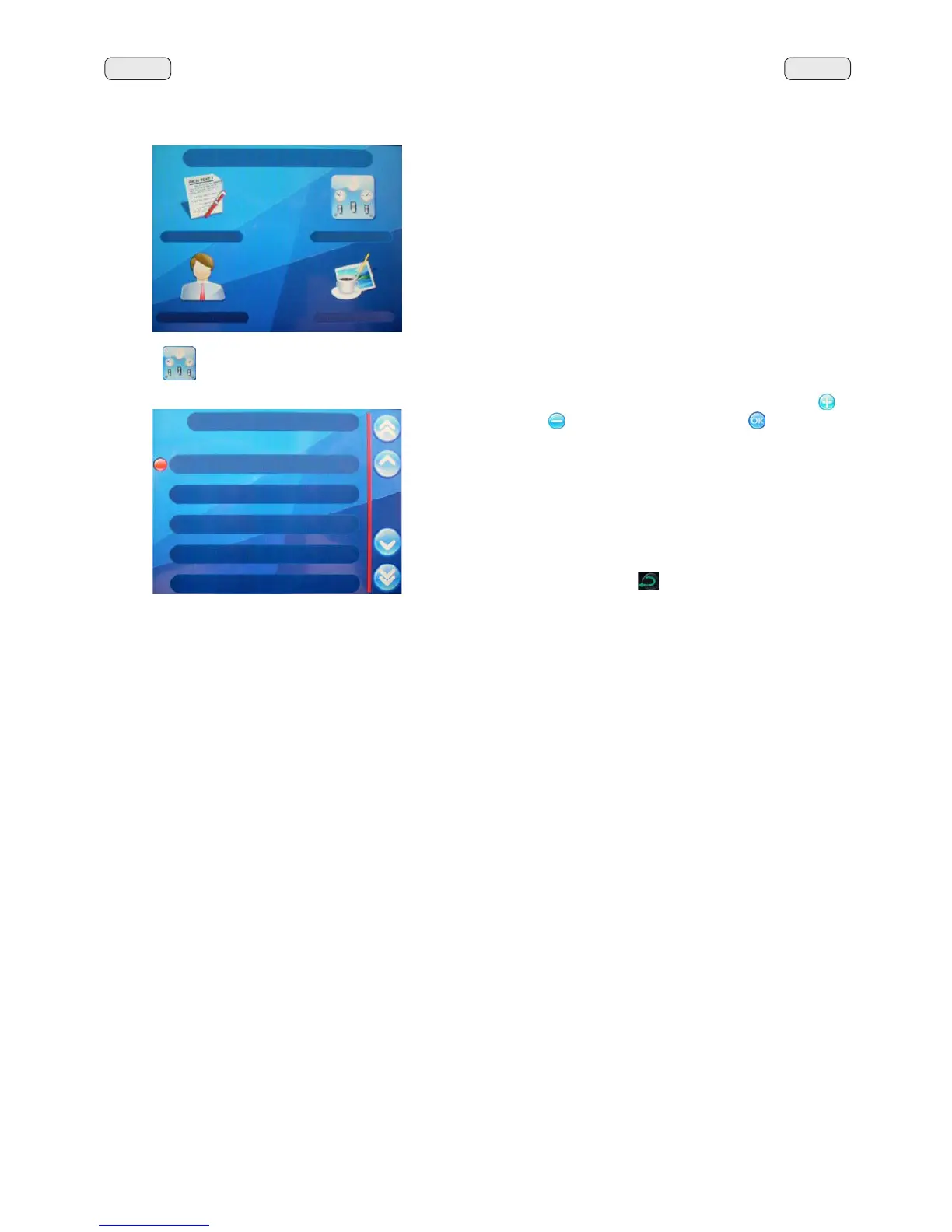
Press the NH\WRYLHZWKHFRXQWHUV
The following message will appear on the Touch Screen:
7R]HURWKHFRXQWJRWRWKHSDUDPHWHUSUHVVWKHplus"
or
"minus"
NH\VDQGWKHQSUHVVWKH"OK" NH\WRFRQ¿UP
zeroing.
The total number of coffees and cycles CANNOT be zeroed.
7KHWRWDOQXPEHURIJULQGLQJVRIWKHJULQGLQJXQLWV0000
and MM3) can only be zeroed by the installation technician if
a grinder is replaced.
3UHVVWKHNH\RES (24)
to return to the previous menu.
CONTATORI
N°caffè 12
N°latte 23
N°acqua 10
N°vapore 8
N°vap. aria 6
COUNTERS MENU
N°coffee 12
1PLON
N°water 10
N°steam 8
N°steam+air 6
CUSTOMER PROG.
KEY MENU
COUNTERS MENU
CUSTOMER PROG.
PERSONALIZ.



 To Next Page