61
EnglishEnglish
7. Customer programming menu
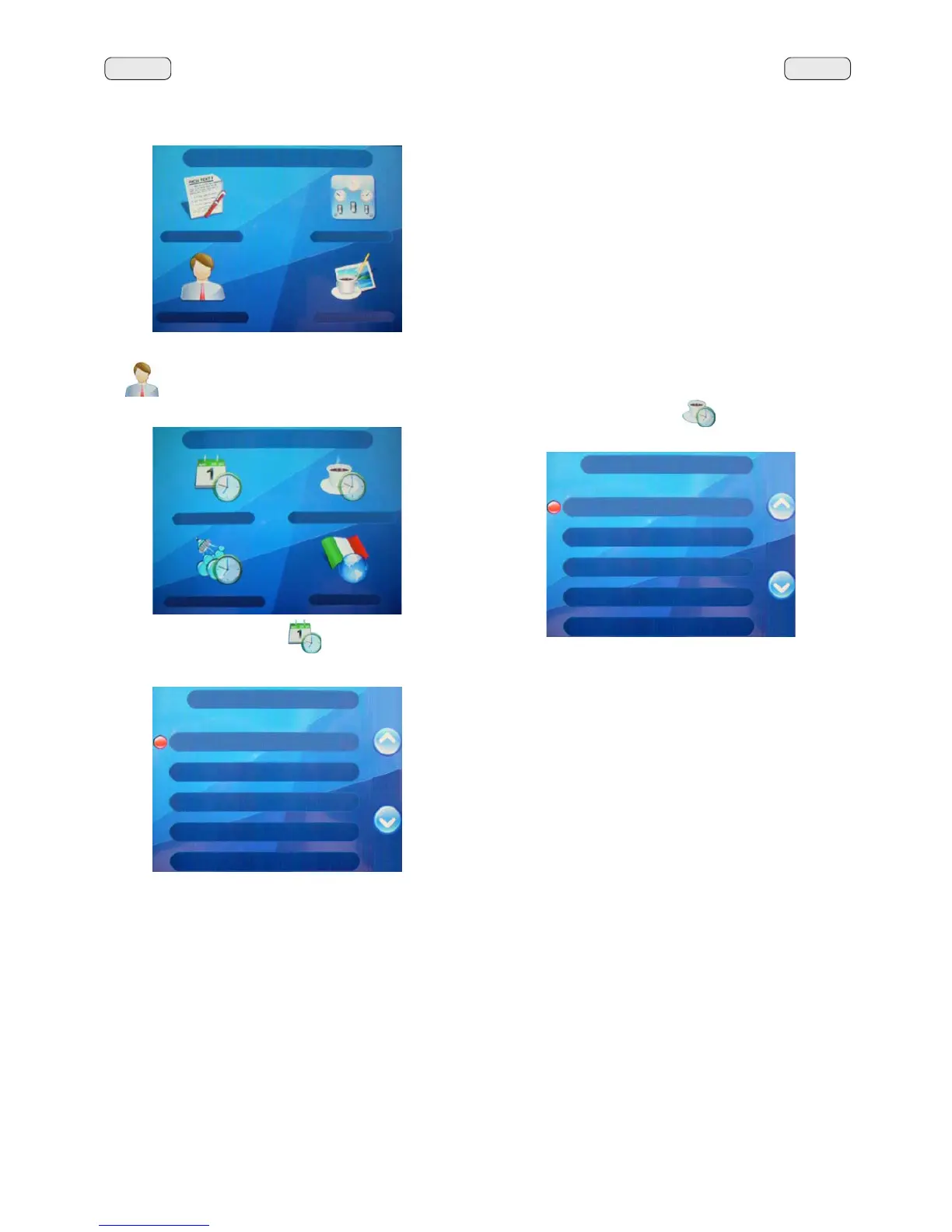
7R DFFHVV WKH ³&86720(5 3$5$0(7(56´ PHQX SUHVV
the
NH\
The following is displayed on the Touch Screen:
Press the “DATE AND HOUR”
NH\DQGWKHIROORZLQJ
appears on the display:
Press the “SERVICE HOURS”
NH\DQGWKHIROORZLQJ
appears on the display:
7KHIROORZLQJVHUYLFHWLPHSDUDPHWHUVFDQEHPRGL¿HG
- ON time (time the machine switches on);
- OFF time (time the machine switches off);
- day off (day on which the enterprise is closed);
- Night ON (start time for evening beverage price: only
when payment system is connected);
- Night OFF (end time for evening beverage price: only when
payment system is connected).
General indications
,IWKHUHLVQRGD\RIILHWKHHQWHUSULVHQHYHUFORVHVHQWHU
“none” for the “day off” item.
Enter the same time for the “ON time” and “OFF time” param-
HWHUVIRUH[DPSOH
ON time 22:00
OFF time 22:00)
CUSTOM. PARAM.
DATE AND TIME
SERVICE TIME
WASHING TIME
LANGUAGE
DATE AND TIME
Year 8
Month 11 NOV
Date 6 THU
Hour 15
Minutes 48
SERVICE TIME
ON time 00:00
OFF time 00:00
Day off none
Night ON 00:00
Night OFF 00:00
CUSTOMER PROG.
KEY MENU
COUNTERS MENU
CUSTOMER PROG.
PERSONALIZ.



 To Next Page