Contents [ hide
1 Cino FuzzyScan Bar Code Scanner User
Guide
2 Getting Familiar with Your FuzzyScan
3 Connecting to Your Host
4 Using SmartStand
5 Operation Modes
6 Keyboard Interface Quick Set
7 System Commands
8 Host Interface Quick Set
9 Option Codes
10 Keyboard Interface Control
11 Serial Interface Control
12 Message String Breakdown
13 Keyboard Function Code Table
14 HEX/ASCII Reference Table
15 Disclaimer
16 Warranty
17 Regulatory
17.1 File Downloads
17.2 References
17.3 Related Manuals
Cino FuzzyScan Bar Code Scanner User Guide
Getting Familiar with Your FuzzyScan
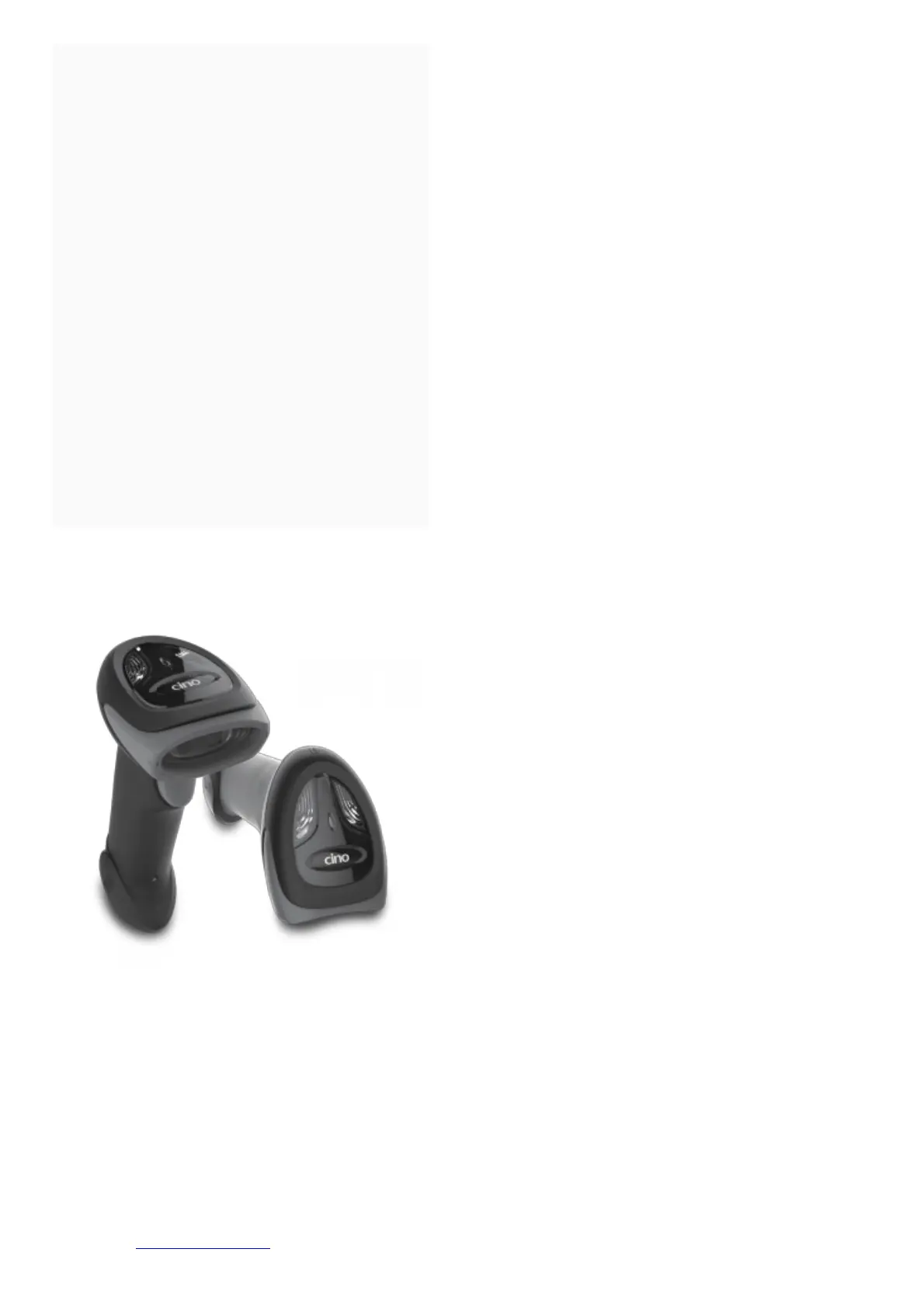
Thank you for choosing Cino FuzzyScan Bar Code Scanner. All FuzzyScan scanners deliver world-class
performance for a broad range of applications to unleash your productivity with ease.
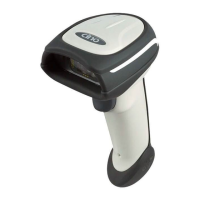
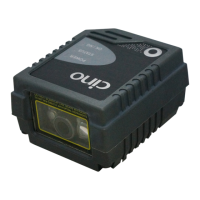
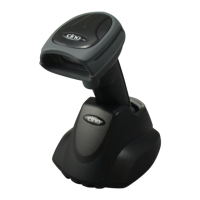
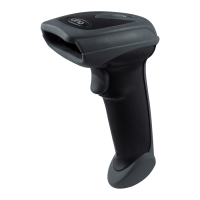
The FuzzyScan scanners family includes A series area imager, F series linear imager and L series laser imager. The
Antimicrobial models are available for A780, L780 and F780 series scanners which are equipped with both
Disinfectant-ready Housing and Vibrator. The option of Vibrator is available for all other series upon request.
This document provides an easy reference for installation and operation purpose. The complete documentation is
available at www.cino.com.tw.





 To Next Page