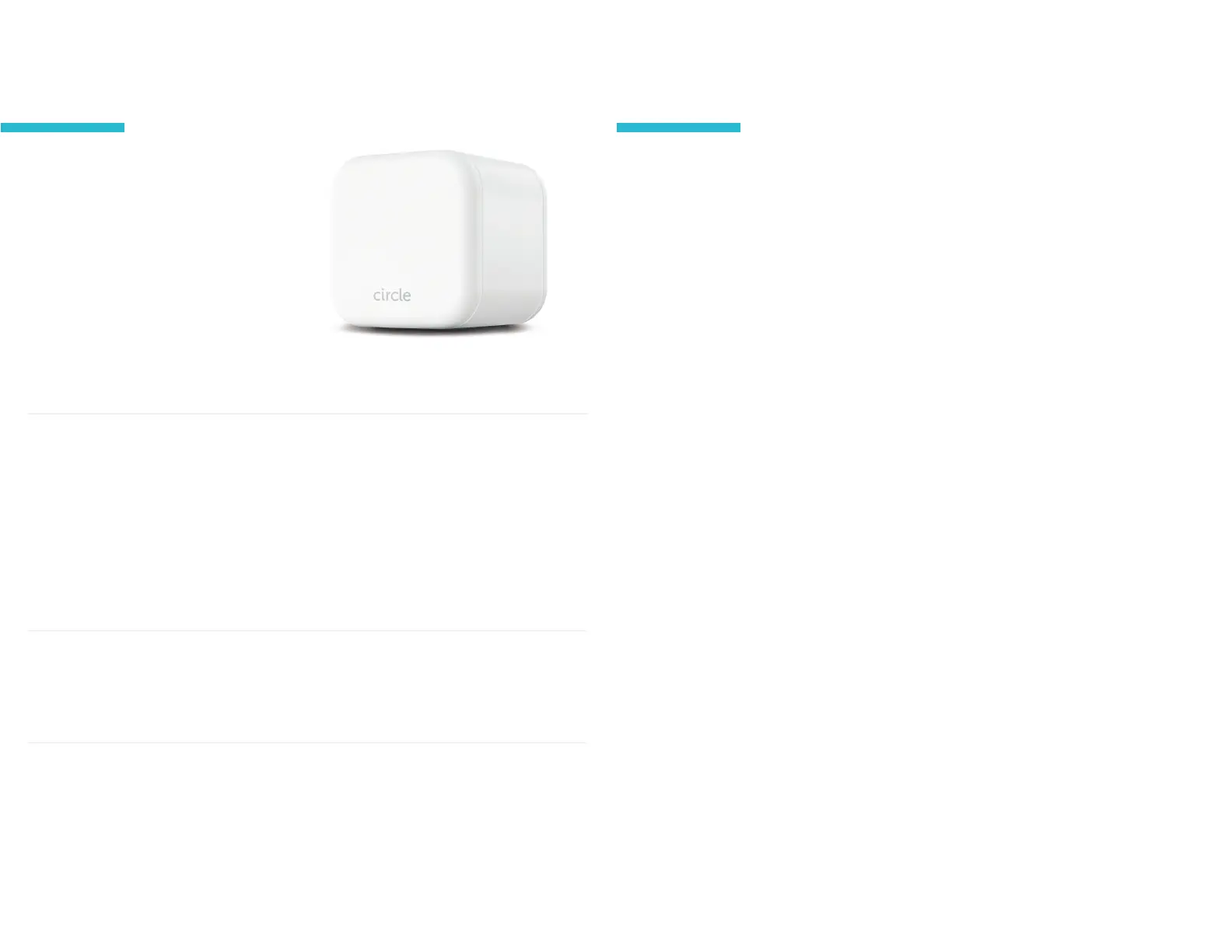
LED
Power Button
Internal battery keeps Home Plus
online when USB power is unavailable
Battery
To power on
Press once
To power o
Hold for ten
seconds, or until
LED turns o
Wi-Fi devices & Circle Home Plus
Circle Home Plus pairs directly with
your router and inspects all the
non-encrypted Internet trac
coming through your home network.
You won't need to install software
or adjust settings on your devices to
manage them.
Solid light
On & paired
Solid o
O
Double blink
Not paired
correctly, usually
needs a reboot
Slowly blinking
On, but not paired
Quickly blinking
Resetting, low
battery or other
internal error
When you set up Circle Home Plus, you'll have access to a whole new group
of connected devices to mange with Circle: your family's Wi-Fi devices.
New devices joining Wi-Fi
Circle Home Plus will discover new Wi-Fi devices when they join your
network. You can choose if these devices are set to the Home prole or left
as Unmanaged.
The home prole
The home prole is where all shared family devices live. You set a baseline
lter, plus any Focus Times of Bedtimes to apply to all these devices. You
can use this home prole any way you'd like by assigning the devices that
make sense for your home.
Network gear & smart home devices
Leave all network gear and smart home devices unmanaged. Any
interference with Circle Hone Plus may cause unexpeted issues with these
utilities and services. Make sure mesh Wi-Fi extenders and network fabric,
as well as Internet of Things ("loT") devices, like smart
appliances, are never assigned to a prole.
Wi-Fi devices & Circle Home Plus
Circle
®
User Guide
18


 To Next Page