10
Using the Control Module
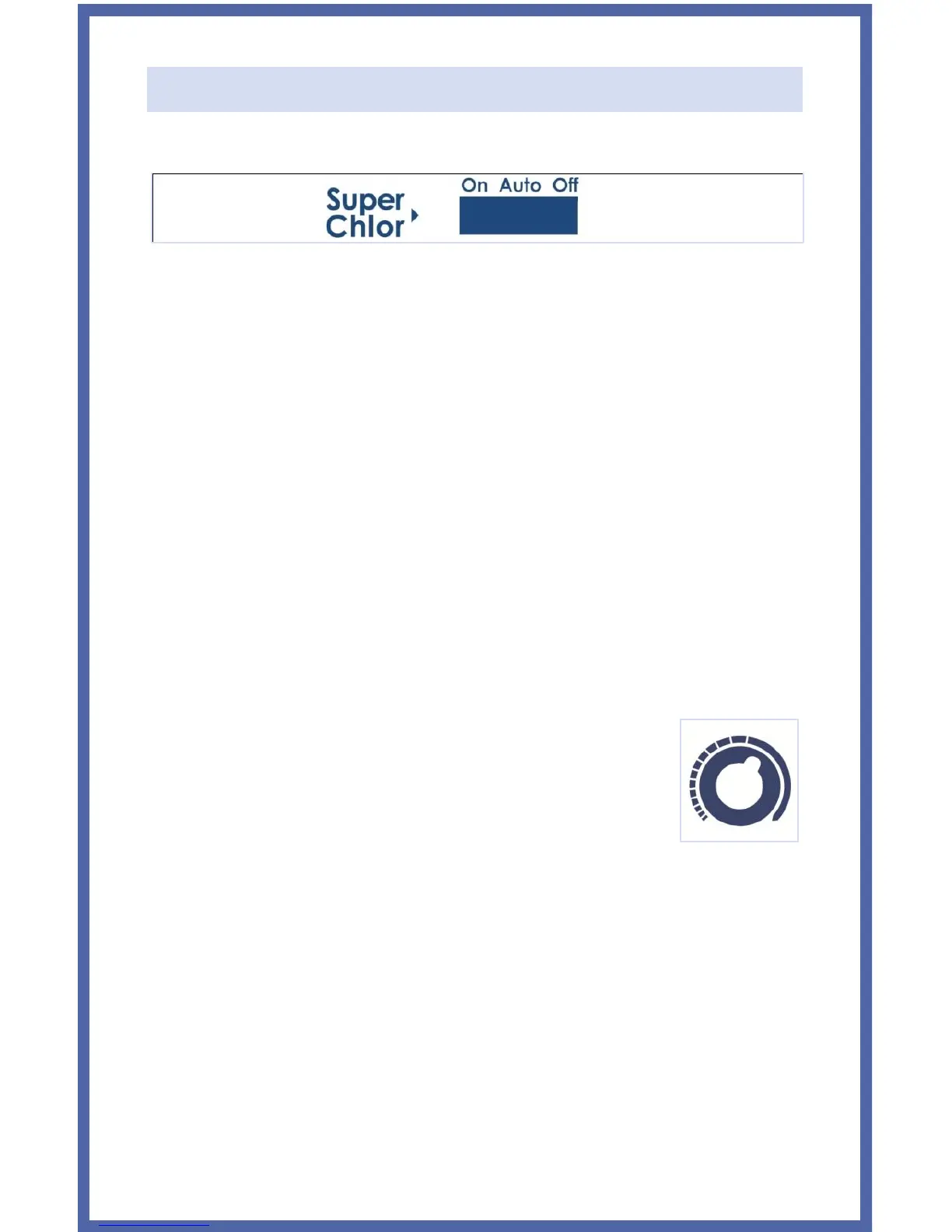
SWITCH POSITIONS:
•Auto: Normally, this switch should be left in the “Auto” position. In this
position the Universal Series will produce sanitizer according to the
percentage chosen by the "Output Adjustment Dial".
•On: This position turns on the Super Chlor feature, for when a larger
amount of sanitizer is temporarily needed to contend with high
bather loads, heavy rainfall, or cloudy water conditions. This boosts
output from its current dial position to 100% output for 24 hours
(filter pump must be on during this time) or until the power has been
turned off, whichever comes first. At the end of the Super Chlor
period, be sure to put the switch back into the “Auto” position.
•Off: The “Off” position prevents the Control Module from energizing
the Electrolytic Cell. In this position there is no chlorine generation.
SAFETY TIP: The OFF position does not remove power from the
control box. Always disconnect power at the circuit breaker prior to
attempting any service procedure.
OUTPUT ADJUSTMENT DIAL: The yellow dial is used
to control the amount of chlorine the Cell generates.
The chlorine output is adjustable from 5% to its 100%.
LED INDICATOR LIGHTS:
• Power: The Control Module is receiving input power when this light is
illuminated.
• Generate: This LED is illuminated during normal operation. When
flashing, the pool water is either too hot or too cold for chlorine
generation. This LED is only off when the Super Chlor switch is in the
Off position.
• Super Chlor: This LED is illuminated when the Super Chlor mode is
active and the switch is in the On position.


 To Next Page