3-45
Catalyst 3750 Switch Hardware Installation Guide
78-15136-01
Chapter 3 Switch Installation
Connecting to a SFP Module
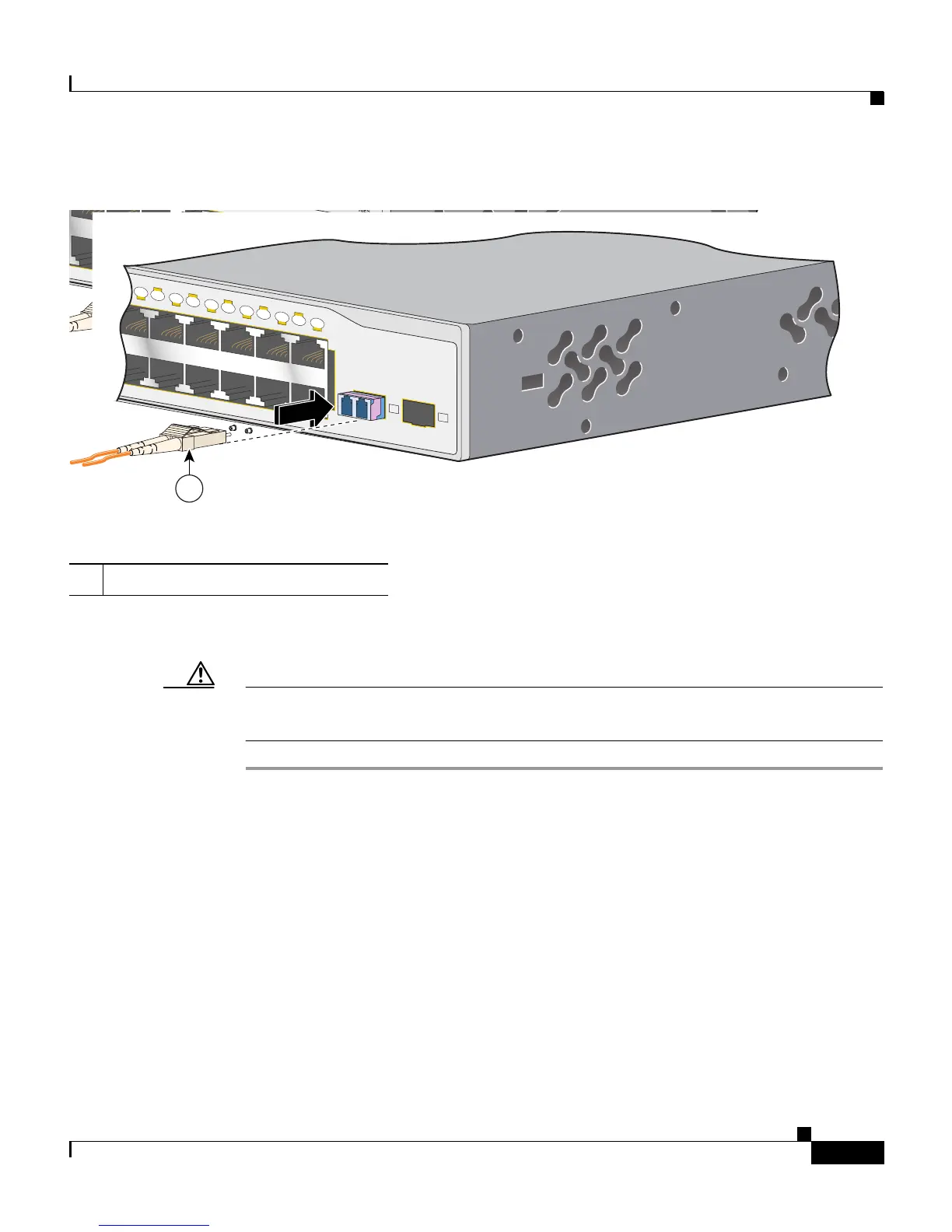
Figure 3-39 Connecting to an SFP Module Port
Step 5 If necessary, reconfigure and restart the switch or target device.
Caution For detailed instructions on removing the SPF modules, refer to your SFP
documentation.
1 LC connector
23X
24X
1
2
86550
1
Catalyst 3750
SERIES
13X
14X
23X
24X
13
14
15
16
17
18
19
20
21
22
23
24
1
2
86550
1













 To Next Page