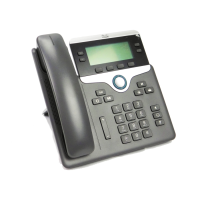
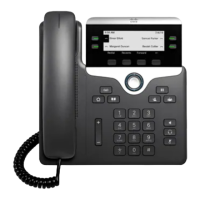
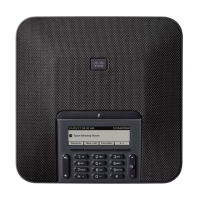
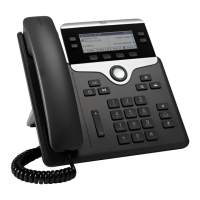
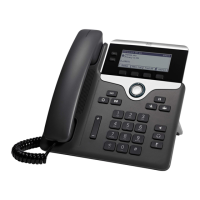
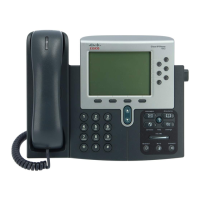
Cisco 7800 Multiplatform Series IP Phone
1 | Page
Place a Call
Enter a number and pick up the handset.
Answer a Call
Pick up the handset or press the speaker button to
answer a red flashing line button
Put a Call on Hold
1.
Press Hold hard key or softkey.
2.
To resume a call from hold, press “Resume” softkey
View Your Recent Calls
1.
Press Menu .
2.
Scroll and select Recents.
3.
Select a line to view.
Your Phone
Cisco IP Phone 7841 shown.
Incoming call or voicemail indicator
Line keys, SCA, and BLF buttons
Softkeys
Navigation (navigation ring and Select button)
Hold, Transfer, and Conference
Speakerphone, Headset, and Mute
Voicemail, Menu, and Directory
Volume
Line and Feature Buttons
Use line keys to access assigned lines or access
features such as Speed Dials, Shared Call
Appearance (SCA), and Busy Lamp Fields (BLF).
Buttons illuminate to indicate status:
Green, steady: Line is idle
Red, steady: Line in use
Red, slow flashing: Line on hold
Red, fast flashing: Incoming call
Amber, steady: Line unregistered
Amber, flashing: Line registering
Add Another Person to a Call
1.
From an active call that is not on hold, press
Conference .
2.
Enter the number you want to join and press Dial.
3.
Once the call is connected, press conference again.

 Need help?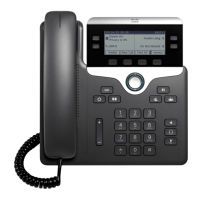

 To Next Page
 General