M4 screws from kit2
Mounting holes3
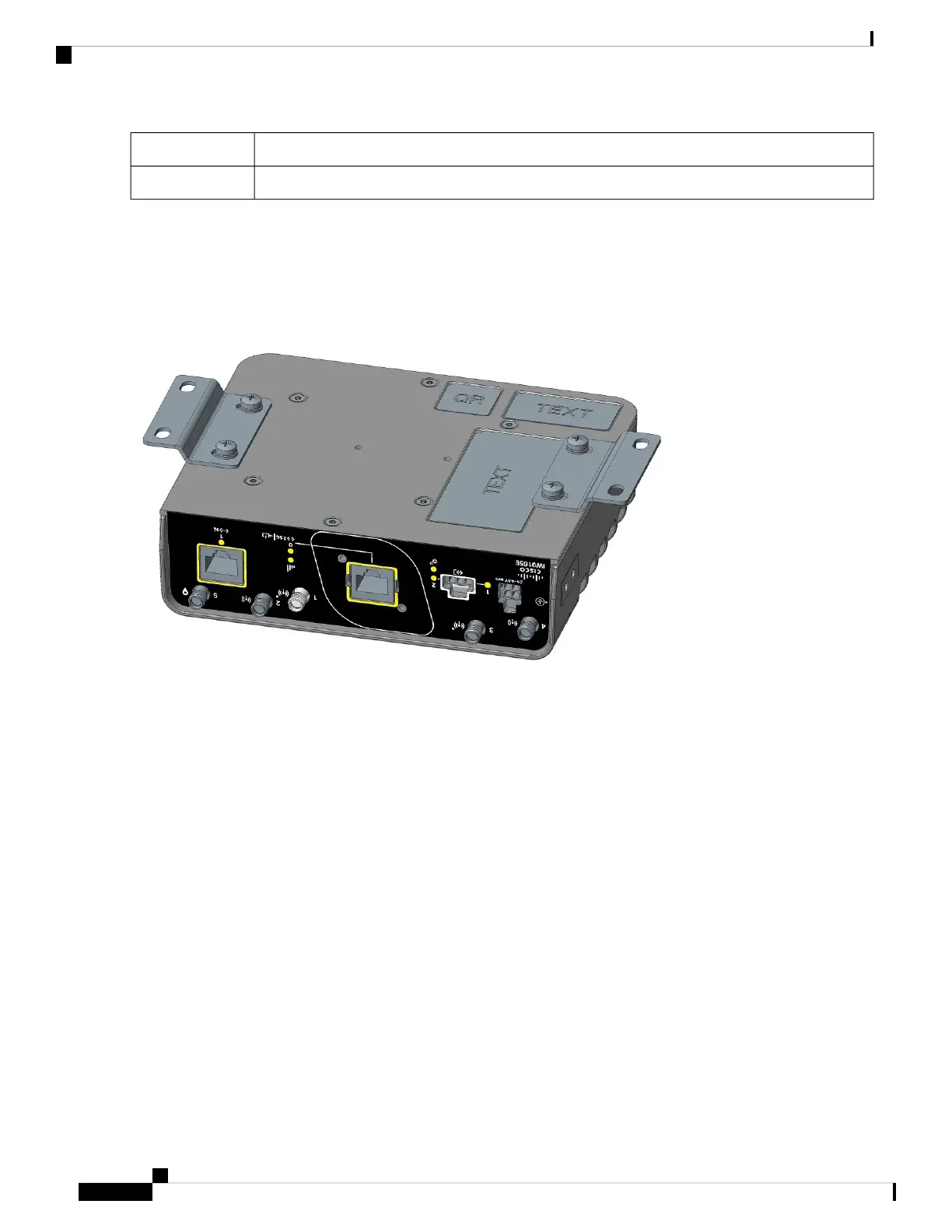
Step 2 Align the mounting brackets (1) over the mounting holes (3) so that the larger holes on the brackets extend out over the
access point.
Step 3 Attach the brackets to the access point with the four M4 screws (2) provided using a Phillips head driver. Torque to 12-15
in-lbs.
Figure 3: IW9165E With Mounting Brackets Attached
Step 4 Mount the access point with the attached brackets in a proper wall structure to carry the weight of the device. See the
following for the dimensions of the mounting holes with the brackets attached to the access point.
Installation Overview
4
Installation Overview
Mounting on a Wall



 To Next Page