• PoE with a supporting switch
• The Underwriter Laboratories (UL)-approved Listed Power Adapter must
meet the following minimum specifications: Rated output of 42.5 to 57 Vdc,
min. 0.6A or rated output of 12 Vdc, min 2.5A, Tma of 50°C minimum,
altitude of 3048m minimum.
• If 802.3af is used, 2.4-GHz radio is switched off, 5-GHz and 6-GHz radios
will work in 1x1 mode, Ethernet gets downgraded to 1 GbE. The USB port
is also off.
Note
• Operating temperature:
• CW9162I: 32°F to 104°F (0°C to 40°C)
When installing the AP in an environment where the ambient temperature is in
the range of 104°and 122°F (>40° and 50°C), the access point derates to 1x1 for
tri-radio (2.4-GHz, 5-GHz, 6-GHz).
Note
• Console access using the console port
We recommend that you use a console cable that is one meter or less in length.
The AP may face issues while booting if you use an unterminated console cable
(not plugged into any device or terminal) or a console cable that is more than one
meter in length.
Note
We recommend that you make a site map showing access point locations so that you can record the device
MAC addresses from each location and return them to the person who is planning or managing your wireless
network.
Mounting the Access Point
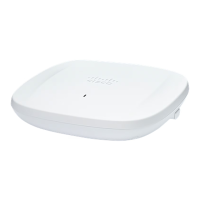
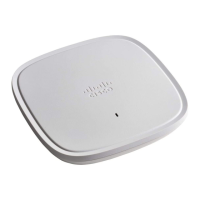
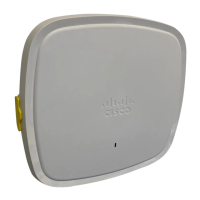
Cisco Catalyst Wireless 9162I Series Wi-Fi 6E Access Point can be mounted in the following places:
• Suspended ceiling
• Hard ceiling
• Wall
• Electrical or network box
• Above a suspended ceiling
• Desk mount
Cisco Catalyst Wireless 9162I Series Wi-Fi 6E Access Point Hardware Installation Guide
20
Installation Overview
Mounting the Access Point



 To Next Page