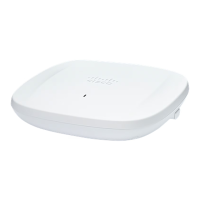
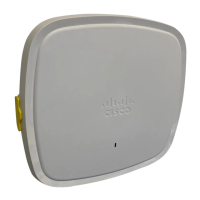
CW9162I Top View
Figure 2: CW9162I Top View with Connectors and Ports
DC 12V power input
port
5Security hasp for padlocking AP to mounting bracket1
Kensington lock slot6Mode button
For information on how to use the Mode button, see the Using the Mode Button
section
2
USB 2.0 port7RJ-45 console port3
2.5GbE port4
CW9162I (Internal Antenna) Radiation Patterns
The following illustrations show the CW9162I model with internal antenna radiation patterns:
Cisco Catalyst Wireless 9162I Series Wi-Fi 6E Access Point Hardware Installation Guide
9
Hardware Features
CW9162I (Internal Antenna) Radiation Patterns



 To Next Page