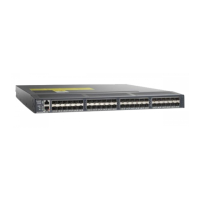
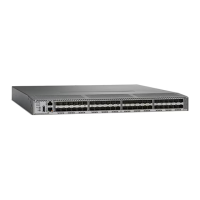
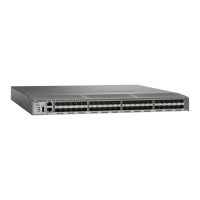
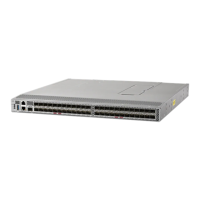
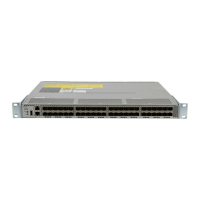
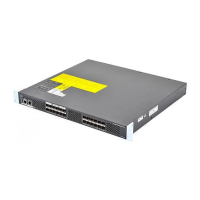
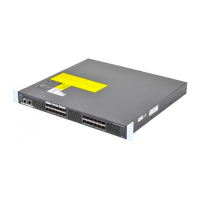
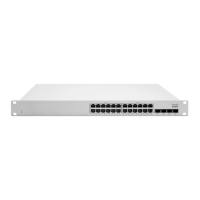
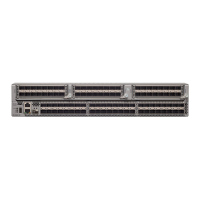
Figure 2: Handling the Chassis
Unpacking and Inspecting the Switch
When handling switch components, wear an ESD strap and handle modules by the carrier edges only. An
ESD socket is provided on the chassis. For the ESD socket to be effective, the chassis must be grounded
through the power cable, the chassis ground, or the metal-to-metal contact with a grounded rack.
Caution
Keep the shipping container in case the chassis requires shipping in the future.
Tip
Installing the Cisco MDS 9396T Switch
4
Installing the Cisco MDS 9396T Switch
Unpacking and Inspecting the Switch


 To Next Page
 Loading...