44
Installing and Upgrading Internal Modules in Cisco 2800 Series Routers
OL-5792-04
Replacing the Power Supply
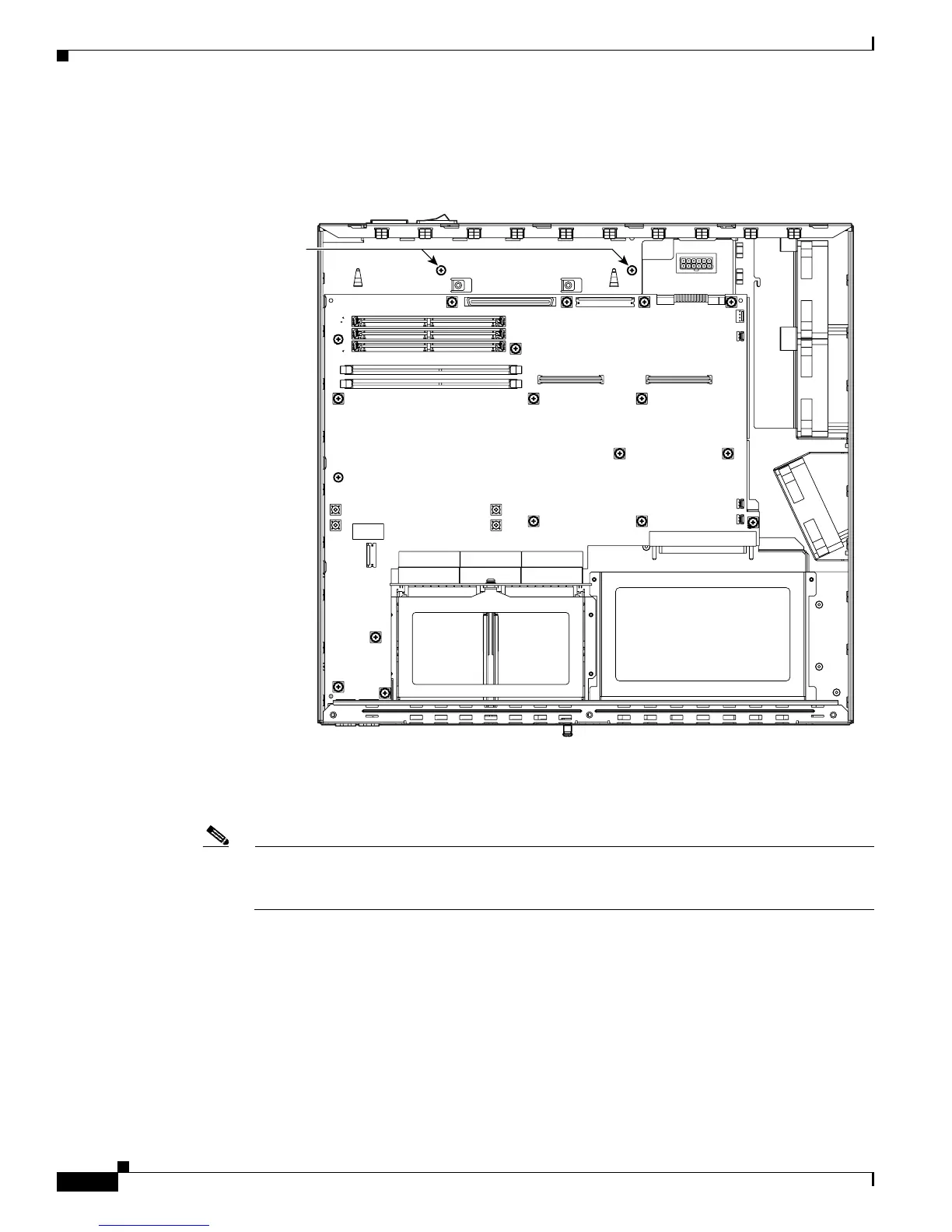
Step 2 Remove the two power supply retaining screws. See Figure 43.
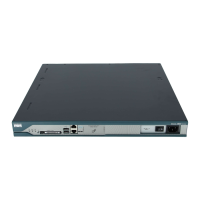
Figure 43 Power Supply Retaining Screws in a Cisco 2821 or Cisco 2851 Router
.
Step 3 Disconnect the power output cable connector (or connectors—see note below) from the power supply.
Power supply connectors have a locking feature on the power supply end that you must release. Do not
disconnect any power cables from the system board.
Note The AC-input power supply in a Cisco 2821 or Cisco 2851 router has only one power output
cable. The DC-input power supply has two power output cables, and the ILP supply has three
power output cables that must be disconnected.
Step 4 Use the integrated power supply handle to pull the power supply out through the front of the chassis. See
Figure 44.
103704
Front
Power supply
retaining screws



 To Next Page