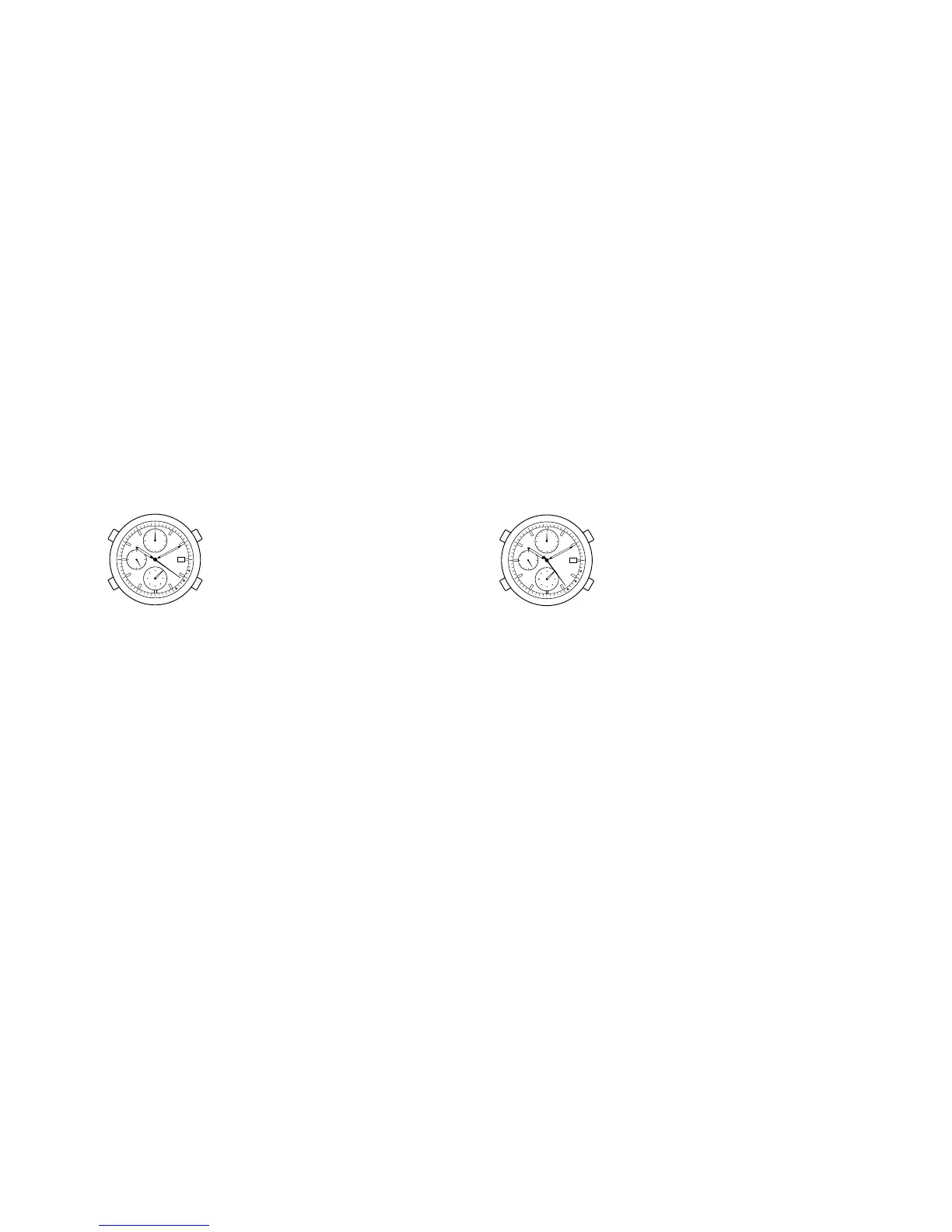
When Shown the Time Setting Warning Display
If you expose a watch which has stopped once to
light and recharge it, the second hand will move to
the ▲ SET position to let you know that the time is
incorrect.
In such a case, readjust the hour, minute and 24-
hour hands to keep correct time.
Without adjusting the time hands after the watch is
fully recharged, you cannot use such functions as
alarm, chronograph, etc. properly.
* Be careful because if the watch is not sufficiently
charged during the Time Setting Warning Display
state, and if light is blocked from it, the second
hand will change to the ▲ STOP position and the
watch will stop running.
27
When Shown the Stop Warning Display
If the watch is left intact in the undercharged state,
about 5 days later the second hand will move to the
▲ STOP position, indicating that the watch has
stopped due to insufficient recharge.
* All functions are stopped in this state.
In such a case, expose the watch to sufficent light for
the warning state to be cancelled.
After carrying out sufficient charging, it is necessary
to reset the alarm time.
26






 To Next Page