EasyManua.ls Logo

Clack Water Specialist WS1CS - User Manual

Clack Water Specialist WS1CS
60 pages
Print Icon
To Next Page IconTo Next Page
Loading...
Water Specialist
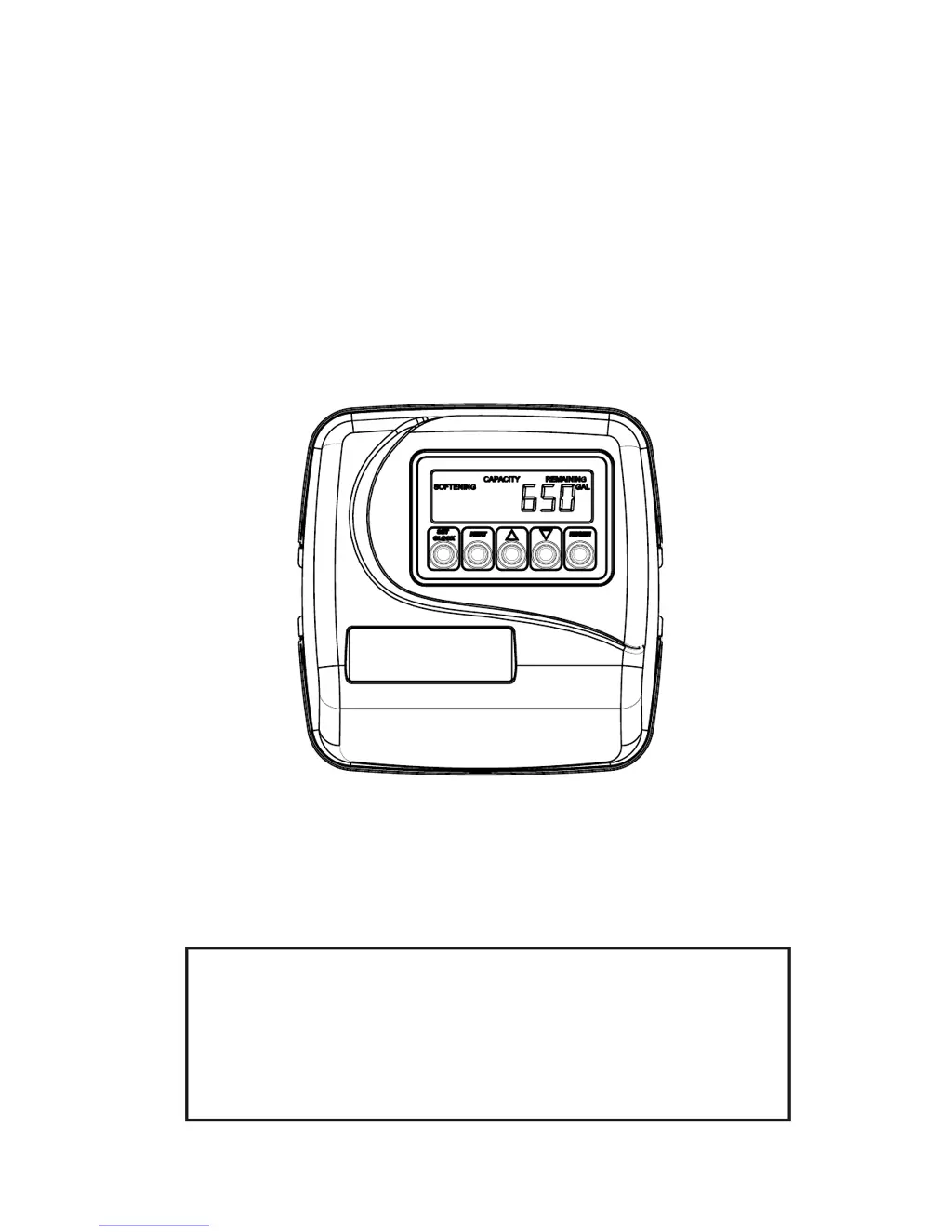
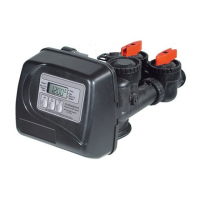
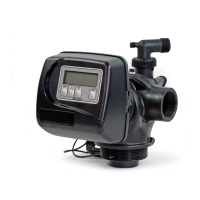
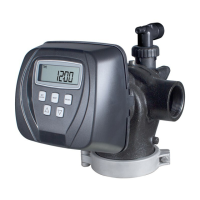
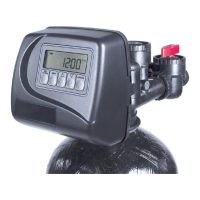
1” Control Valve Series Model: WS1CS
1.25” Control Valve Series Model: WS1.25CS
Operation and Instruction Manual for OEM Only.
Please Note: This operation and instruction manual is for the training of the
OEM and for the OEM to use to train their customers. This document is not
to be used as the complete system manual.

Table of Contents

Questions and Answers

  • W
    William TaylorAug 15, 2025
    Why Clack Water Specialist WS1CS Control Unit does not regenerate automatically but does when REGEN button is depressed?
    • P
      Peter StevensAug 15, 2025
      If your Clack Control Unit regenerates when the REGEN button is pressed, but not automatically, it could be due to: * The bypass valve is in the bypass position. * The meter connection is disconnected. * The meter turbine is restricted or stalled. * The meter is defective. * The PC board is defective. * A set-up error. To address this, put the bypass valve in the normal operation position, connect the meter to the PC board, remove the meter and check for rotation or foreign material, replace the meter, replace the PC board, and check the control valve set-up procedure.
  • R
    Robert HendersonAug 19, 2025
    How to fix Clack Water Specialist WS1CS regenerating at the wrong time of day?
    • G
      ghamiltonAug 19, 2025
      If your Clack Control Unit is regenerating at the wrong time of day, it could be due to: * Power outages. * The time of day not being set correctly. * The time of regeneration being incorrect. * The control valve being set at “on 0” (immediate regeneration). * The control valve being set at NORMAL + on 0. To resolve this, if the power outage lasted more than 8 hours, reset the time of day. If it was less than 8 hours, reset the time of day and replace the battery. Reset the time of day to the correct time, and reset the regeneration time. Check the control valve set-up procedure regeneration time option.
  • D
    Daniel StewartAug 23, 2025
    What to do if Clack Control Unit is stalled in regeneration?
    • C
      Christopher DuranAug 23, 2025
      If your Clack Control Unit is stalled in regeneration, it could be caused by: * The motor not operating. * No electric power at the outlet. * A defective AC Adapter. * A defective PC board. * A broken drive gear or drive cap assembly. * A broken piston retainer. * A broken main or regenerant piston. To resolve this, replace the motor, repair the outlet or use a working outlet, replace the AC Adapter, replace the PC board, replace the drive gear or drive cap assembly, replace the drive cap assembly, or replace the main or regenerant piston.
  • C
    Caleb WelchAug 27, 2025
    Why there is no softening or filtering display on Clack Water Specialist WS1CS Control Unit when water is flowing?
    • C
      Caitlin RichardsonAug 27, 2025
      If there is no softening/filtering display on your Clack Control Unit when water is flowing, it could be due to: * The bypass valve being in the bypass position. * The meter connection being disconnected. * A restricted/stalled meter turbine. * A defective meter. * A defective PC board. To fix this, put the bypass valve in the service position, connect the meter to the PC board, remove the meter and check for rotation or foreign material, replace the meter, or replace the PC board.
  • A
    Ashley ThompsonAug 31, 2025
    Why Clack Water Specialist WS1CS Control Unit timer does not display correct time of day?
    • C
      Calvin FinleyAug 31, 2025
      If the timer on your Clack Control Unit does not display the correct time of day, the possible causes are: * Switched outlet. * Power outage. * Defective PC board. To solve this, use an uninterrupted outlet. If the power outage is for more than 8 hours, reset the time of day. If the power outage is for less than 8 hours, reset the time of day and replace the battery. You may also need to replace the PC board.
  • B
    Brian HenrySep 3, 2025
    How to troubleshoot Clack Control Unit when the timer does not display time of day?
    • K
      Katherine BrennanSep 3, 2025
      If the timer on your Clack Control Unit does not display the time of day, it could be due to: * The AC Adapter being unplugged. * No electric power at the outlet. * A defective AC Adapter. * A defective PC board. To fix this, connect the power, repair the outlet or use a working outlet, replace the AC Adapter, or replace the PC board.
  • V
    Vanessa BatesSep 7, 2025
    Why is the time of day flashing on and off on my Clack Control Unit?
    • T
      Tiffany DunnSep 7, 2025
      If the time of day is flashing on and off on your Clack Control Unit, it is due to a power outage. Reset the time of day. If the power outage lasted less than 8 hours, reset the time of day and replace the battery.
  • J
    James SpearsNov 11, 2025
    What to do if Clack Control Unit displays ERROR followed by a code number?
    • S
      Spencer BakerNov 11, 2025
      If your Clack Control Unit displays an ERROR followed by a code number, it could be due to several reasons: * The control valve has just been serviced. * Foreign matter is lodged in the control valve. * High drive forces are on the piston. * The control valve piston is not in the home position. * The motor is not inserted fully, the motor wires are broken, disconnected, or the motor has failed. * The drive gear label is dirty, damaged, or the gear is missing or broken. * The drive bracket is incorrectly aligned to the back plate. * The PC board is damaged or defective, or incorrectly aligned to the drive bracket. To resolve this, try pressing NEXT and REGEN for 3 seconds, or unplug the power source jack (black wire) and plug it back in to reset the control valve. Also, ch...

Summary

Introduction and General Warnings

General Warnings

Key warnings required for OEM manuals on safety and operation.

Control Valve Function, Components, and Operation

Valve Operation Cycles and Programming

Details on valve regeneration cycles, modes, and programming codes.

Key Valve Components and Assemblies

Explains drive assembly, pistons, injectors, refill, drain, meter, and bypass components.

Installation Fitting Assemblies and Bypass Valve

Covers fitting assemblies for valve connection and bypass valve installation.

OEM Setup, Settings, and Diagnostics

OEM System Setup Procedures

Step-by-step guides for system setup and configuration.

Display Settings, Diagnostics, and History

Configuration of display settings, access to diagnostic data, and valve history.

Installation, Service, and Troubleshooting

Installation Procedures and Diagrams

Guides for installing valve parts and understanding flow diagrams.

Service Instructions and Troubleshooting

Step-by-step service advice and resolution for common operational issues.

Component Identification

Visual guides for identifying valve parts and their specifications.

Revision History and Limited Warranty

Revision History

Record of document updates and changes.

Limited Warranty

Details of Clack Corporation's five-year warranty for control valves.

Clack Water Specialist WS1CS Specifications

General IconGeneral
BrandClack
ModelWater Specialist WS1CS
CategoryControl Unit
LanguageEnglish

Related product manuals