
 Need help?
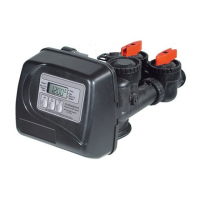
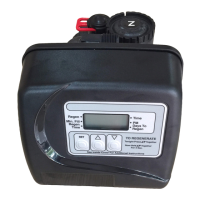
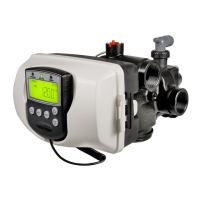
Do you have a question about the Clack Water specialist WS3 and is the answer not in the manual?
Displays capacity remaining. Can be adjusted in 10 gallon increments.
Displays days remaining. Can be decremented one day at a time.
Error and slave unit number flash when not detected; requires button press to correct.
Displays error code and alternates; unit returns home and flashes LEDs.
Select country (US or SI) to set clock and display units (gallons/liters).
Select the total number of units (1-4) in the system.
Select unit flow rate unit add point for progressive flow system configuration.
Set volumetric capacity or OFF for the unit's regeneration.
Set day override (1-28 days) or 7-day time clock for regeneration schedule.
Displays the number of days since the last regeneration occurred.
Displays gallons or liters x1000 processed since the last regeneration.
 General
| Model | WS3 |
|---|---|
| Manufacturer | Clack |
| Mounting | Top Mount |
| Inlet/Outlet | 1" NPT |
| Connections | 1" NPT |
| Valve Material | Noryl |
| Application | Water Softening and Filtration |
| Pressure Range | 20 - 125 psi (1.4 - 8.6 bar) |
| Temperature Range | 34° - 120° F (1° - 49° C) |
| Operating Temperature | 34° - 120° F (1° - 49° C) |
| Materials | Noryl |
| Drain Line | 1/2" |
| Brine Line | 3/8" |
| Riser Tube Diameter | 1.05" |



 To Next Page