English
5 CX609
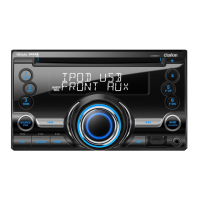
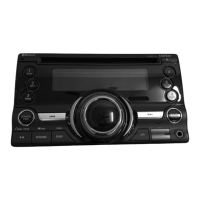
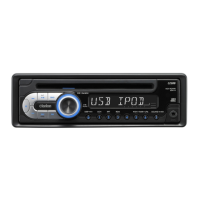
3. CONTROLS
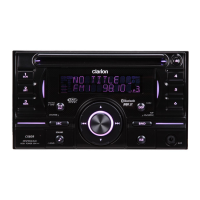
Names of the Buttons and Their Main Functions
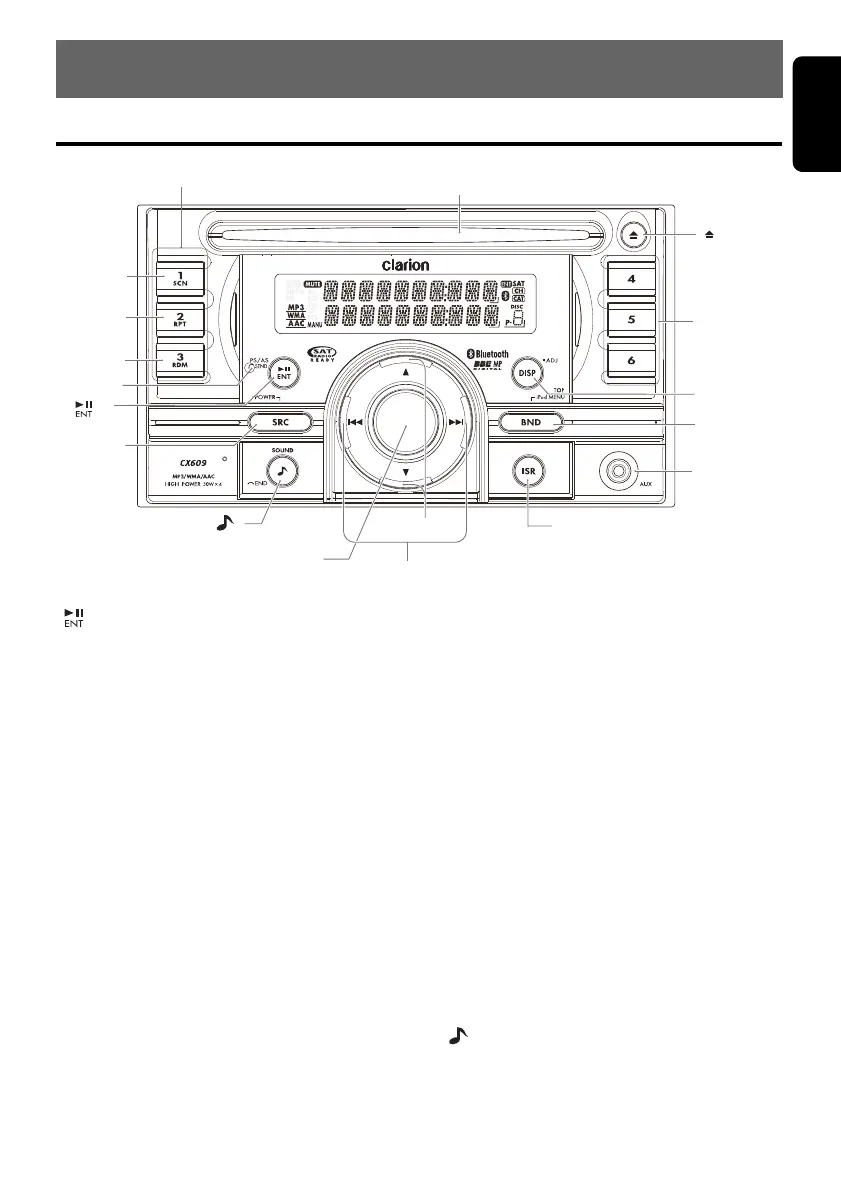
[] button
• Perform preset scan while in the radio mode.
•Play or pause a track while in CD/MP3/WMA/
AAC/USB/iPod mode.
[IR RECEIVER]
• Receiver for remote control unit.
(Operating range: 30° in all directions)
[RDM] button
• Perform random play while in CD/MP3/WMA/
AAC/USB/iPod mode.
[RPT] button
• Perform repeat play while in CD/MP3/WMA/
AAC/USB/iPod mode.
[SCN] button
• Perform scan play for 10 seconds of each
track while in CD/MP3/WMA/AAC/USB mode.
[DIRECT] buttons
• Store radio stations in memory or recall it
directly while in radio mode.
[CD SLOT]
• CD insertion slot.
[Q] (EJECT) button
• Eject a disc when it is loaded into the unit.
[DISP] button
• Switch the display indication.
[BND] button
• Change bands, or select seek tuning or
manual tuning while in the radio mode.
[AUX] input jack
•Input jack for connecting external device.
[ISR] button
• Recall ISR radio station in memory.
• Press and hold the button (2 sec.) to tore
current station into ISR memory (radio mode
only).
[
w] (UP), [z] (DN) buttons
• Select folders while in MP3/WMA/AAC/USB
mode.
[x], [v] buttons
• Commence fast-forward or fast-reverse
mode.
[ROTARY] knob
• Rotate to adjust the volume.
[ ] button
• Press to switch to the sound adjust mode.
[SRC] button
•Turn the power on/off.
[CD SLOT]
[]
[]
[SRC]
[SCN]
[RPT]
[RDM]
[IR
RECEIVER]
[DIRECT]
[
], [
]
[ROTARY]
,
[DISP]
[AUX]
[BND]
[ISR]
[DIRECT]
[ ]
CX609_ENG.book Page 5 Tuesday, January 13, 2009 10:52 AM


 To Next Page