28
C4220+
29
E
N
G
L
I
S
H
C4220+
Register
VoiceAsst
AutoTalk
Register
Deregister
Register
HoldBase
For5Secs
FINDKey
ThenPress
MENUKey
Registering...
Registration
Successful
HANDSET1
Deregistered
Register
Deregister
Register
The unit will not operate / no dial tone:
• Verify the AC adapter is securely plugged into the AC outlet, the
base and the telephone.
• Verify the telephone line cord is securely plugged into the wall jack
and the telephone.
• Make sure the handset battery is fully charged.
• Make sure the battery has been placed in the battery compartment
correctly. (The circular metal contacts on battery need to touch
the metal springs inside battery compartment.)
• Verify the telephone is in the correct dialing mode: Tone (touch)
or Pulse (rotary).
• Make sure you are in the usable range of the base station.
The phone does not ring when you receive a call:
• Make sure the RINGER switch on both handset and base is set to
ON.
• Verify the AC adapter is securely plugged into the AC outlet,
the base and the telephone.
• Verify the telephone line cord is securely plugged into the wall
jack and the telephone.
• Make sure you are within the usable range of the base station.
• You may have too many extensions on your line. Try unplugging
a few devices.
Noise, interference or other calls heard while using the
handset:
• Make sure you are within the usable range of the base station.
• Make sure the handset battery is fully charged.
• Try relocating the base unit to another location.
• Make sure the AC adapter is not plugged into the wall outlet with
other appliances.
TO REGISTER YOUR HANDSET AGAIN
(or to register to a different C4220+
system)
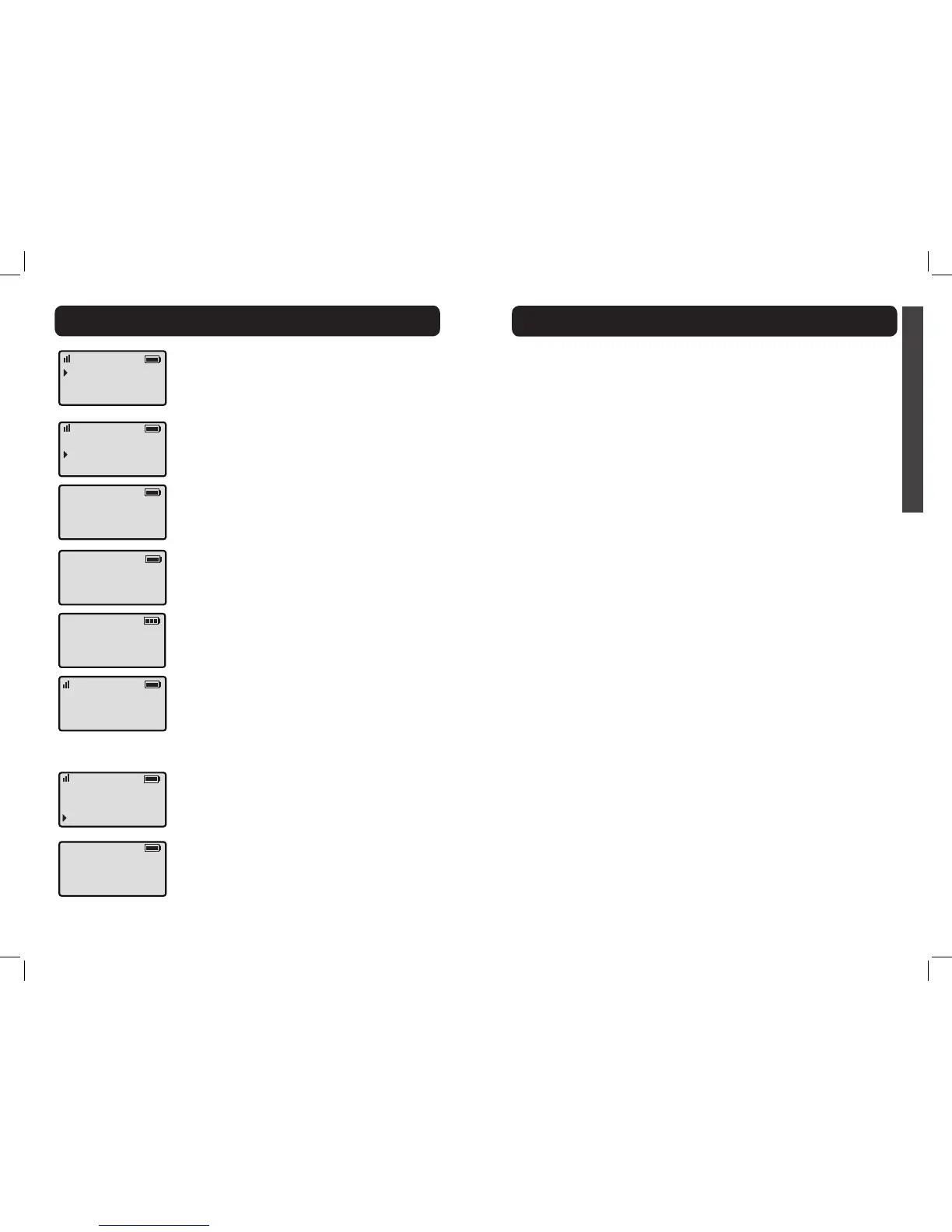
1. In standby mode, press MENU.
2. Press DOWN arrow ve times to advance
the row reading “Phone Setup” to the top of
the screen.
3. Press MENU to enter the setup section. The
screen displays “Register” on the screen’s top
row now.
4. Press MENU to enter the Registration
section.
5. Press MENU again to select “Register.”
6. Press and hold the FIND key on the base
for 5 seconds, then press MENU key on the
handset.
7. The handset displays “Registration Successful”
when process is completed.
TROUBLESHOOTINGHANDSET REGISTRATION
TO DEREGISTER THE HANDSET
1. See the six steps listed above, then press
MENU to select “Deregister.”
2. Your handset will deregister from your base
as soon as you press MENU. The screen will
show “Handset X Deregistered”(again, where
“X” is the number of the handset registered),
then “Handset Needs Registration.”


 To Next Page