10
C4220+
11
E
N
G
L
I
S
H
C4220+
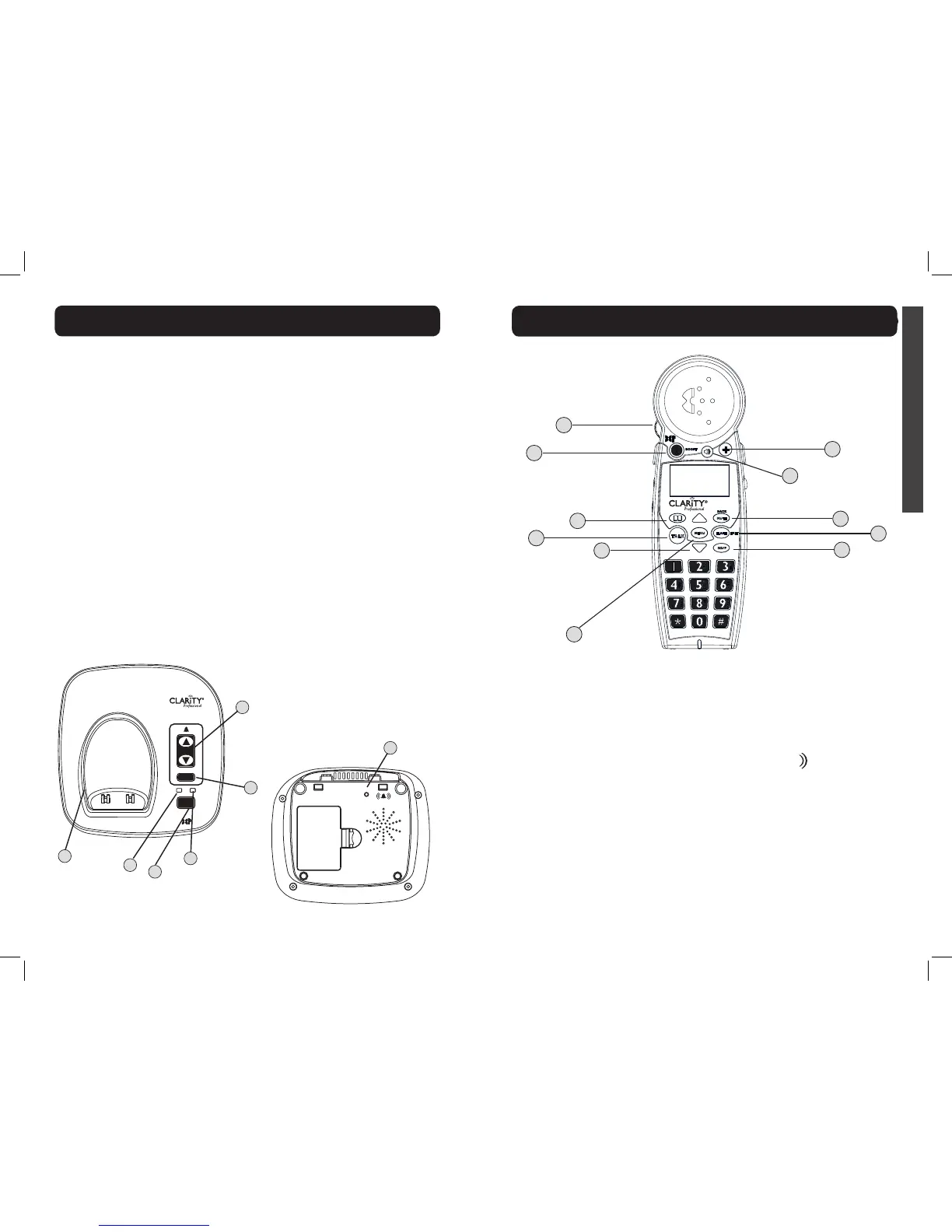
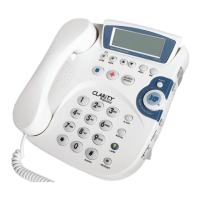
1 Visual Ringer
Lights up when phone rings;
turns on when phone is in
use.
2 IN USE / CHARGE
Light
The light turns red when the
phone is charging, and it turns
green when the phone is in
use.
3 POWER Light
Light is lit green when the
power adapter is plugged in.
During a power outage, the
POWER light will blink green
once every two seconds
when base backup batteries
are installed.
4 FIND
Press this key to locate
handset.
5 SILENT
Press if you want to turn off
the base ringer. The button
lights up red when the ringer
is turned off.
6 VOLUME (UP / DOWN)
Use these keys to increase or
decrease the ringer volume.
7 RINGER STYLE
Use this key to choose the
most comfortable base ring
tone for your environment.
There are six ring tones
available.
NOTE (Base): You can only
set the ringer volume or style
when the phone is not in use.
IN USE/
CHARGE
POWER
VOLUME
FIND
SILENT
1
2
7
4
3
5
6
RINGER
STYLE
HIGH OUTPUT
RINGER
MENU
TALK
FLASH
EXIT
MUTE
BACK
RD/P
!
BOOST
C4220+
™
1
2
4
5
3
8
9
10
6
11
7
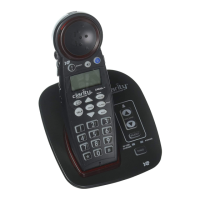
1 VOLUME Control
Wheel
Use the rotary control to
increase or decrease the
volume of the incoming call.
The volume level is displayed
on the screen, lower right
corner.
2 BOOST
Press this button to engage
the extra amplication. The
BOOST button turns red
when Boost function is active.
Press and hold this button
for three seconds to engage
the Outgoing Speech
Amplication (OSA - see page
17). When OSA is active, the
screen displays “OSA On”.
For more details on the
Boost function, see page 16.
3 Speaker
During a call, press to activate
handset speakerphone. Press
again to switch back to
earpiece.
When in speakerphone mode,
the speakerphone icon is
displayed on the screen (to
the left of the battery icon),
and the speakerphone button
lights up red.
HANDSET - Quick Reference Guide
BASE - Quick Reference Guide


 To Next Page