4
C4220+
5
E
N
G
L
I
S
H
C4220+
TONE
INTERCOM
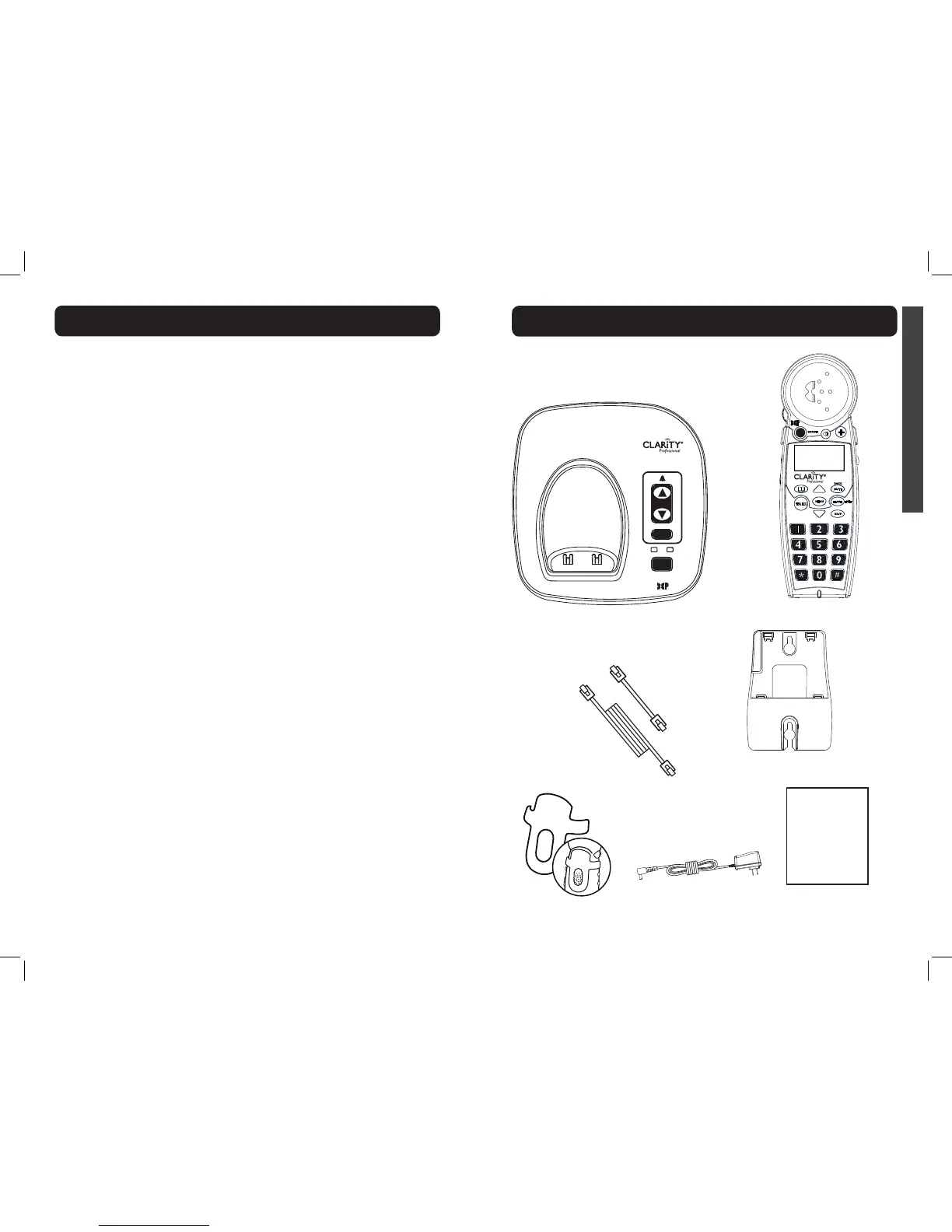
Base
Handset
Belt clip
AC power adapter
Long
Phone cord
User
guide
Short
Phone cord
SAVE THESE INSTRUCTIONS
hearing could be affected. If you
experience hearing discomfort,
you should have your hearing
checked by a doctor. To protect
your hearing, you should:
A) Set the volume control
in a low position and
gradually increase the
volume as needed.
Before pressing the
BOOST
button, reduce the
volume to the lowest
level. Use the phone on the
lowest volume setting as
possible.
B) Limit the amount of
time you use the telephone
at high volume levels.
21. If you experience a skin
irritation after using this
product, discontinue use and
contact Clarity.
BATTERY SAFETY
INSTRUCTIONS
Dispose of used batteries
according to the
instructions.
1. Do not dispose of the battery
in a re as it may explode.
Check with local codes for
possible special disposal
instructions.
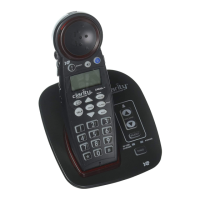
C4220+
User Guide
IN USE/
CHARGE
POWER
VOLUME
FIND
SILENT
MENU
TALK
FLASH
EXIT
MUTE
BACK
RD/P
!
BOOST
C4220+
™
2. Do not open or mutilate the
battery. Released electrolyte
is corrosive and may cause
damage to the eyes and skin. It
may be toxic if swallowed.
3. Exercise care in handling
batteries in order not to short
the battery with conducting
materials such as rings,
bracelets and keys. The battery
or conduction material may
overheat and cause burns.
4. Remove batteries when they
are discharged and when the
equipment will not be used for
an extended period of time.
Dispose of batteries according
to local environmental laws.
5. Do not disassemble, heat, crush,
deform or puncture batteries.
6. Do not attempt to charge non-
rechargeable batteries.
7. Keep batteries out of the reach
of children.
WARNING: Risk of explosion if
battery is replaced by an incorrect
type.
Wall mount bracket
CONTENTS & PARTS CHECKLIST
IMPORTANT SAFETY INSTRUCTIONS


 To Next Page