8 9
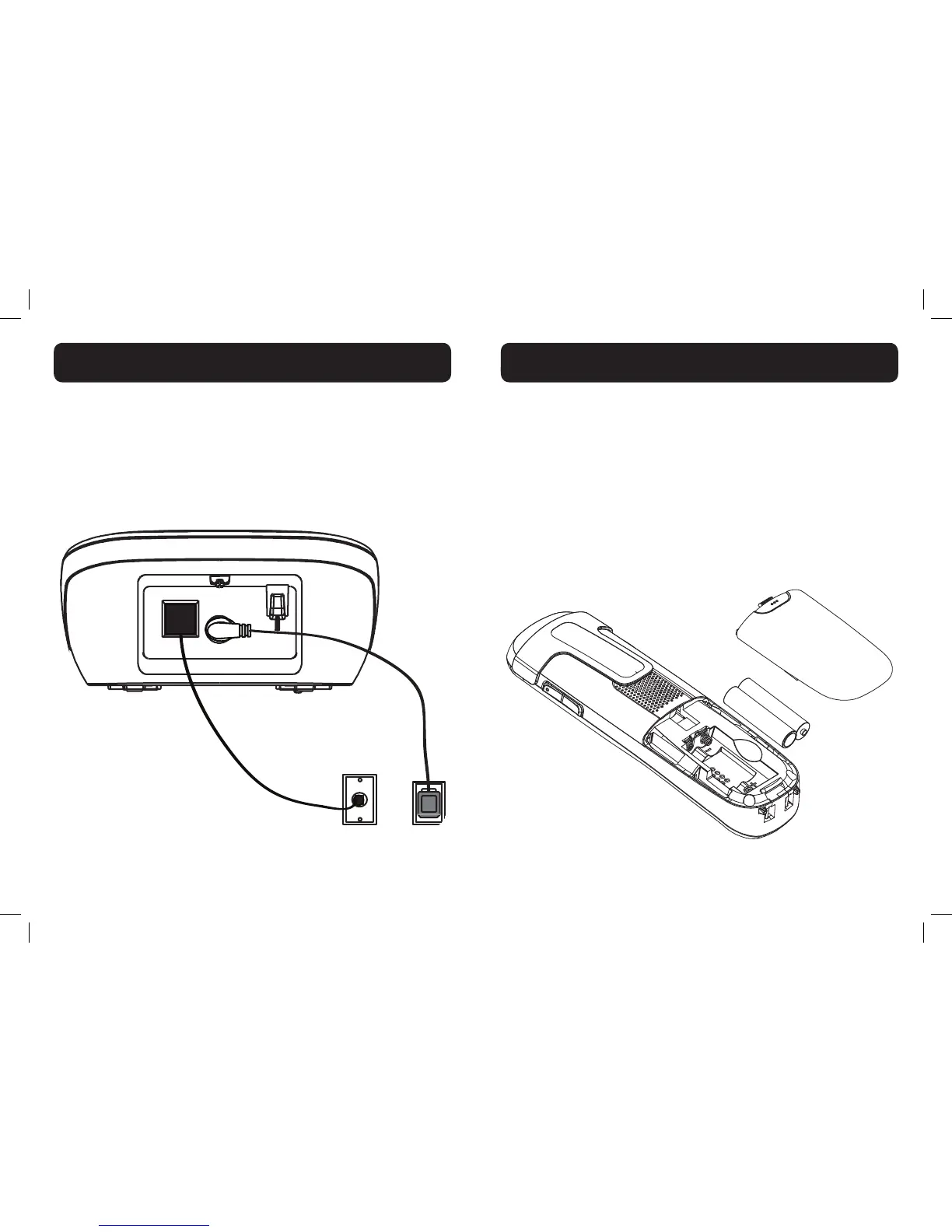
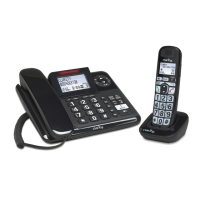
Connecting the base station
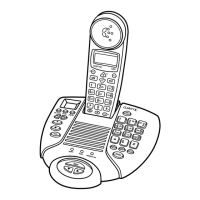
1) Plug the power supply & line cord into the base station.
2) Plug the other end of power supply & line cord into the wall
socket, as shown.
3) Always use the cables provided in the box.
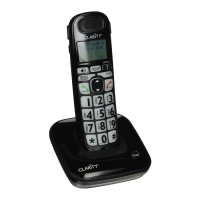
1) Slide out the battery compartment cover.
2) Place the two batteries as indicated. Follow the polarity.
3) Slide the battery compartment cover back.
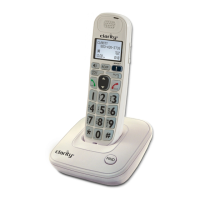
4) Put the handset on the base and charge for 16 hours rst
time. A beep indicates that the handset is properly placed on
the base or charger.
Use only NiMH rechargeable batteries.
NOTE: Please refer to the Battery Safety Instructions on page 6 for
proper use and disposal of the batteries.


 To Next Page