EasyManua.ls Logo

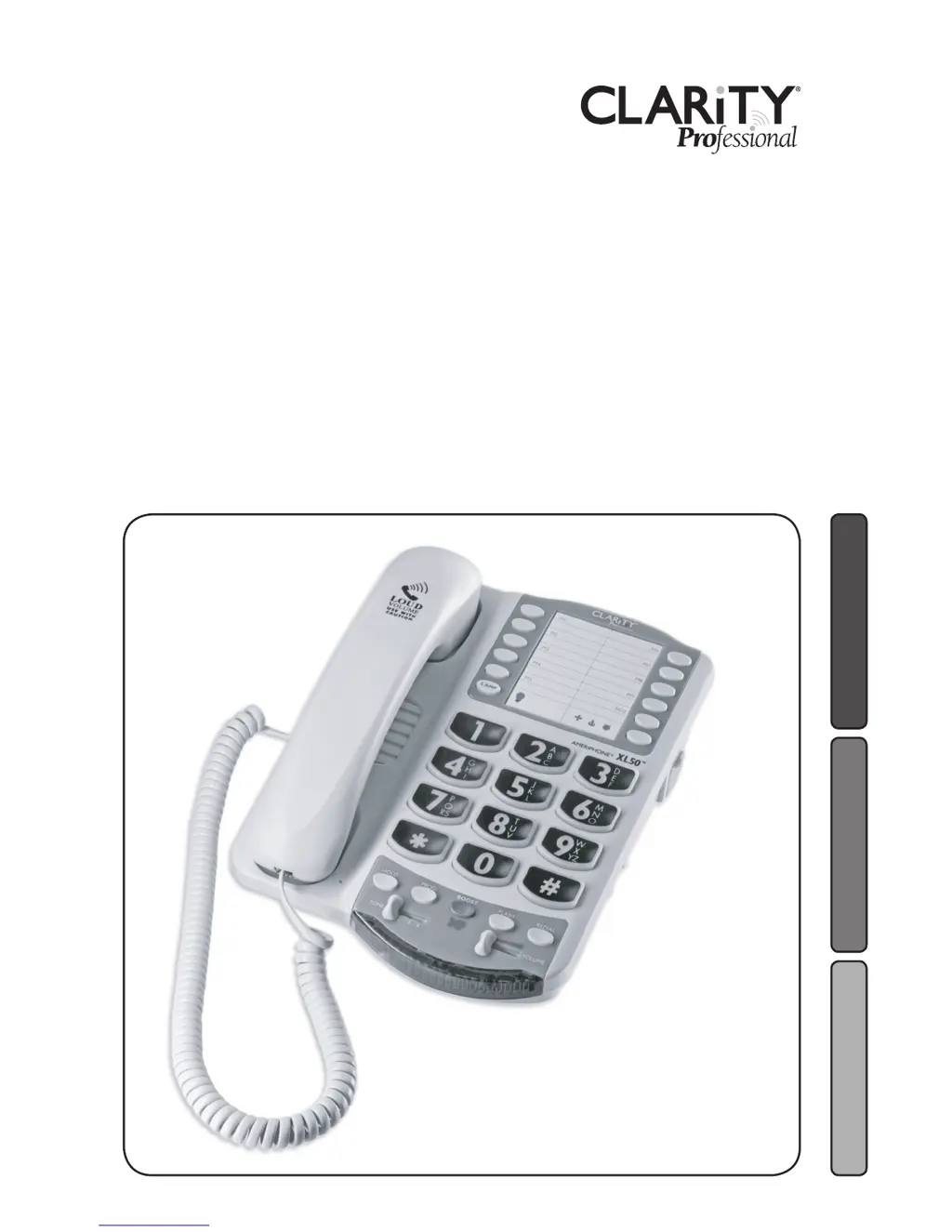
Clarity XL50 - User Manual

Clarity XL50
104 pages
Print Icon
To Next Page IconTo Next Page
Loading...
User Guide
E
S
P
A
Ñ
O
L
F
R
A
N
Ç
A
I
S
E
N
G
L
I
S
H
Amplified Telephone
XL50
TM

Table of Contents

Other manuals for Clarity XL50

Questions and Answers

Summary

Getting Started: Connecting the Phone

Desktop Connection Guide

Step-by-step instructions for setting up the phone on a desk.

Understanding Digital Clarity Power

Digital Clarity Power Technology

Explains how digital technology enhances sound quality and amplification.

Clarity Power Boost Button

Function of the Boost button for additional amplification and its operation.

Digital Clarity Power Controls

Volume Reset Override Switch

How the Volume Reset Override switch affects the Boost function's auto-enable.

Clarity Power Volume Control

Details the volume adjustment range and the effect of the Boost button.

Getting Started

Installing Backup Batteries

Instructions for inserting four AA alkaline batteries for power backup.

Troubleshooting Guide

No Dial Tone or Phone Issues

Steps to resolve issues like no dial tone, phone not operating, or dialing problems.

Sound Transmission Problems

Solutions for when the other person cannot hear you during a call.

Troubleshooting

Ringer and Volume Control Issues

Troubleshooting problems with the ringer or volume controls not functioning correctly.

Automated Systems Access Issues

Troubleshooting problems accessing automated phone systems.

Static and Interference Issues

Identifying and resolving static or interference on the phone line.

Power and Battery Troubleshooting

Addressing issues related to power supply, battery drainage, and indicator lights.

Technical Specifications

Important Safety Instructions

General Safety Precautions

Key safety guidelines for operating the telephone to prevent hazards.

Battery Safety Instructions

Critical safety information regarding battery handling, disposal, and usage.

Warranty and Service Information

Warranty and Service

Clarity XL50 Specifications

General IconGeneral
TypeAnalog telephone
Answering machineNo
Phonebook capacity- entries
Mounting typeDesk
Product colorWhite

Related product manuals