19
E
N
G
L
I
S
H
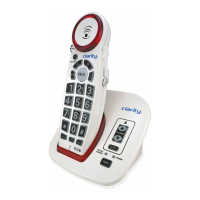
The XLC2+ has one direct (one-
touch) memory location and 10
indirect (two-touch) memory
locations on the telephone (0-9)
that can be programmed to dial
frequently called numbers of up to
24 digits.
M
E
M
To program a memory location:
1. Press the MEM button.
2. Dial the number you wish to store.
3. Press the MEM button again.
4. Press either the emergency button (A) or the number on the dial
pad to which you wish to store the number.
5. A long beep will indicate the programming process is complete.
NOTE: The TALK button blinks (green) during the programming
process; it will stop blinking when the programming process is
complete (at step 5, above).
To replace a stored number, simply reprogram a new number in its
place - follow steps 1-5 above.
To dial a stored number:
1. A or B - press A or B when the handset is not in use. The phone
dials the stored number. (Or you can press TALK, then press A for
the same result).
2. 1-0 - press TALK, press MEM, press 1 (or any other numeric button).
The phone dials the stored number.
Programming / Dialing
Memory Keys
XLC2+


 To Next Page