4.24.2
Beginning Truck Operation
Travel Control
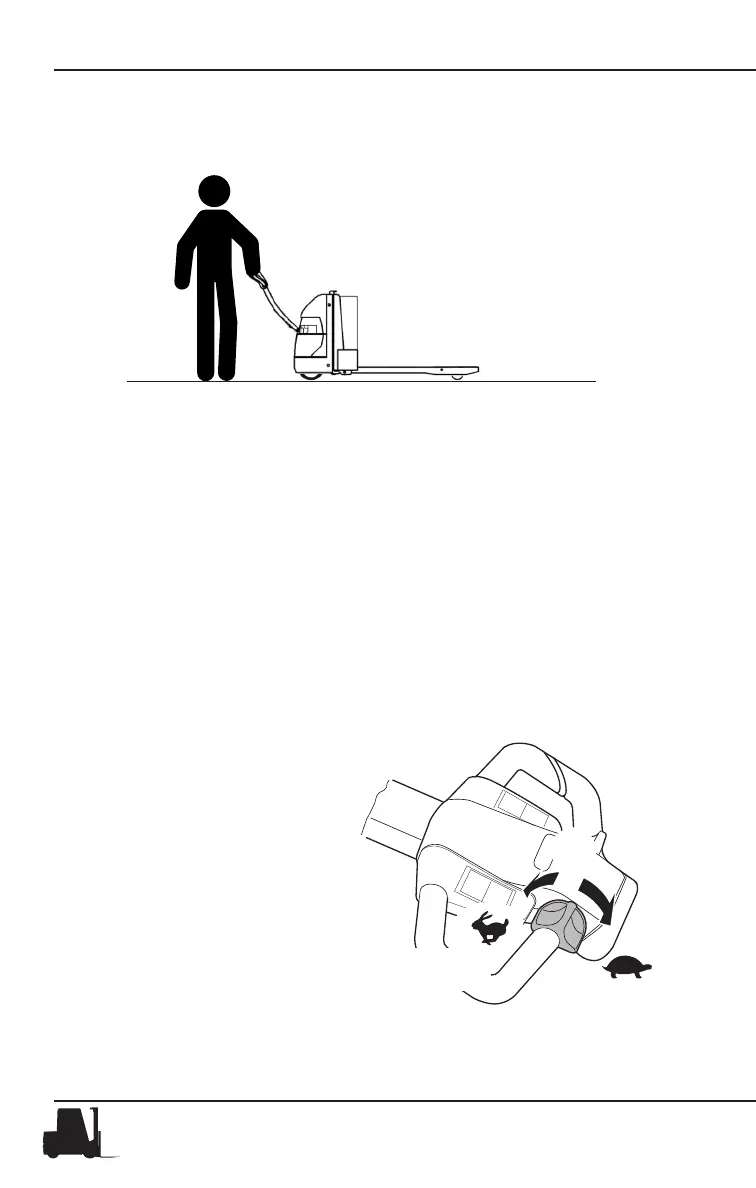
Plug in battery connector. Insert key and turn clockwise to "On" position.
Lower control handle to comfortable operating position and swing handle
in line with intended path of forward or reverse travel. Check to make
sure your path of travel is clear of people or obstructions.
Beginning Operation
Travel Control
Rotate the direction/speed control
as shown to travel forward. Rotate
the direction/speed in the opposite
direction to travel in reverse ("Re-
verse" is dened as traveling with
the forks leading). Truck speed
increases the further you rotate
the direction/speed control. When
you release the control, it rotates
back to the "neutral" position and
the control goes into Auto Plug
mode to slow the truck.
OM725-18
Travel
Reverse
Travel
N


 To Next Page