19
English
6.1 Getting Started
5) Terrestrial Scan
Through this function, the receiver searches for all the available channels and saves them
in memory.
ᶀ
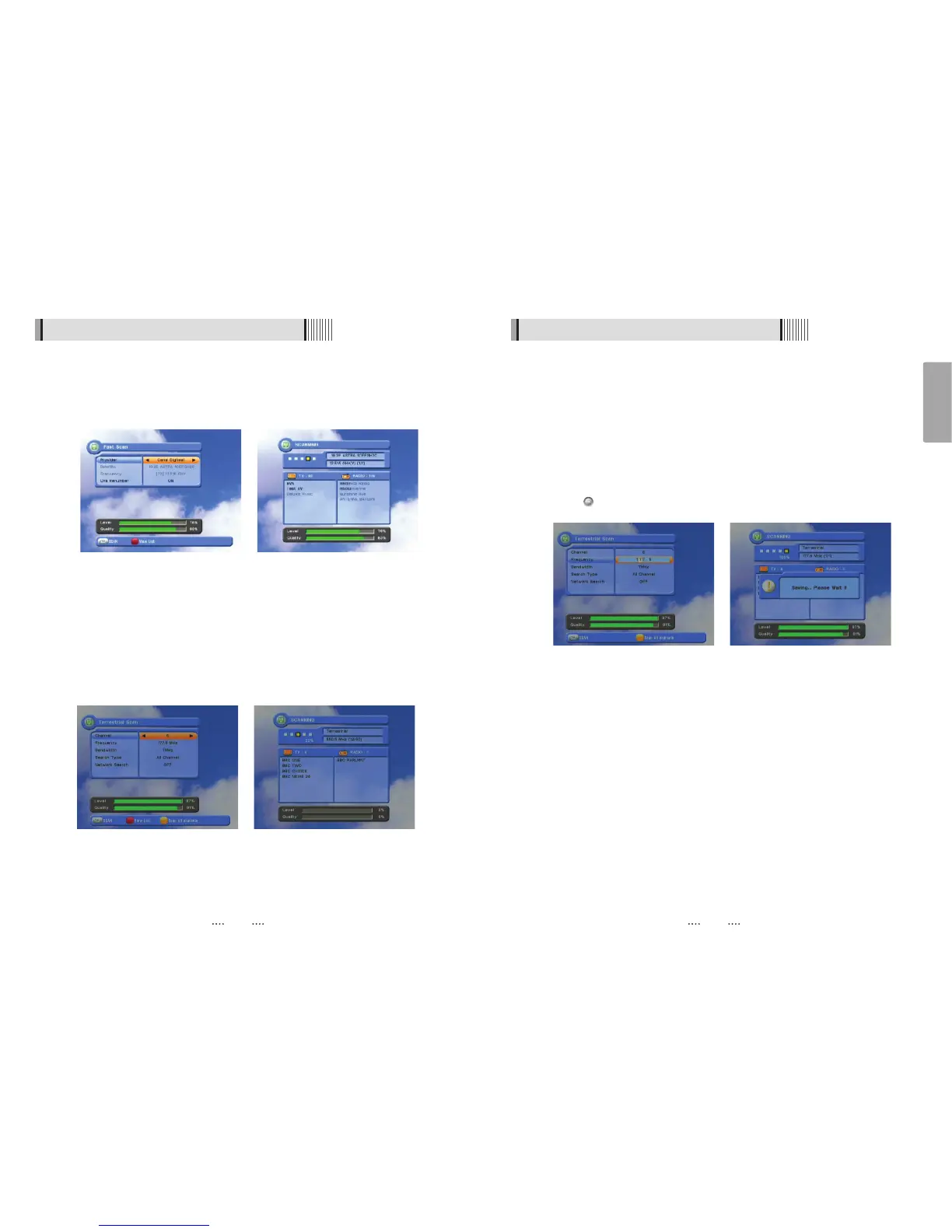
Auto Scan <Figure 6.1.12>
⊹
Press the YELLOW button when the selection bar is positioned on any item and
“Scanning menu” will appear on the screen. <Figure 6.1.13>
ᶀ
Manual Scan <Figure 6.1.14>
⊹
Select the channel number or frequency you want to search for select the channel
number by pressing CH ƌor CH Ɗ on the remote control, or specify a frequency by
entering the frequency with the number keys. <Figure 6.1.15>
⊺
For the Bandwidth choose either 7 MHz or 8 MHz.
⊻
For the Search Type, select All Channel, FTA Only or TV Only.
⊼ For Network Search, select ON to find the most channels available.
The strength and quality of the signal from the selected channel is shown by the
Level and Quality indicators near the bottom of the screen.
⊽ Press to begin the scan.
<Figure 6.1.12> <Figure 6.1.13>
<Figure 6.1.14> <Figure 6.1.15>
18
6.1 Getting Started
ᶀ
Fast Scan <Figure 6.1.10>
⊹
For Provider choose either Canal Digitaal or TV Vlaanderen.
⊺
For CHs Renumber select ON/OFF
⊻
Press the Red button.
<Figure 6.1.10> <Figure 6.1.11>



 To Next Page